Make your stream look unreal.
Premium animated stream overlays for Twitch, YouTube & Kick - cinematic screens, alerts, webcam frames, chat & panels in one matching pack. Instant download, straight into OBS, Streamlabs or StreamElements.
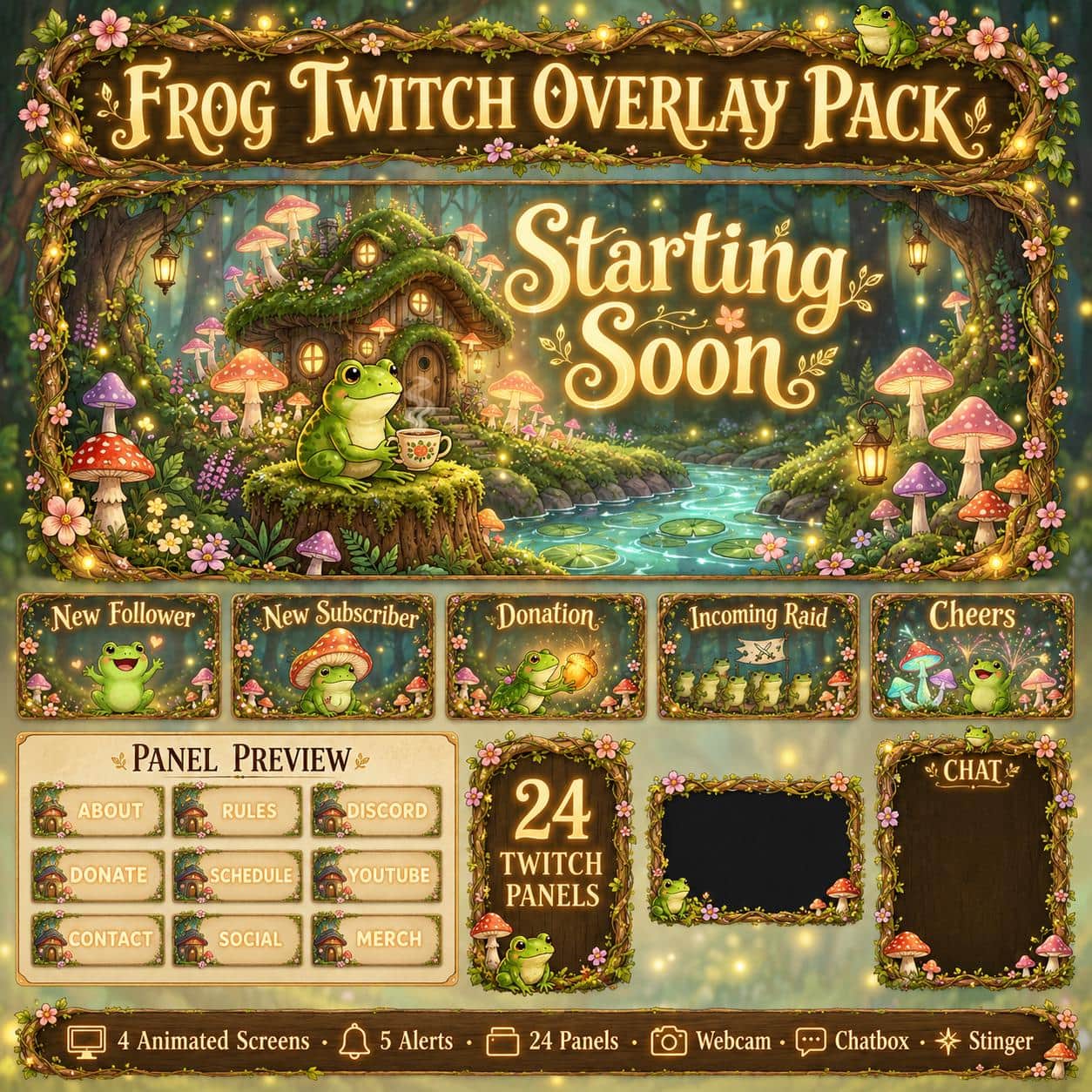
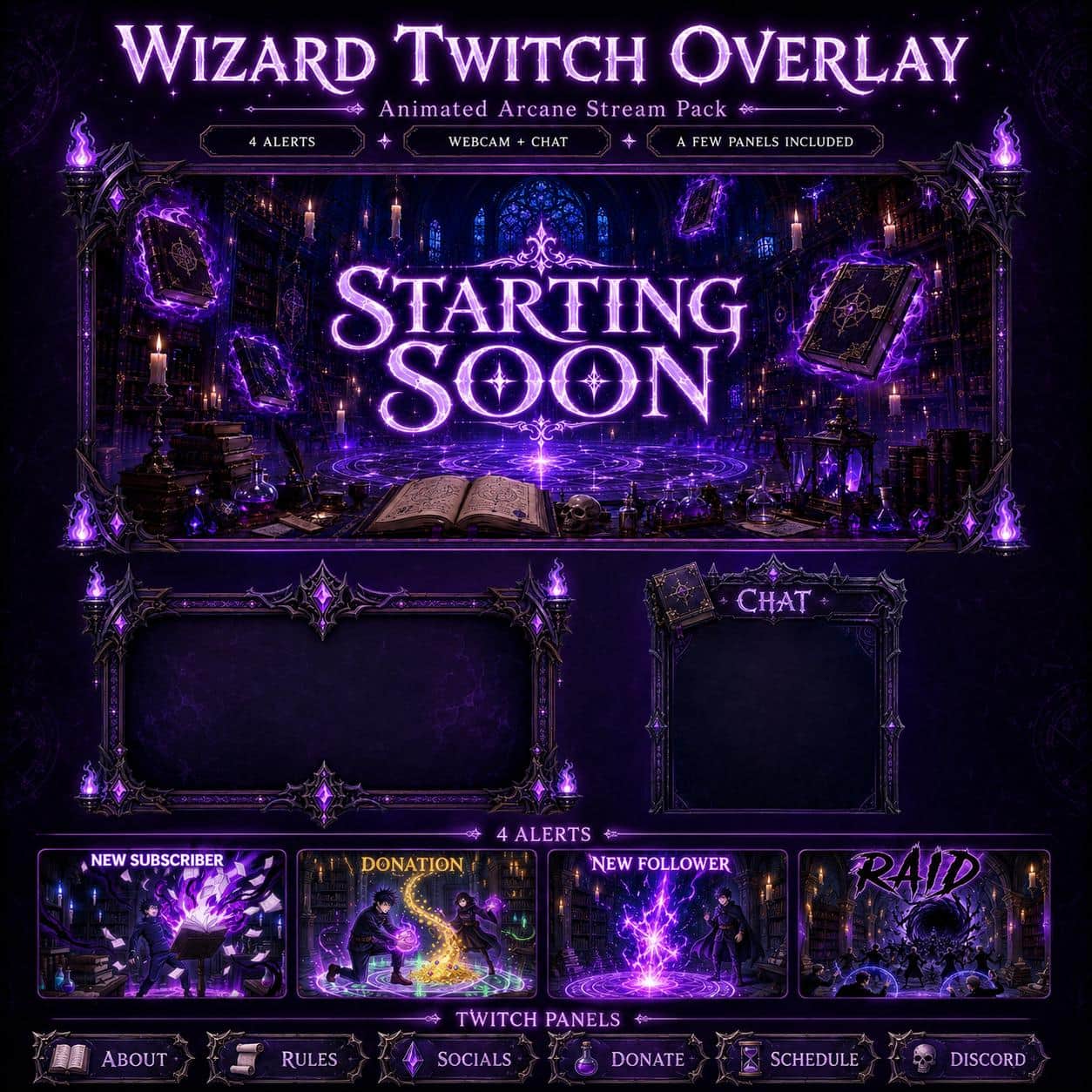
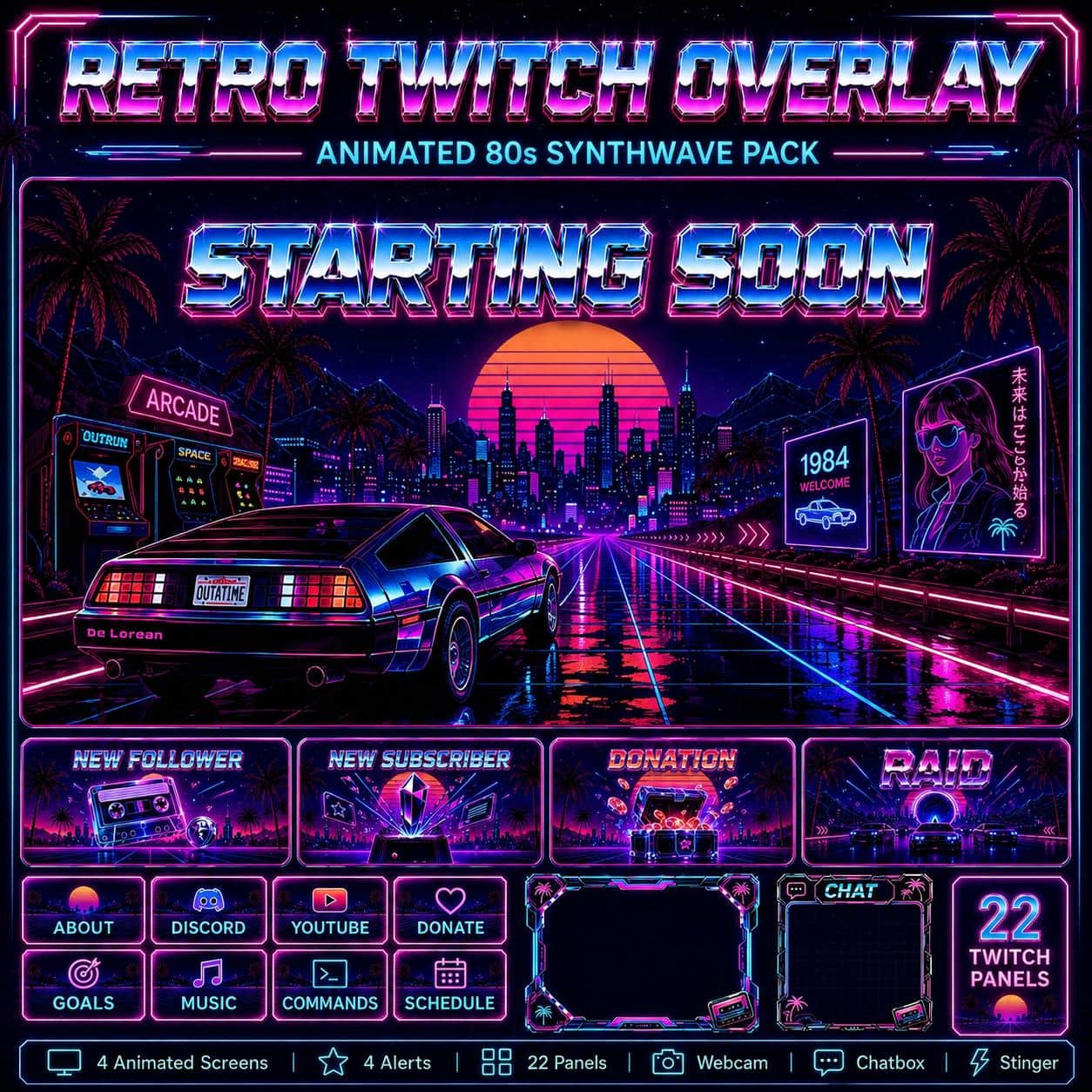
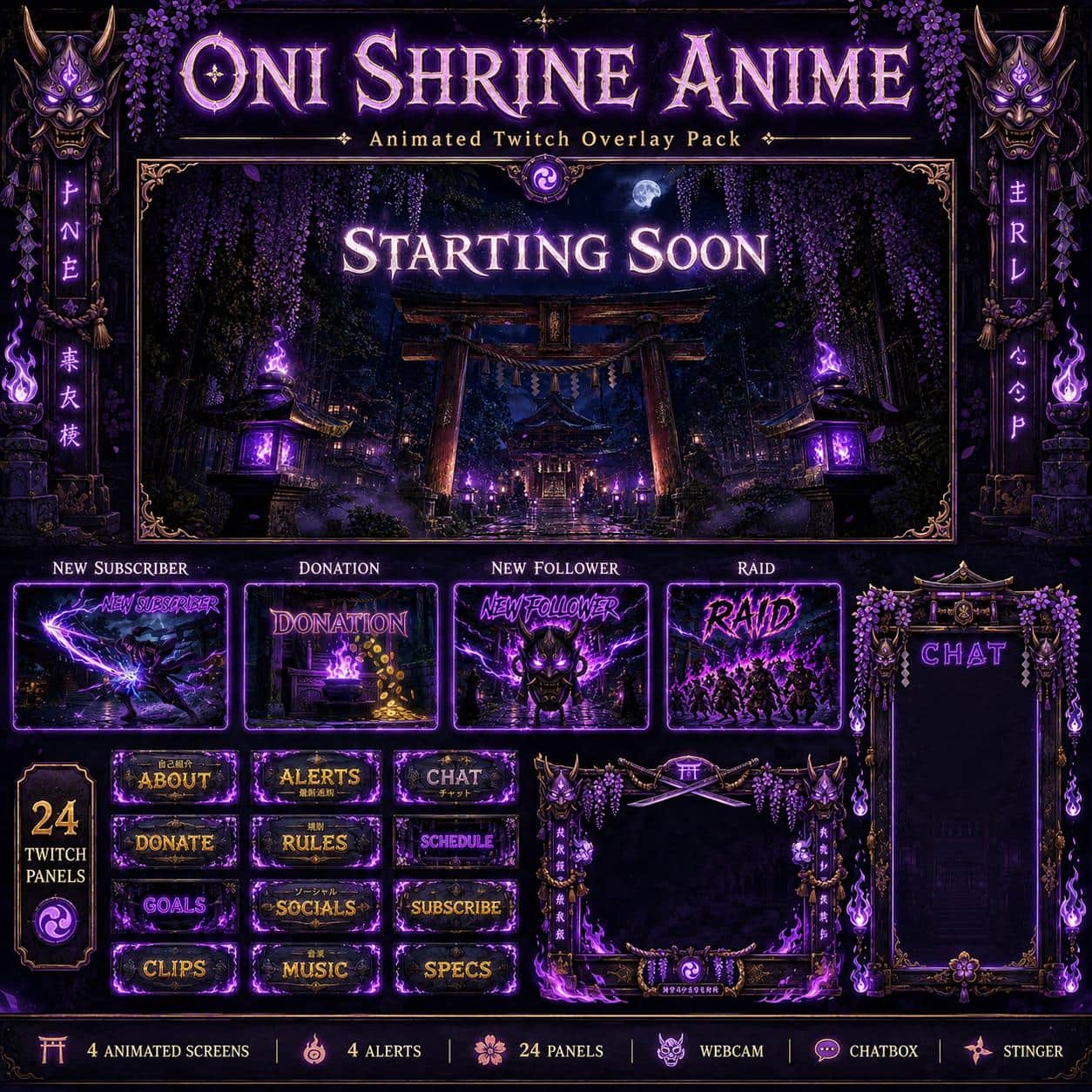
Featured packs
Our most loved overlay systems, built for instant impact.
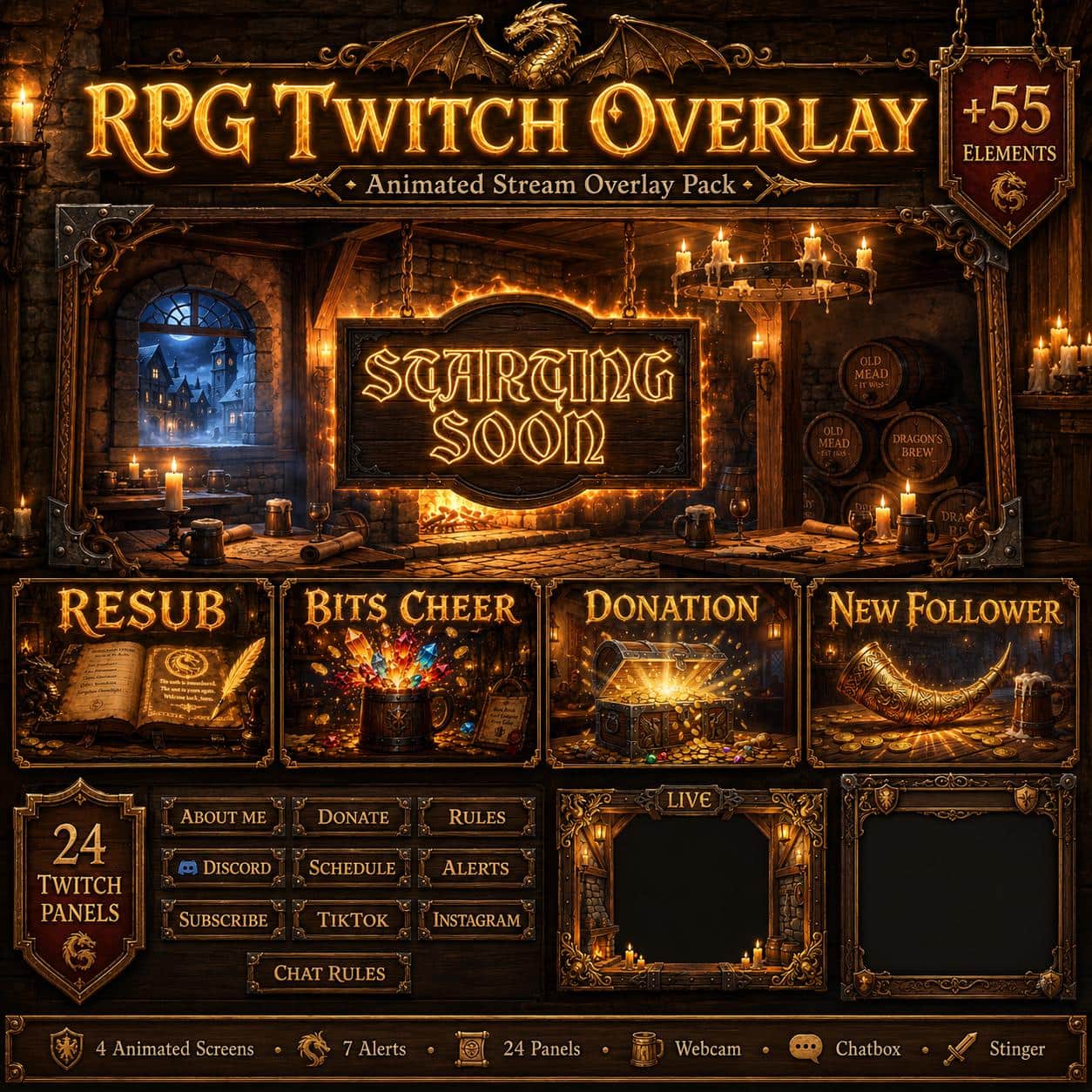
Medieval Tavern Twitch Overlay Pack – Fantasy RPG Theme
17 selected (2–5★)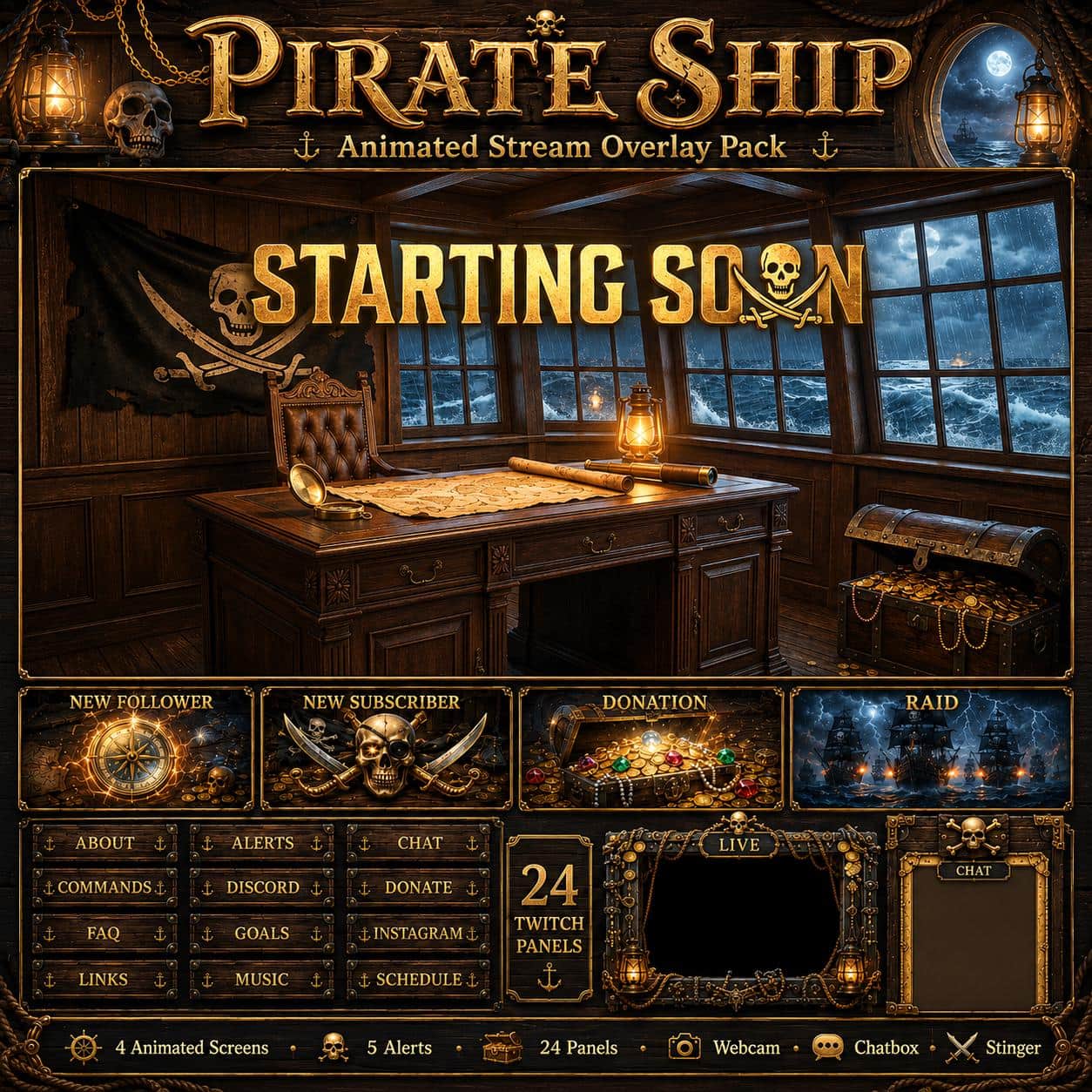
Pirate Twitch Overlay Pack – Animated Pirate Ship
8 selected (2–5★)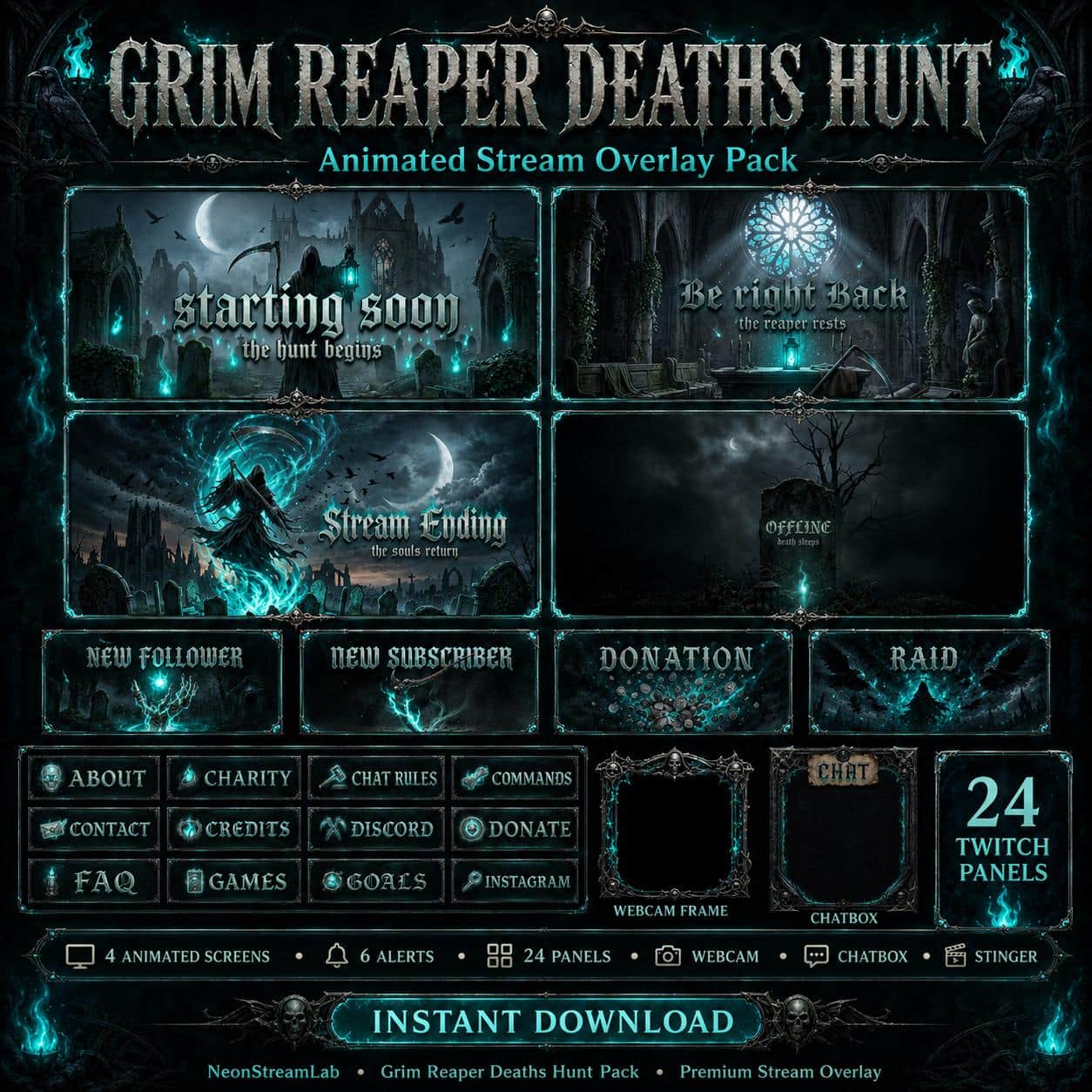
Grim Reaper Goth Twitch Overlay Pack | Animated Horror Stream Screens Alerts Panels
6 selected (2–5★)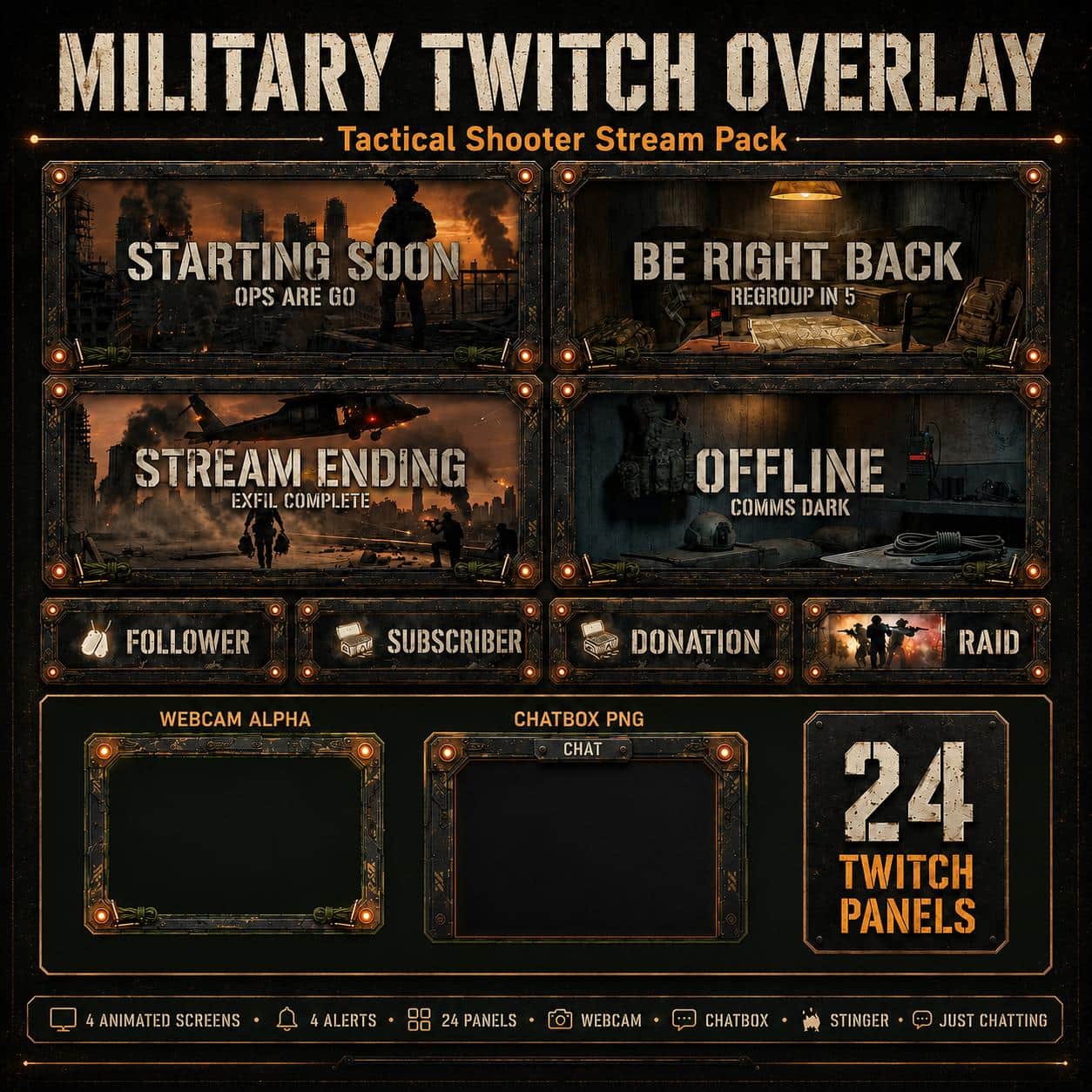
Twitch Overlay Military Pack | Tactical Shooter Stream Screens Alerts Panels Webcam for Youtube kick
2 selected (2–5★)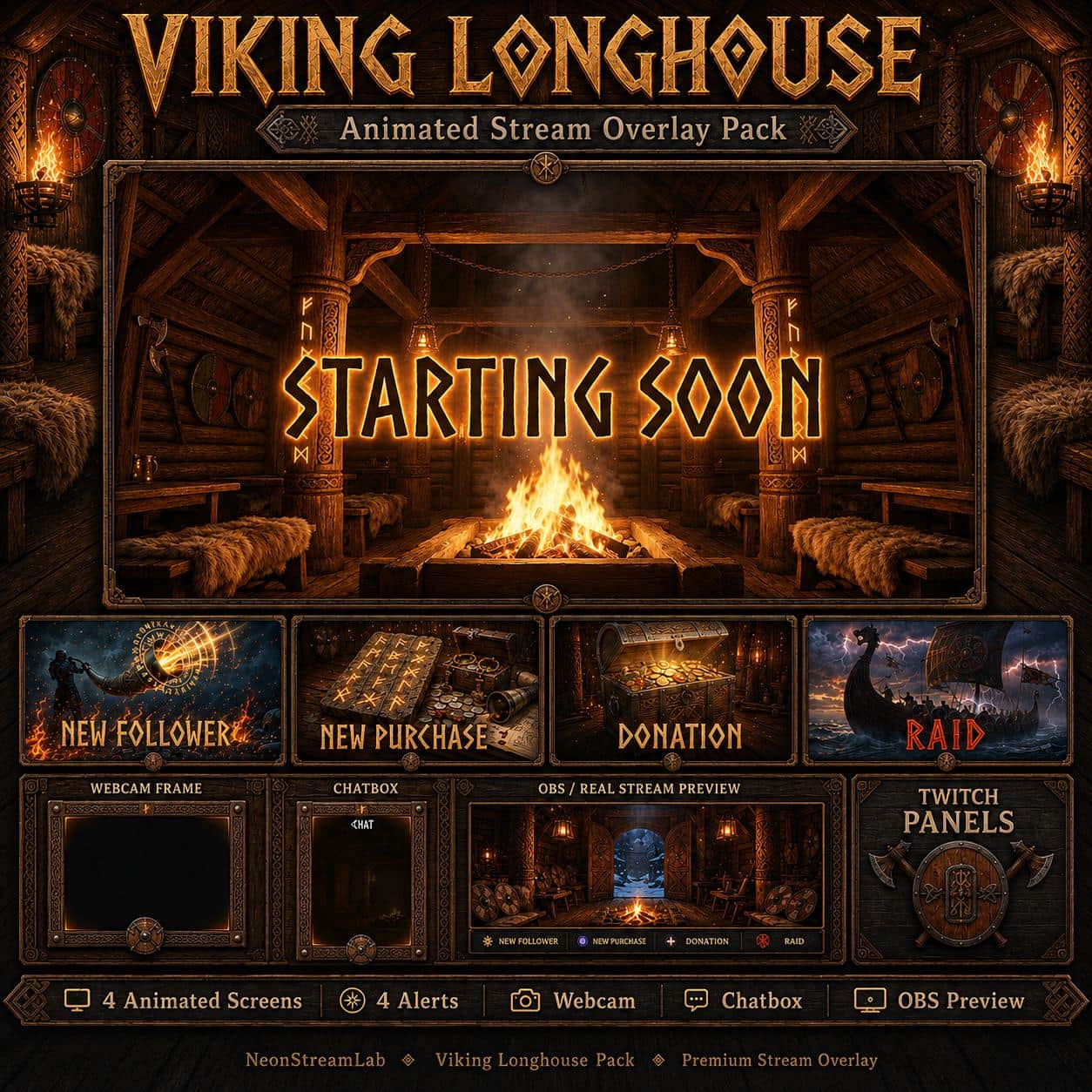
Viking Twitch Overlay Pack | Animated Nordic Stream Longhouse Screens Alerts Panels Webcam OBS
19 selected (2–5★)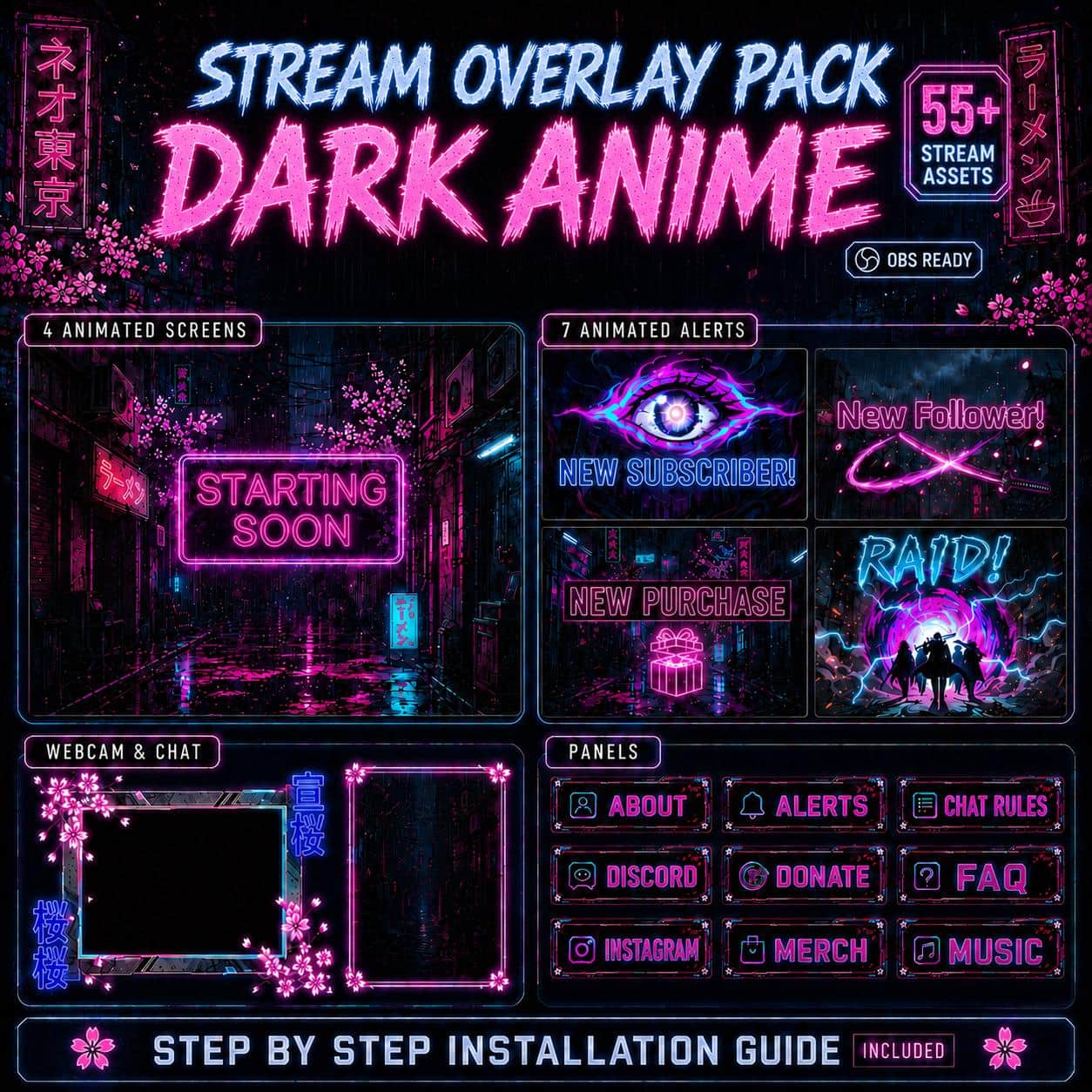
Dark Anime Twitch Overlay Pack | Grunge Cyberpunk Animated Screens, Alerts & Webcam
36 selected (2–5★)Free overlays to get you started
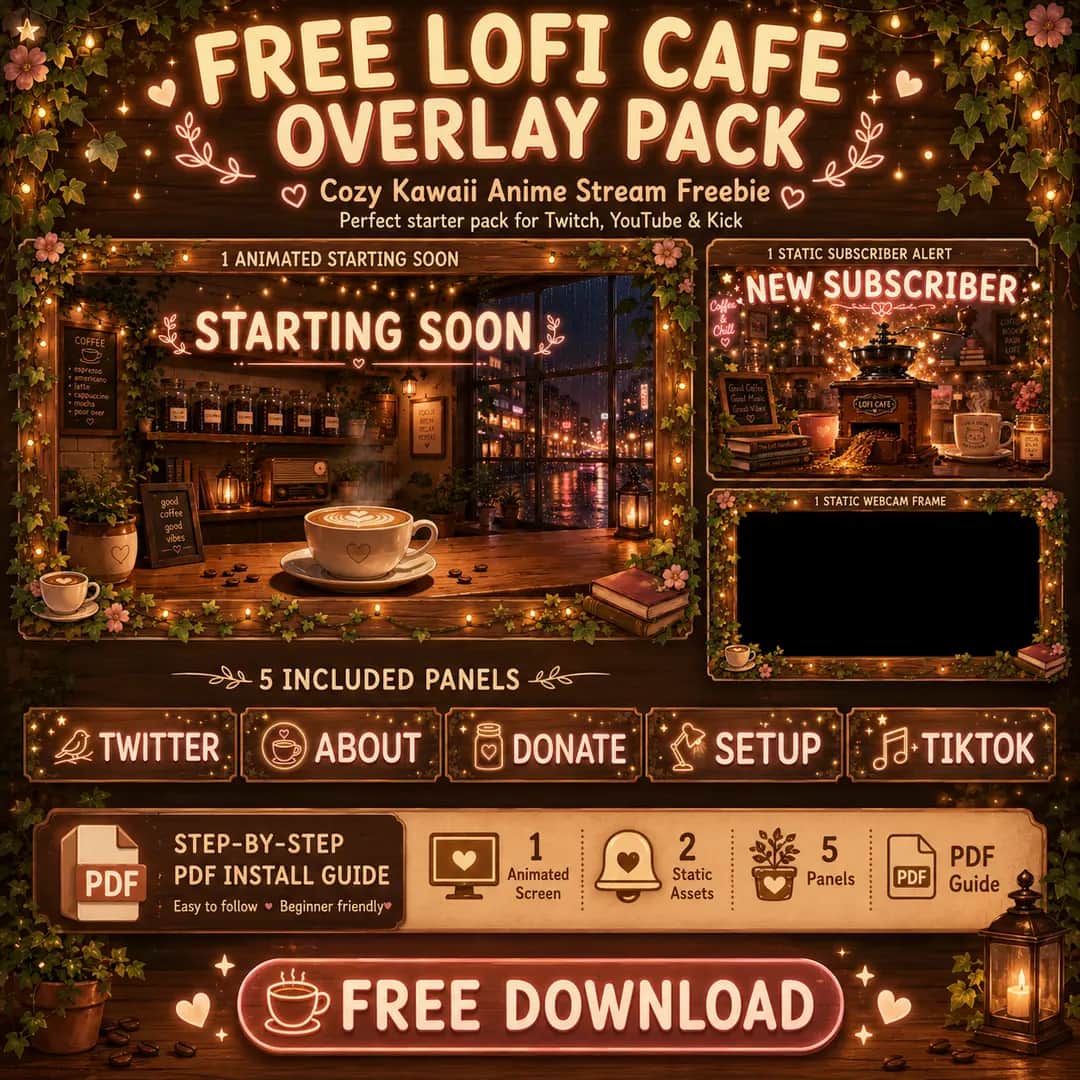
Grab these on us. Like the style? Upgrade to the full animated pack.
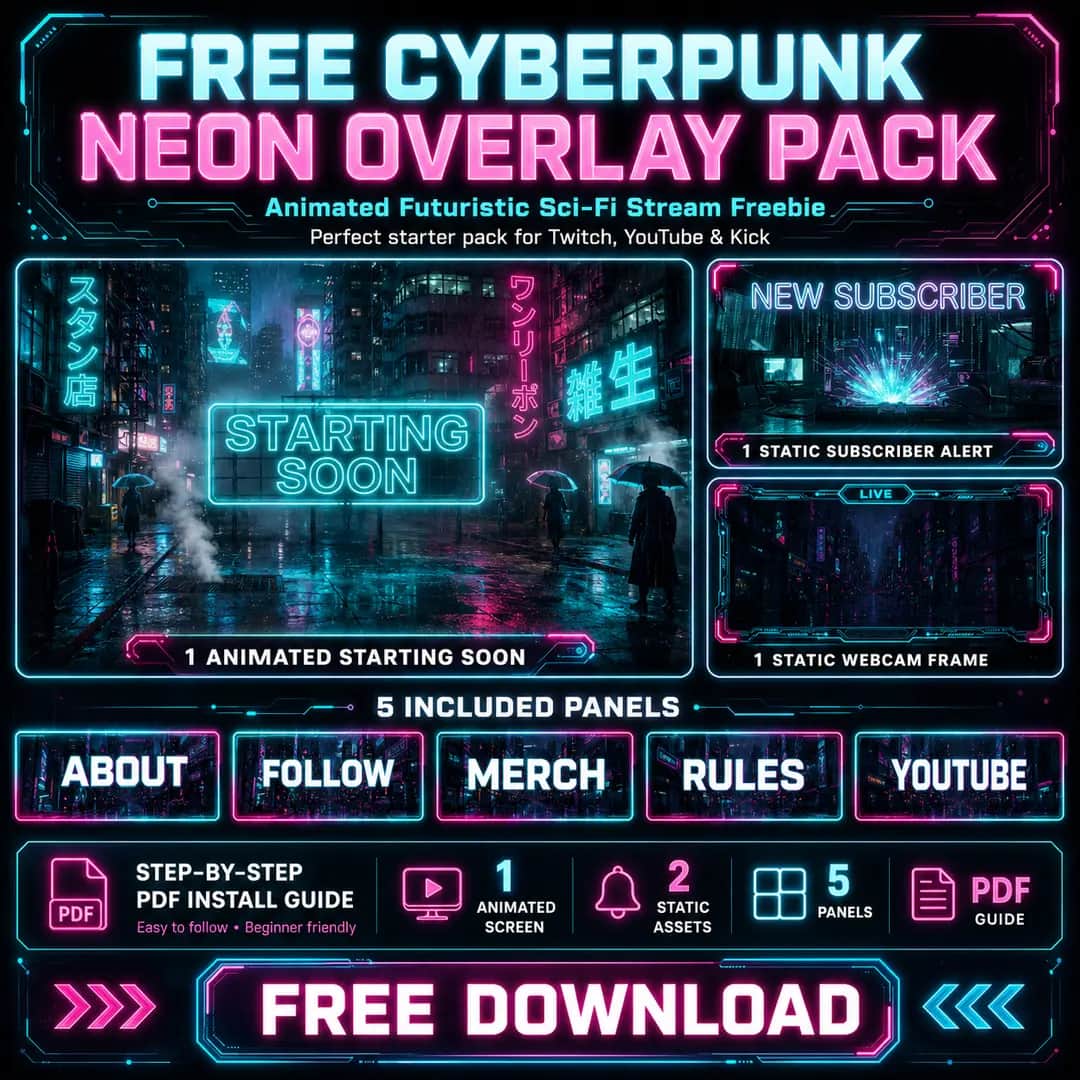
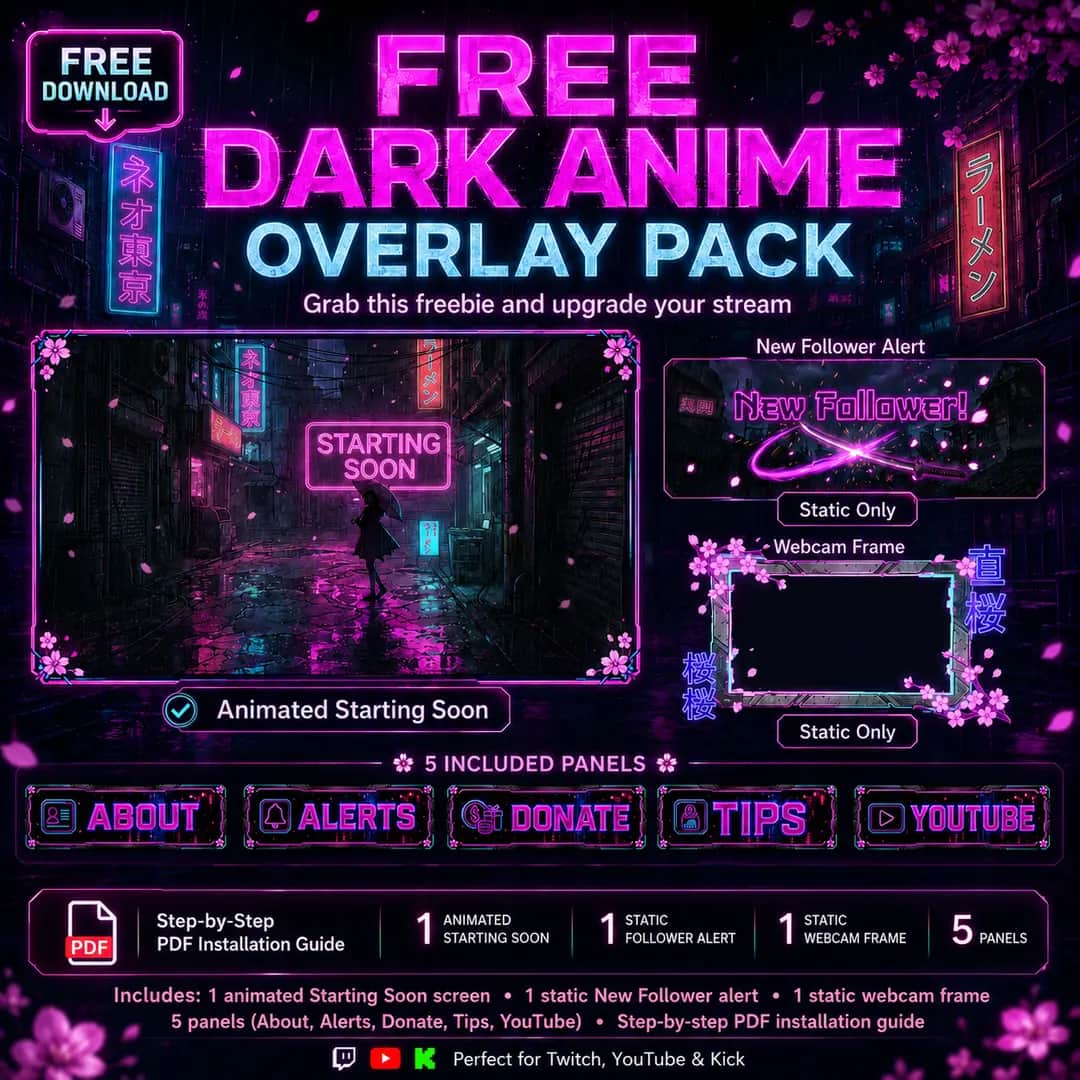
Animated stream overlays that actually match
Most overlays look great in the preview and fall apart the second you go live - mismatched alerts, a webcam frame that clashes, panels in a totally different style. We build the opposite. Every NeonStreamLab pack is one cohesive system: animated screens, alerts, a webcam frame, a chat overlay and matching panels, all designed together. Drop it into OBS, Streamlabs or StreamElements and your whole stream just looks like it was meant to be that way.
What's in every overlay pack
One download, every piece matching - screens, alerts, webcam, chat & panels. No mixing random assets, no gaps in your layout.
Chat Overlay
Bring your community on screen. A matching, animated chatbox that drops straight into OBS, Streamlabs or StreamElements - so your chat is part of the show, not hidden in a sidebar.
Animated Screens
4 scenesStarting Soon, BRB, Ending & Offline - seamless video loops.
Animated Alerts
with soundFollower, Sub, Donation & Raid alerts that hit hard.
Webcam Overlay
WEBM alphaAnimated cam frames with true transparency.
Twitch Panels
22+ panelsMatching profile panels for a clean channel page.
Stinger Transition
MP4Smooth animated scene-switch transition.
How it works
No design skills, no complicated setup. Three steps and you're live with a stream that looks like a pro built it.
Download your pack
Buy and download instantly - a ZIP with every overlay element plus a step-by-step PDF guide. No waiting, no shipping.
Import into OBS
Add the screens, alerts, webcam frame and panels as sources in OBS, Streamlabs or StreamElements. The guide walks you through every click.
Go live
Position everything, hit Go Live, and stream with a cohesive, animated look that makes your channel feel instantly professional.
Works with the software you already use
No new tools to learn. Every pack comes with a plain-English PDF guide - download, import, position, go live. If you can add a source in OBS, you can set this up in a few minutes.
A look for every kind of stream
Grinding ranked in Valorant, running a cozy Stardew farm, hosting a Just Chatting night or rolling dice in a D&D campaign - there's a theme that already feels like your channel.
Selected customer reviews
Average of 349 selected published reviews (2–5 stars). One-star reviews are excluded; this is not the overall customer rating. The testimonials below are selected five-star reviews only; the average above also includes published two-, three- and four-star reviews.
“Quick to respond to inquiries and helpful for anybody needing help”
“great product if you like this type of theme”
“alles in Ordnung und gut zu verwenden. Danke.”
Made to make your stream look pro
Premium animated overlays, trusted by streamers - and backed by a thousand-plus happy buyers on Etsy.
Instant setup
Import your overlays in a few clicks. Every pack ships with a beginner-friendly PDF guide - no Photoshop, no headaches, no hour-long tutorials.
Premium animated design
Cinematic, cohesive overlays where your screens, alerts, webcam frame, chat and panels all match - so your channel looks intentional, not pieced together.
For every streamer
FPS, cozy, anime, fantasy, horror, IRL and more. Whatever you stream, there's a themed pack that already feels like your channel.
Browse by theme
From the blog
Streaming guides, overlay tips and setup tutorials for OBS, Streamlabs & StreamElements.
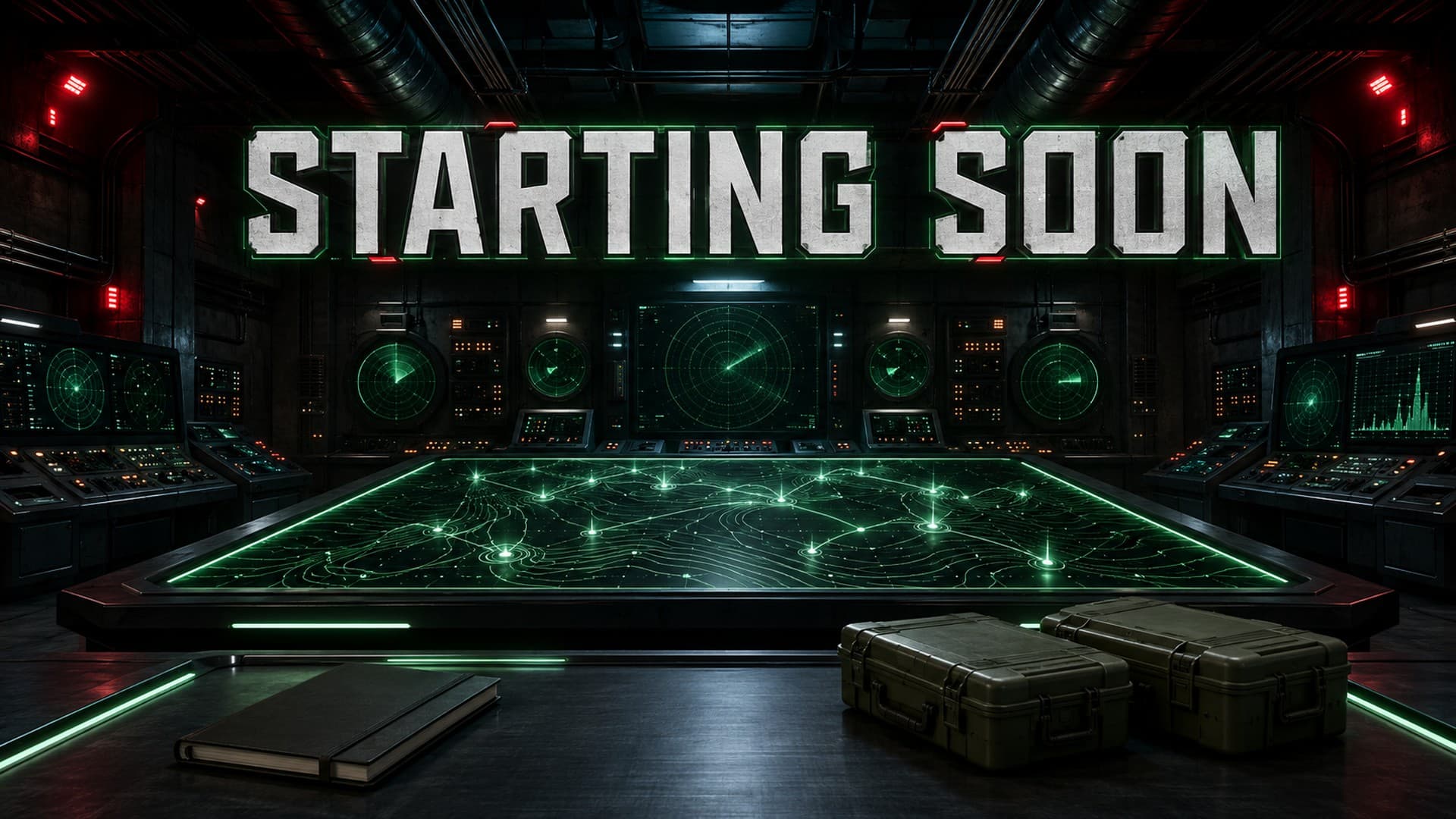
Military Twitch Overlays: Tactical, Bunker or Vintage?
Choose between modern tactical action, a green command bunker and a vintage WW1 war room. A practical comparison using real NeonStreamLab pack previews.
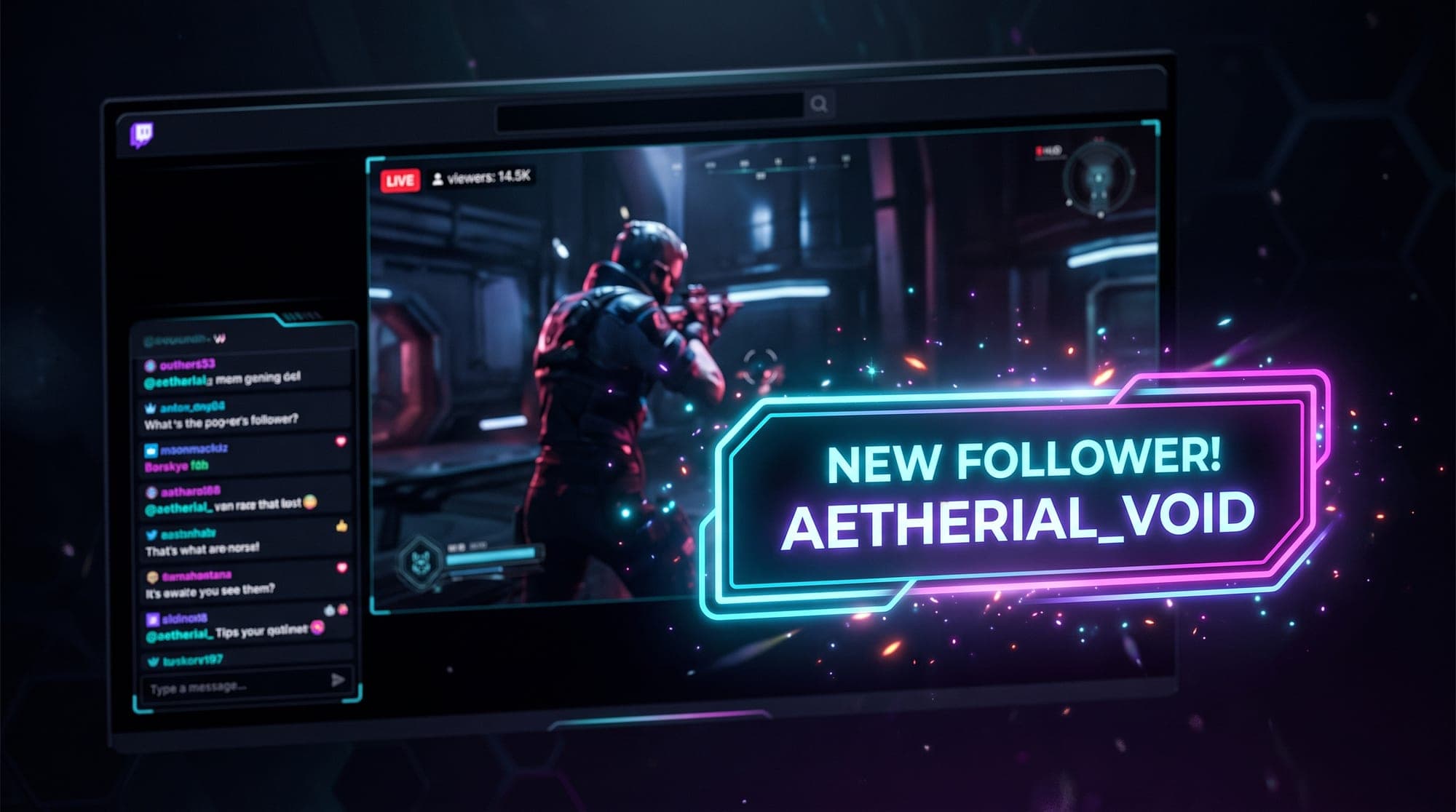
Twitch Alerts: How to Set Up Follower, Sub and Donation Alerts
Alerts are the moment a viewer becomes part of your stream. Here is how to set up follow, sub, bit and raid alerts in Streamlabs, StreamElements and OBS, and how to make them look like they belong to your channel.
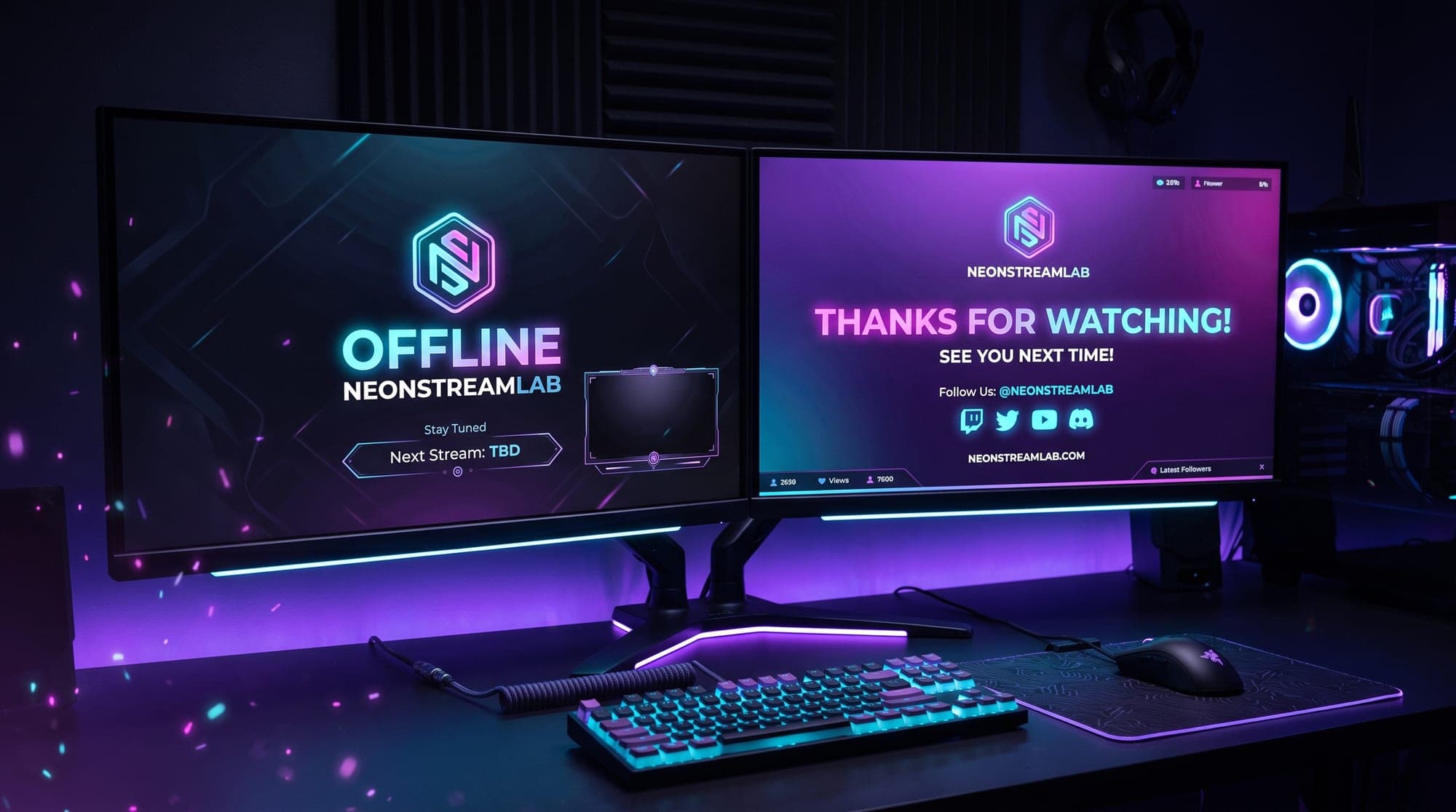
Twitch Offline Banner and Stream Ending Screen: The 2026 Guide
A Twitch offline banner appears on your channel when you are away; an ending scene plays before you stop broadcasting. Set up and test each separately.
Get new packs first + new-drop alerts
First access to new releases and subscriber-only discounts. No spam, unsubscribe anytime.
Want something custom?
Bespoke overlays designed around your brand. Staged & low-risk: 30€ for the static design, +50€ once you approve it and we animate. No upfront full payment.