Free Starting Soon screen for Twitch
Download a finished 1920 x 1080 Starting Soon screen in one click, no watermark and no account. Or open the editor below to type your own text in any language and swap the background.
Starting Soon screens ready to download
Finished 1920 x 1080 PNGs, free and without a watermark. Grab one and drop it straight into OBS.
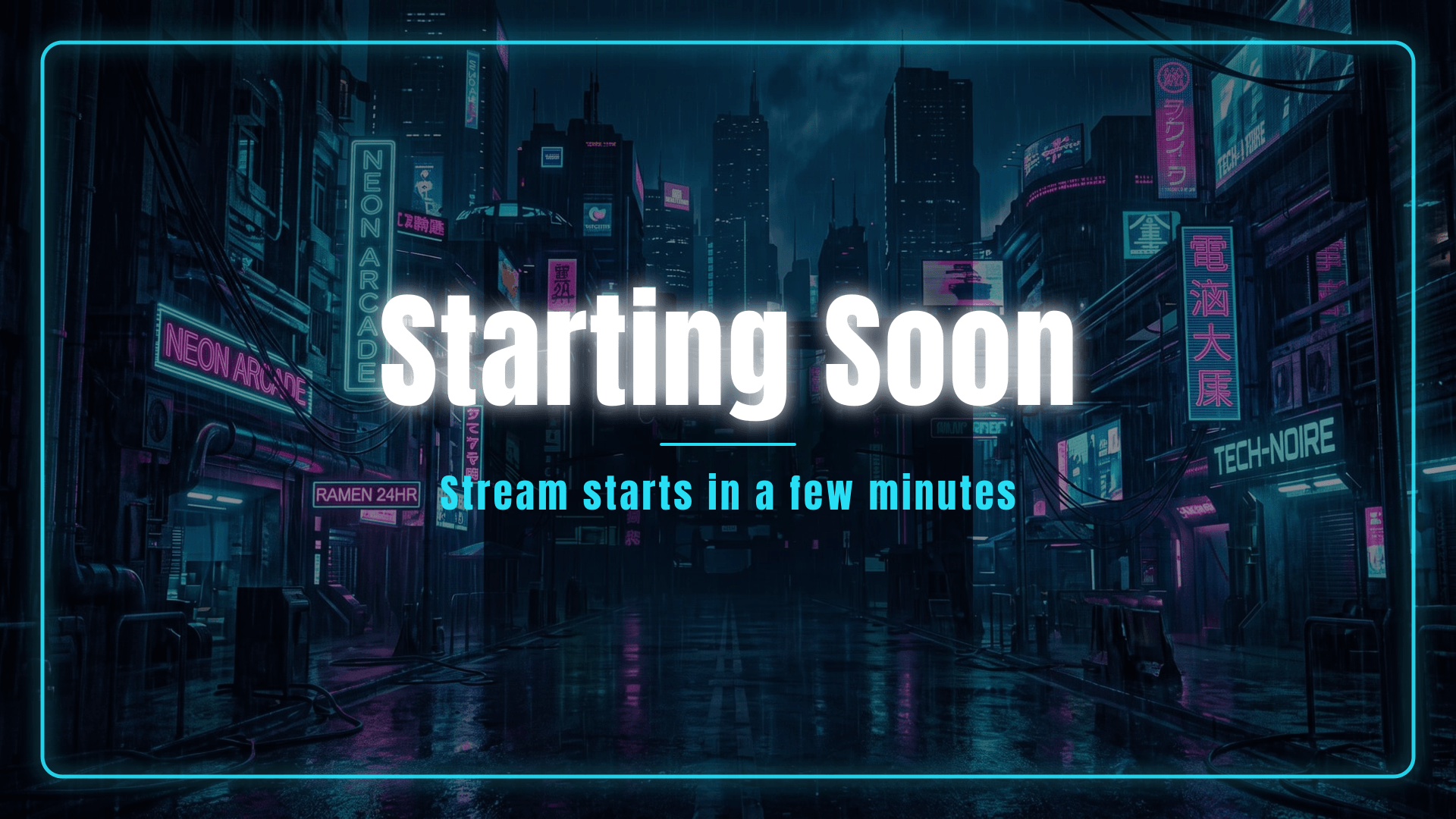
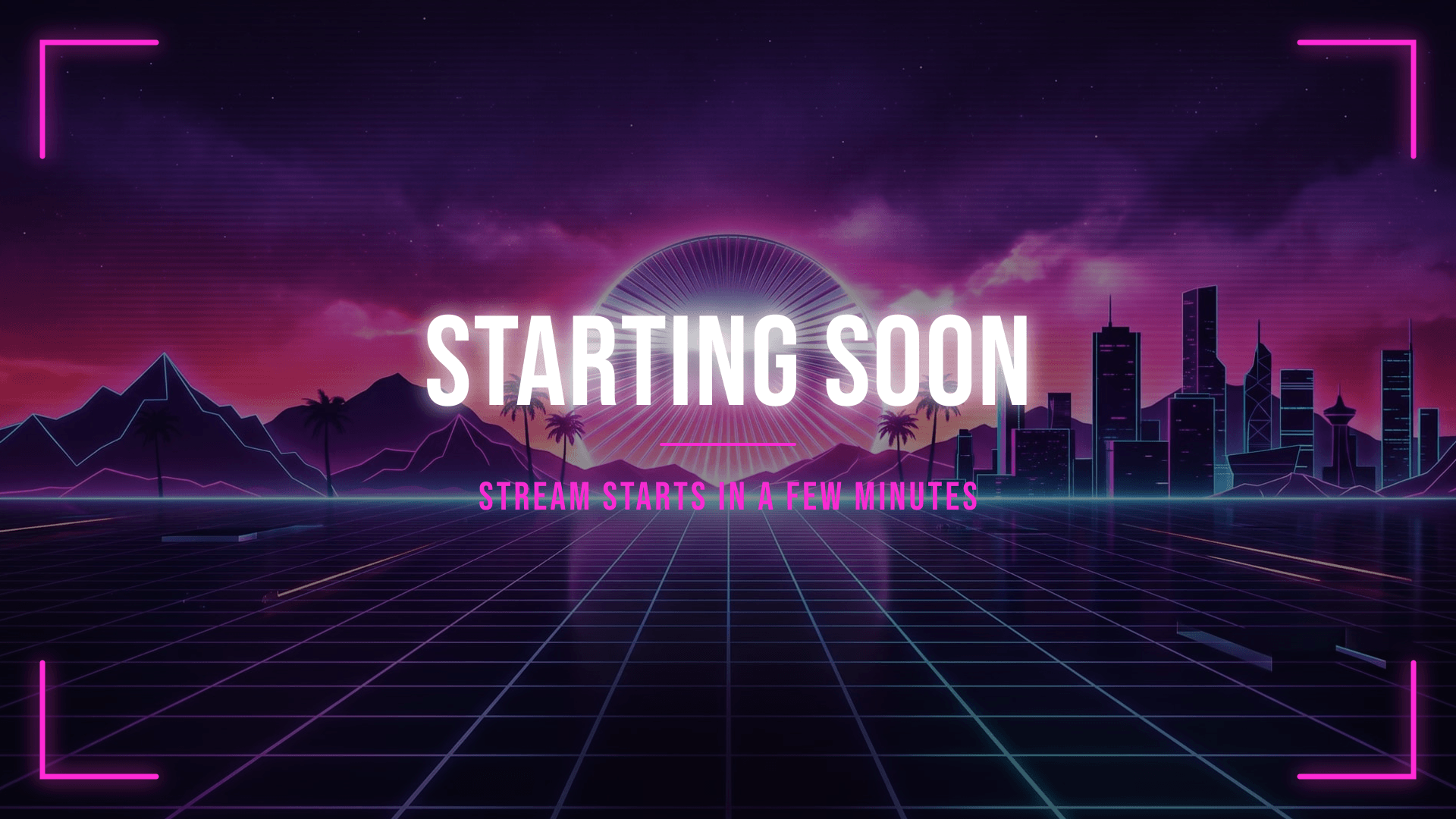
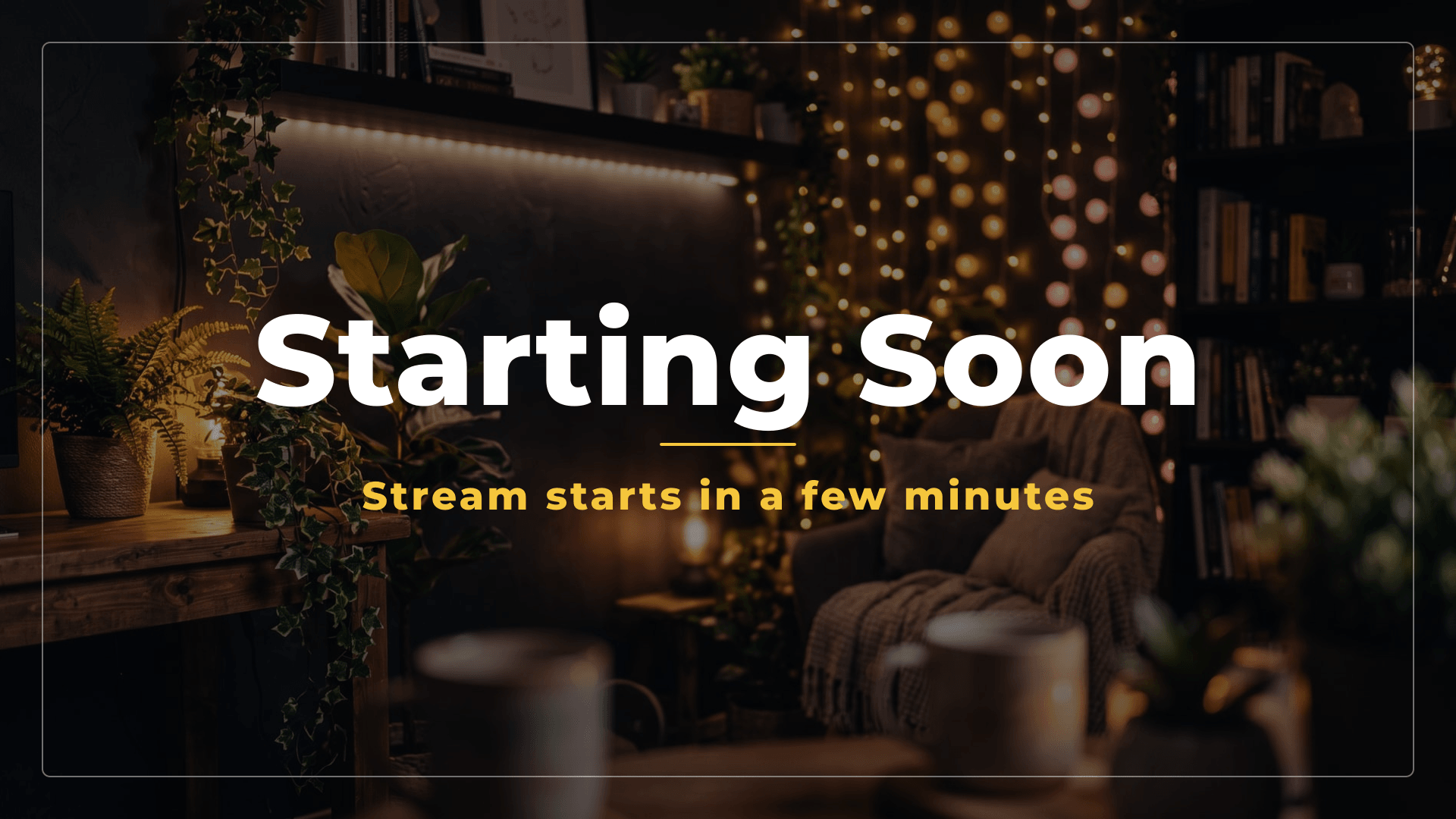
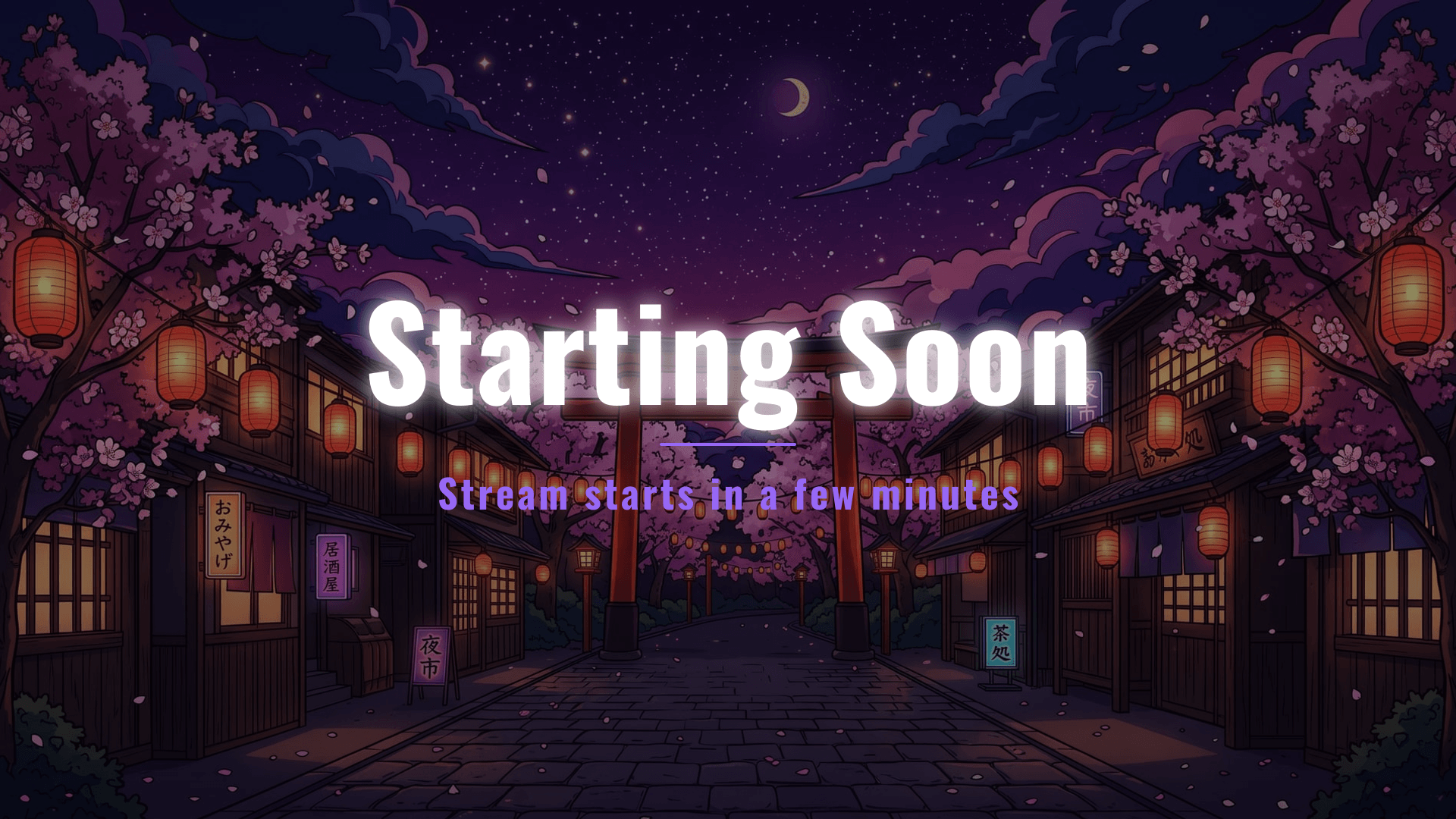
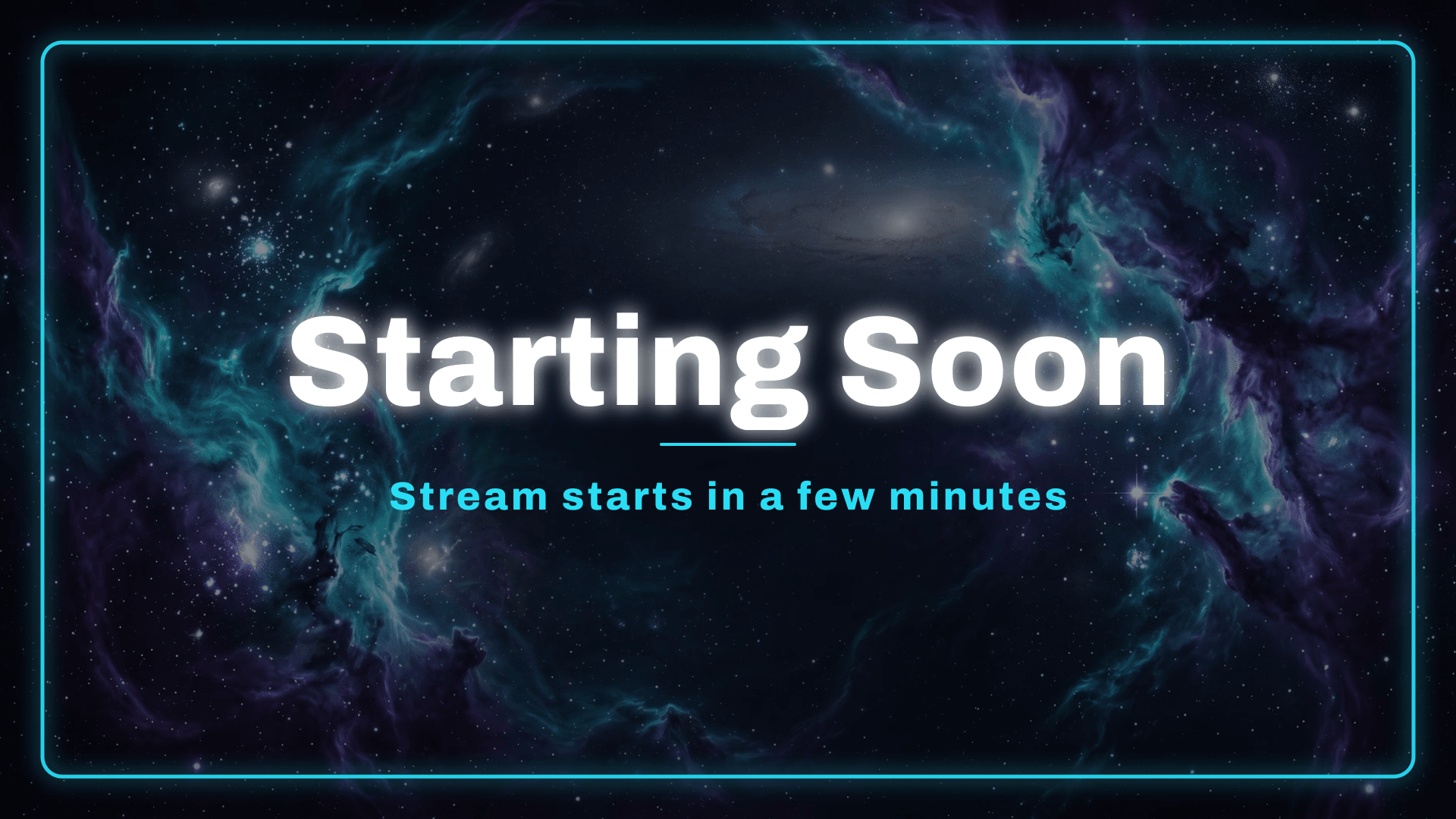
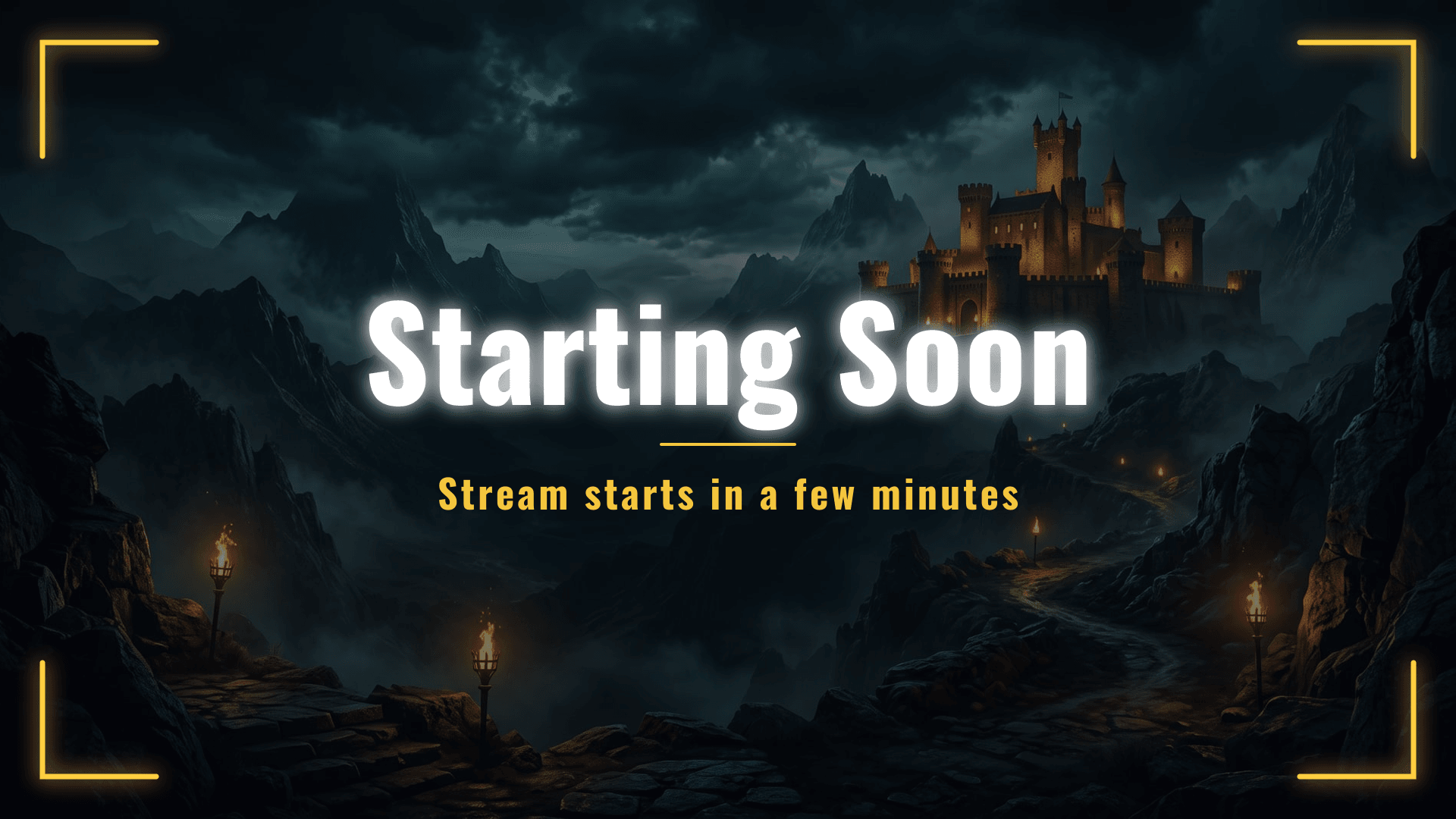
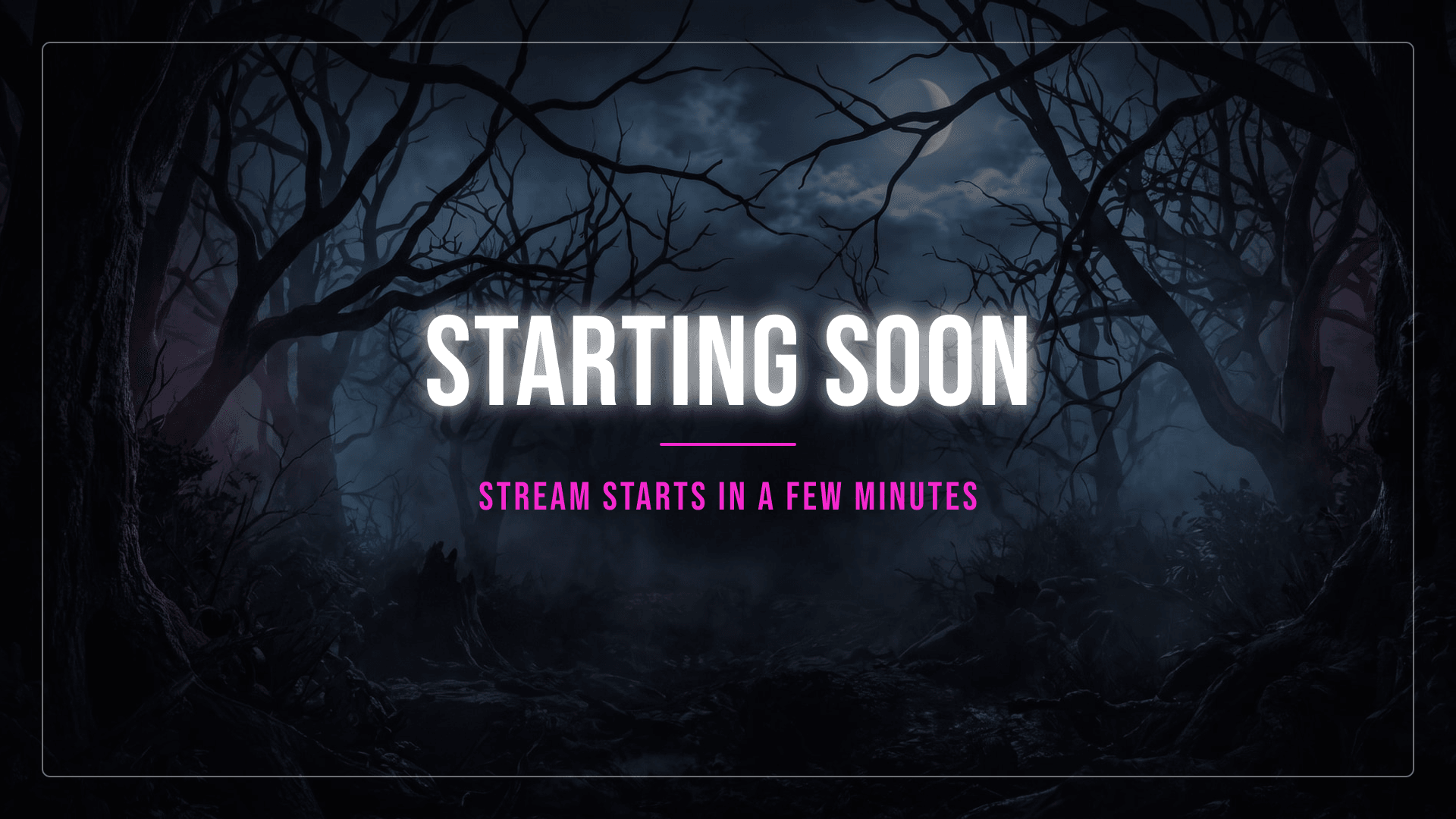
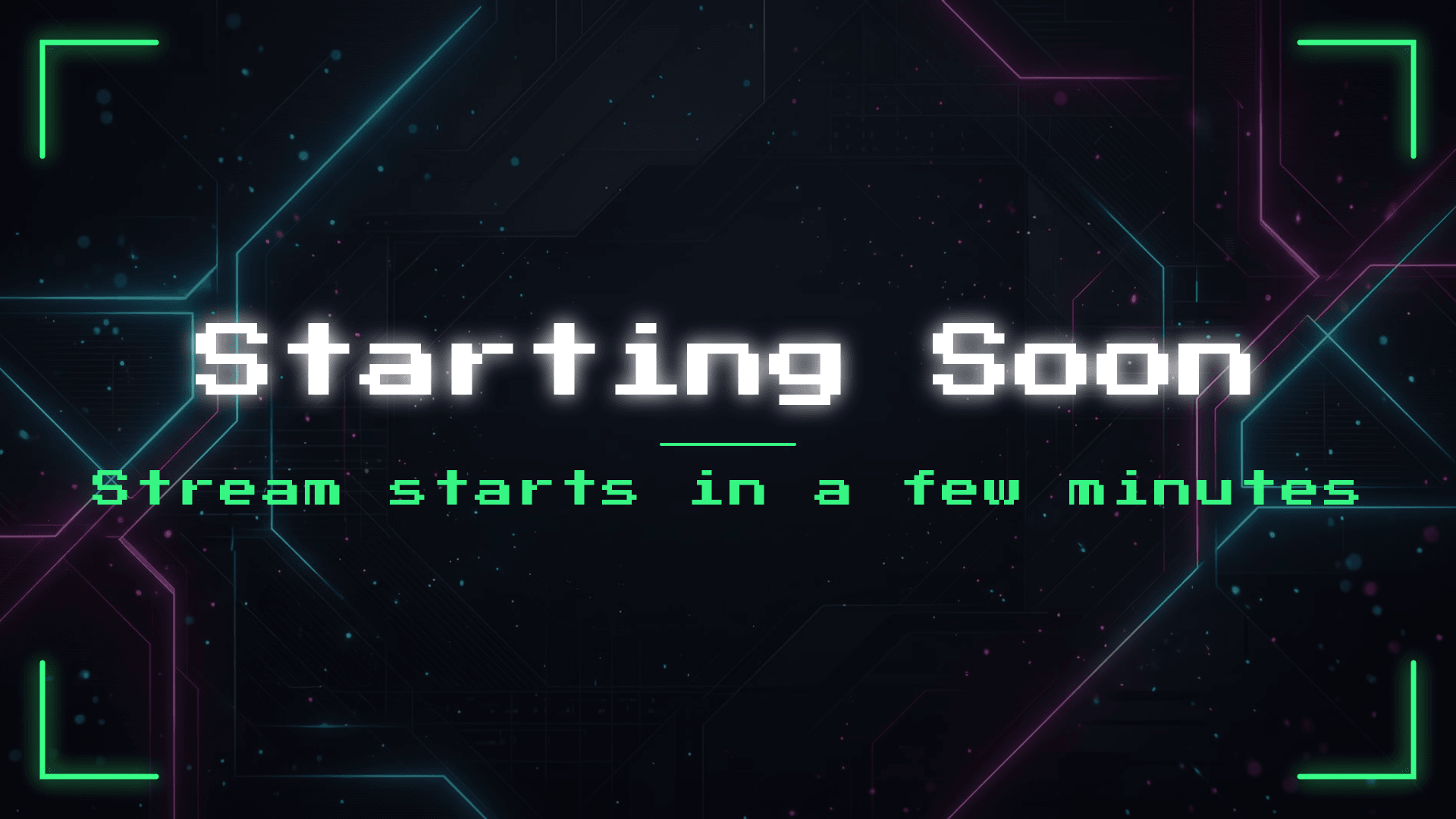
Want your own wording, colours or background? Build it below in a few seconds, still free and still without a watermark.
Free, no watermark. Your image stays on your device - nothing is uploaded to any server.
Turn one free screen into a matching stream setup
A free screen is a great start. When you want animated scenes, alerts, panels, a chatbox and a webcam frame in the same visual direction, explore one of 75+ complete overlay packs.
Get your Starting Soon screen in 3 steps
Or just download one
Every design above is a finished 1920 x 1080 PNG. One click and it is yours, no watermark and no account. Skip the rest if that is all you needed.
Want it yours? Pick a style
Start from a one-click template or one of the built-in backgrounds. You can also upload your own image, a game screenshot or your artwork.
Write your text and export
Type your message in any language, pick a font, an accent color and a frame, then export a clean PNG for OBS, Streamlabs or StreamElements.
The first thing every viewer sees
Your Starting Soon screen holds the room while people arrive. A clean, on-brand screen tells a new viewer your channel is worth waiting for, while a blank or default one quietly signals the opposite. It is the cheapest upgrade you can make to look professional on stream.
Give people a reason to wait. A subtitle with a rough countdown, or what you are playing today, keeps more of them in the room than a bare title does.
For the full walkthrough, read our guides on how to make a Starting Soon screen and how to make your stream look professional.
- 8 finished screens ready to download right now
- 100% free, no watermark and no account
- Your image never leaves your device
- Works in any language you type
- Standard 1920 x 1080 PNG
- Ready for OBS, Streamlabs and StreamElements
Make the whole matching set
Use the same styles across every scene so your channel looks like one brand.
Common questions
Can I just download a Starting Soon screen without making one?
Yes. The 8 designs above are finished 1920 x 1080 PNGs, one click and it is on your machine. Use the editor below only if you want your own text, colours or background.
Is this Starting Soon screen really free?
Yes. Download as many as you want, with no watermark and no account. If you use the editor, your background image stays in your browser and is never uploaded to a server.
Does it work in my language?
Yes. In the editor you type the text yourself, so it works in any language and alphabet supported by the font you pick.
What size are the screens?
1920 x 1080 (full HD, 16:9), the standard resolution for stream scenes in OBS, Streamlabs and StreamElements. Files are named starting-soon-<style>-1920x1080.png.
Can I use these on Twitch, YouTube and Kick?
Yes, on all three, and commercially on your own channel. Just do not resell the files themselves.
How do I make an animated Starting Soon screen?
These are static PNGs. For an animated Starting Soon screen with matching alerts, panels and a webcam frame, explore the complete overlay packs on this page.
Make your stream look unreal
Animated screens, alerts, panels and webcam frames - fully matching, instant download, OBS / Streamlabs / StreamElements ready. 70+ packs.