Cozy & Nature Stream Overlays
9 packs in this collection.
Cozy streams are having a moment. Our cozy & nature overlay packs turn your channel into a calm, welcoming space - soft tones, gentle motion and nature-inspired scenes across your screens, alerts and panels. Perfect for chill gaming, study sessions and just chatting. Explore the collection below.
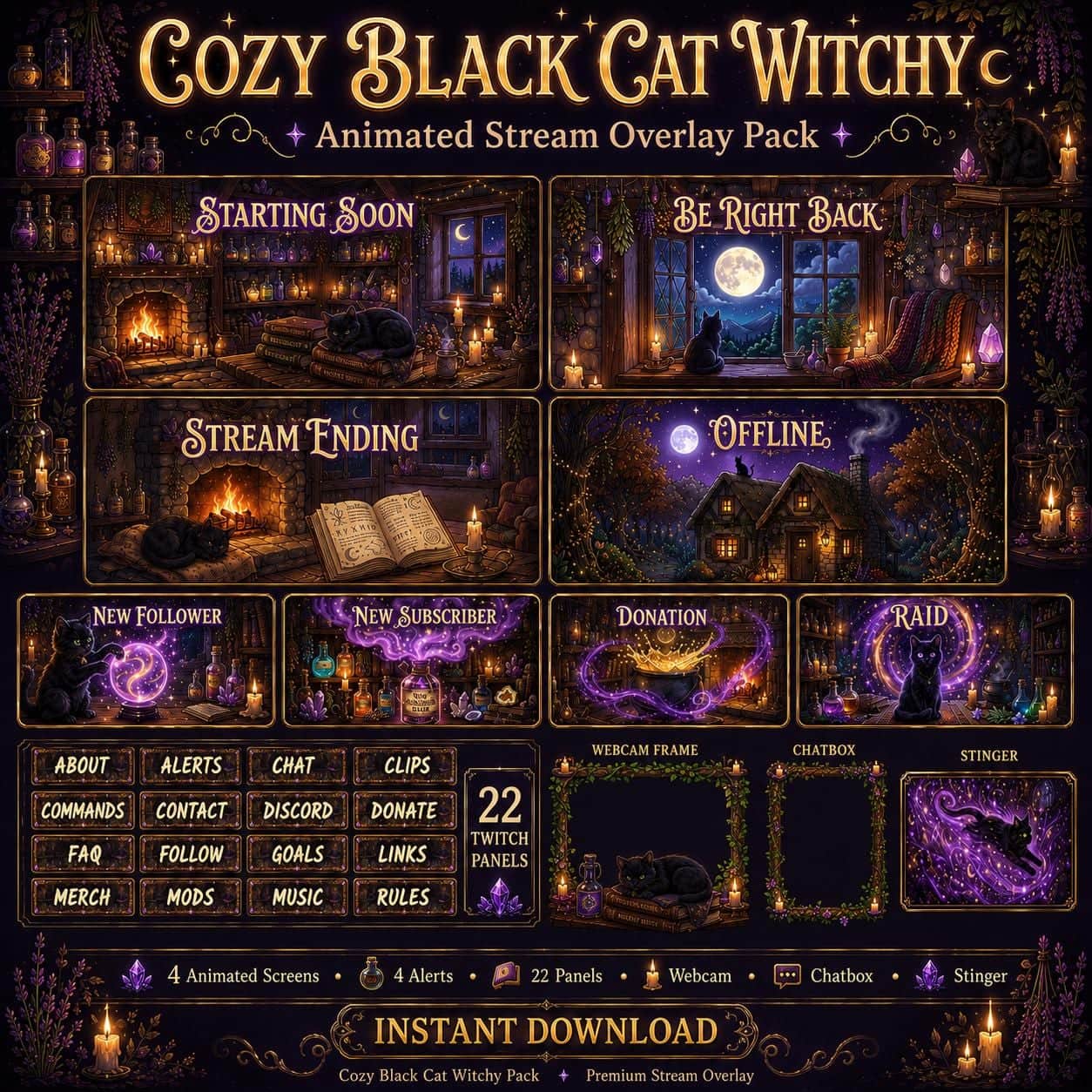
Cat Twitch Overlay Pack | Cozy Black Cat Witchy Cottage Animated Stream Screens Alerts Panels
11 reviews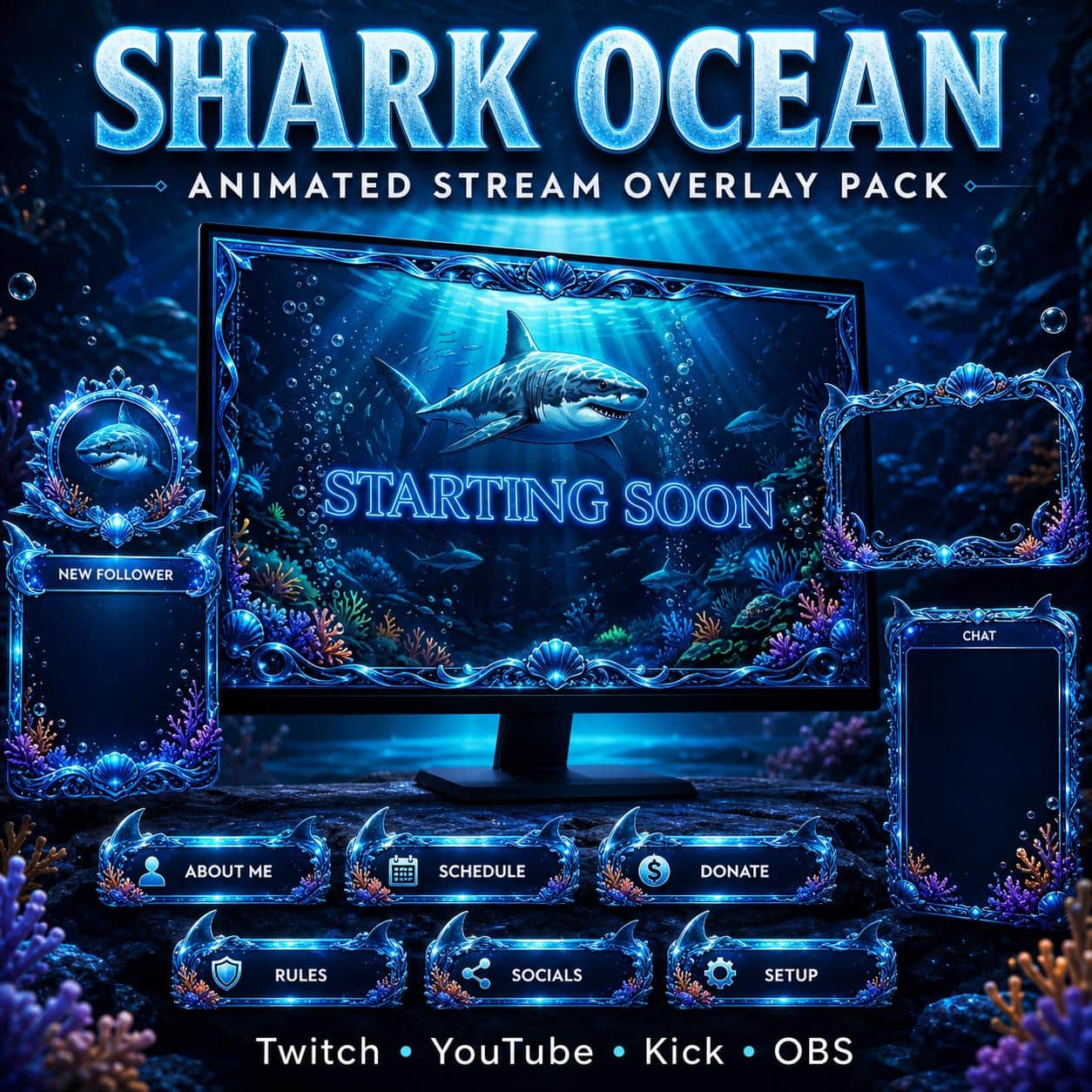
Shark Twitch Overlay Pack – Ocean Theme
3 reviews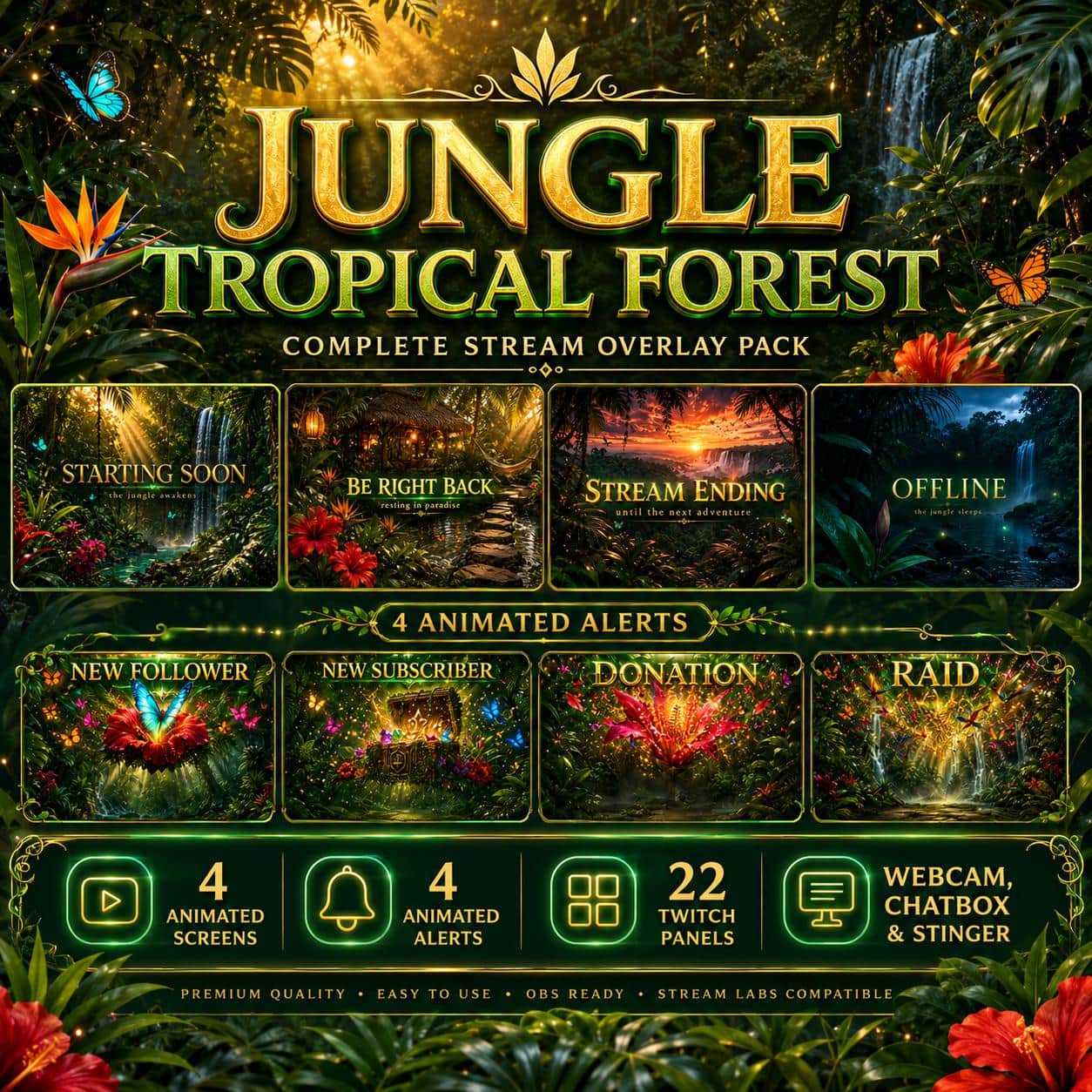
Forest Stream Overlay Pack | Tropical Jungle Nature Animated Twitch Screens Alerts Panels Webcam OBS
2 reviews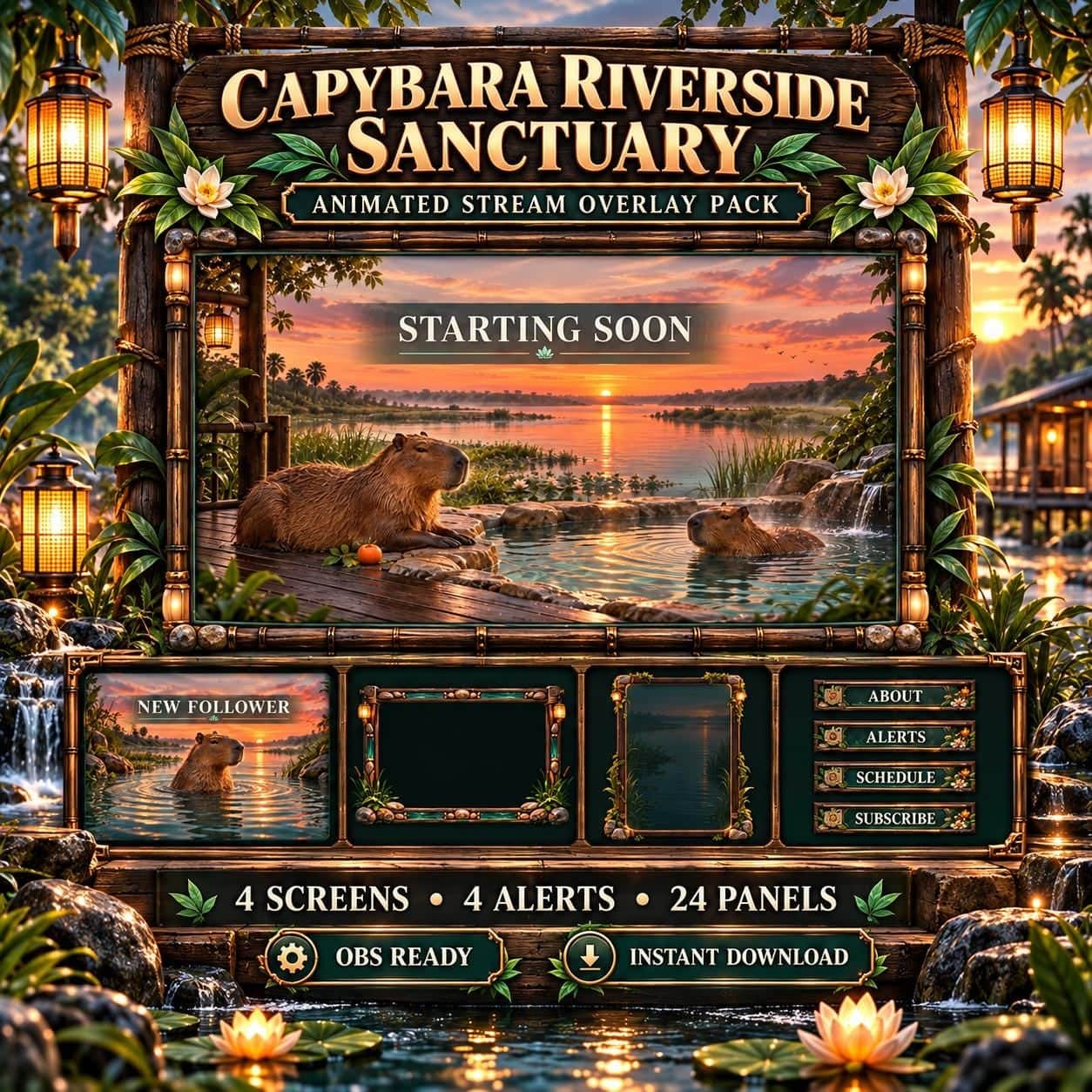
Capybara Riverside Sanctuary Animated Twitch Overlay Pack
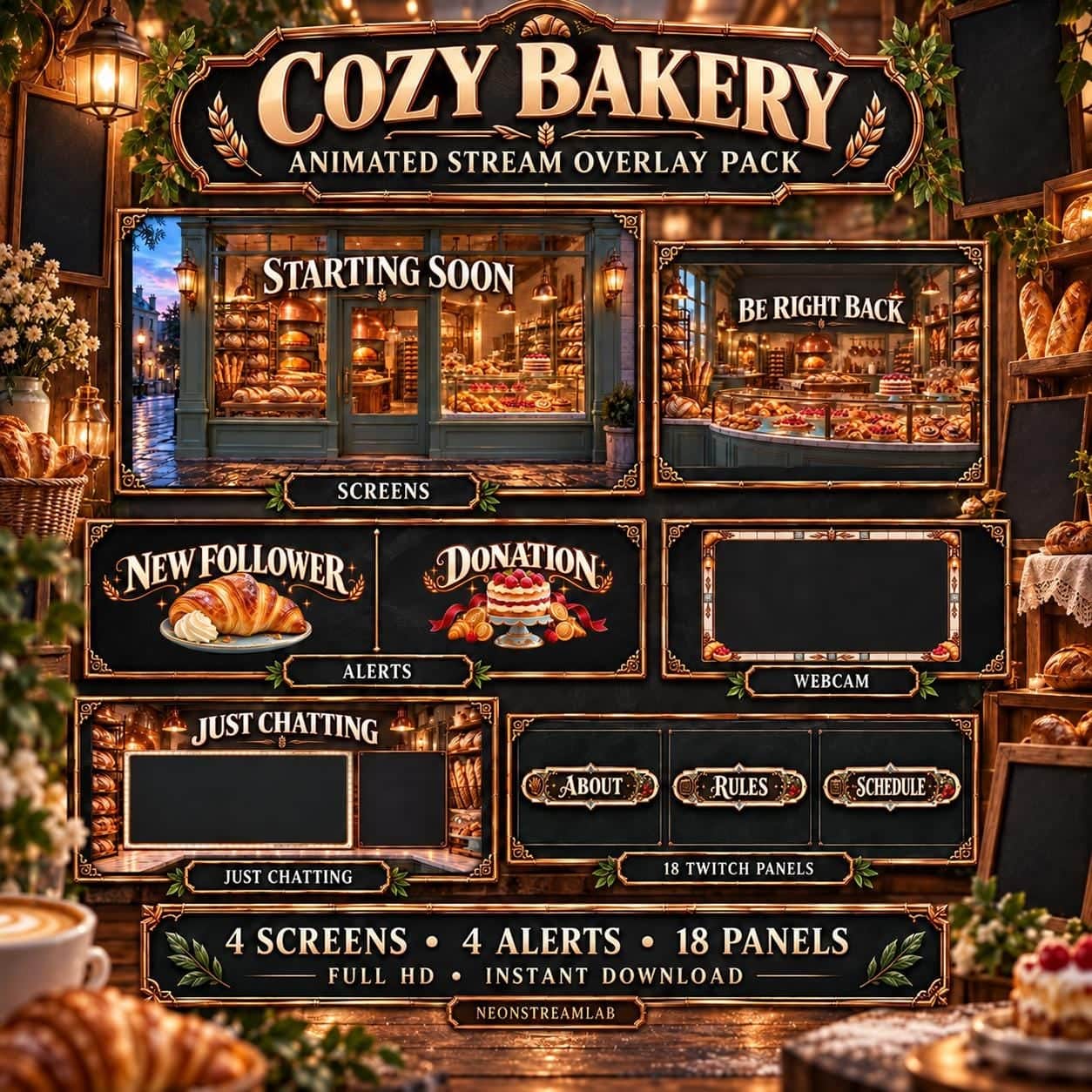
Cozy Bakery Animated Twitch Overlay Pack
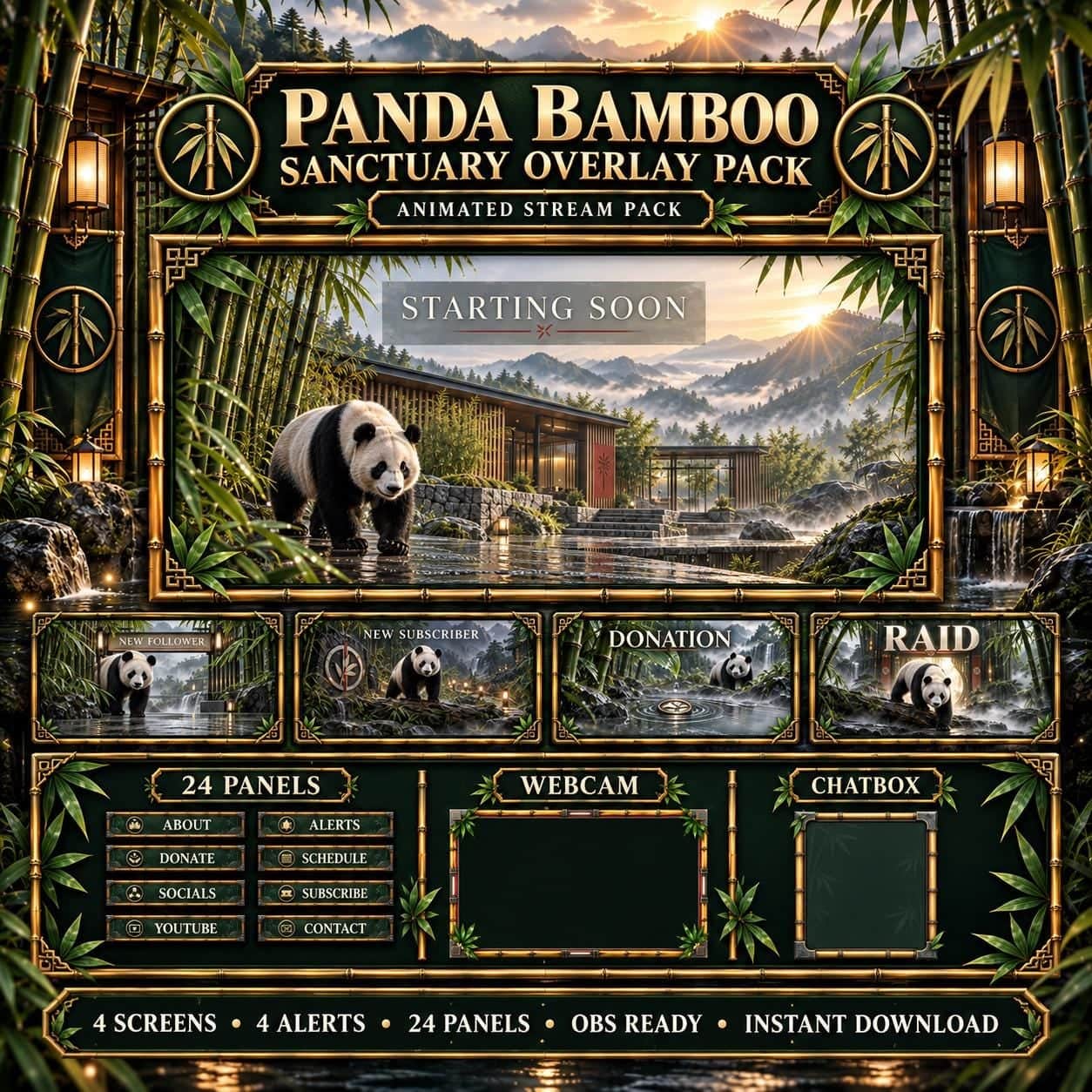
Panda Bamboo Sanctuary Animated Twitch Overlay Pack

Cozy Christmas Twitch Overlay Pack | Winter Cabin Animated Stream Screens Alerts Panels
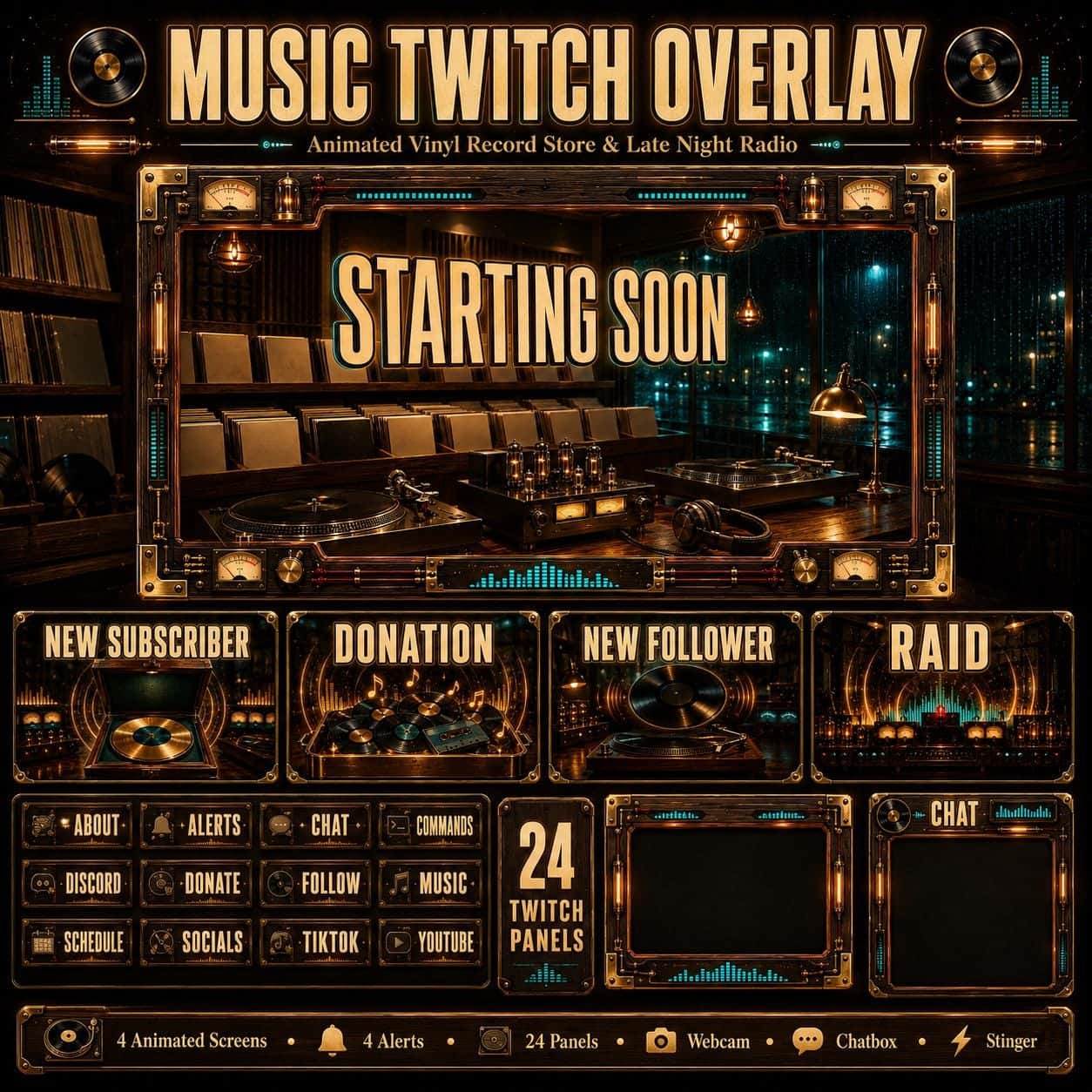
Music Twitch Overlay Pack | Animated Vinyl Record Store Late Night Radio Screens Alerts

Dinosaur Jungle Expedition Animated Twitch Overlay Pack
Find a cozy overlay that fits your channel
Cozy can mean a candlelit room, a bakery, a bamboo sanctuary or a riverside setting. Compare the actual scenes above with the content you make: a nature channel, a baking session and a late-night conversation may need different surroundings.
Choose a room or a natural setting
Cozy Bakery uses cream lettering, copper details and pastries, while the Black Cat theme brings a candlelit, witchy atmosphere. For an outdoor direction, compare the capybara riverside with the panda bamboo sanctuary. The Christmas cabin is a seasonal option. Choose a setting you want across breaks and chatting scenes as well as the camera frame; matching the mood of your usual content is more useful than choosing a theme only for one game.
Compare what each download includes
These collections do not all contain the same extras. Cozy Bakery lists 18 channel panels, whereas Capybara Riverside and Panda Bamboo list 24. The latter two also list static gameplay overlays and chatboxes. Open the contents list for the chosen design and note the scenes, panels and formats you actually need. A chatbox graphic provides its appearance; live chat and event messages still come from your own streaming setup.
Keep your activity easy to see
For crafts, drawing or baking, leave the working area clear and reserve a separate place for your face or chat. Use a short local recording to check that small labels remain readable over the decorative background. Where a pack includes a static PNG camera frame, you can compare it with the animated WEBM version in your scene. In OBS, place the chosen frame above your camera source and check the composition before going live.