Cyberpunk & Neon Stream Overlays
17 packs in this collection.
Rain-soaked neon streets, glowing signs, that synthwave hum - cyberpunk is one of the most popular stream looks out there. Our cyberpunk & neon overlay packs give your channel a futuristic, high-contrast edge across screens, alerts, panels and webcam frames. Explore the collection below.
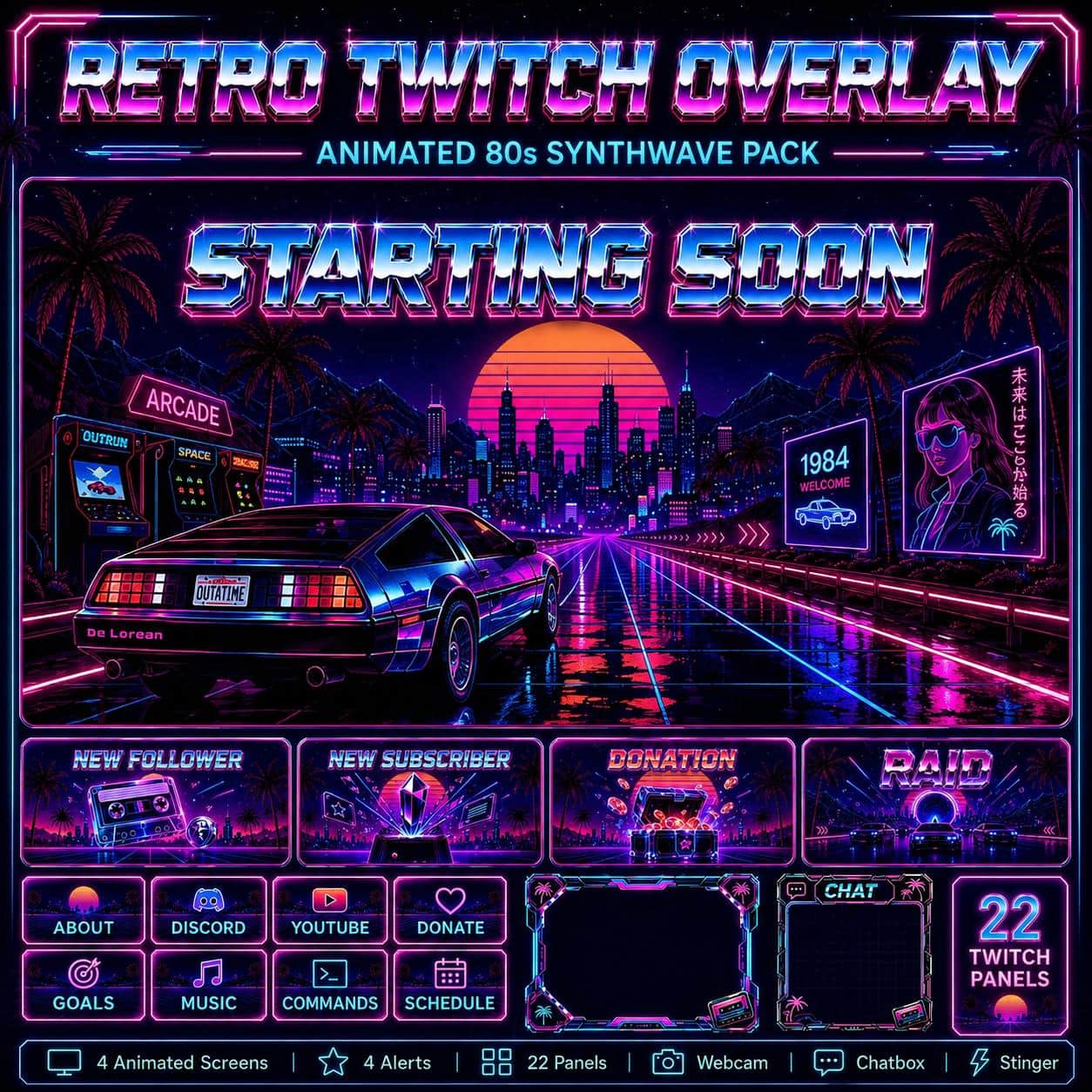
Retro Twitch Overlay Pack | Animated 80s Synthwave Vaporwave Screens Alerts Webcam
2 reviews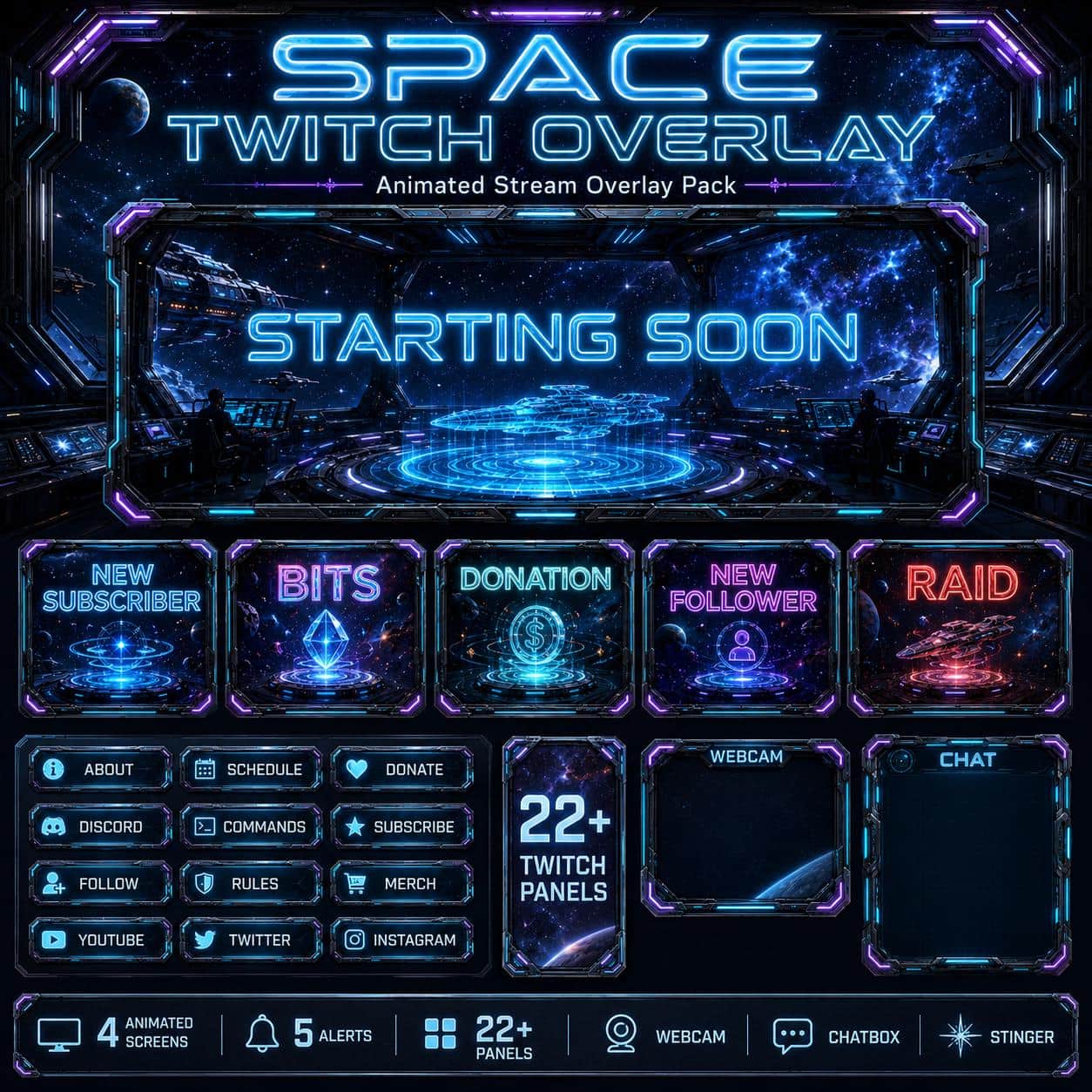
Space Twitch Overlay Pack | Animated Sci-Fi Station Stream Screens Alerts Webcam Panels
6 reviews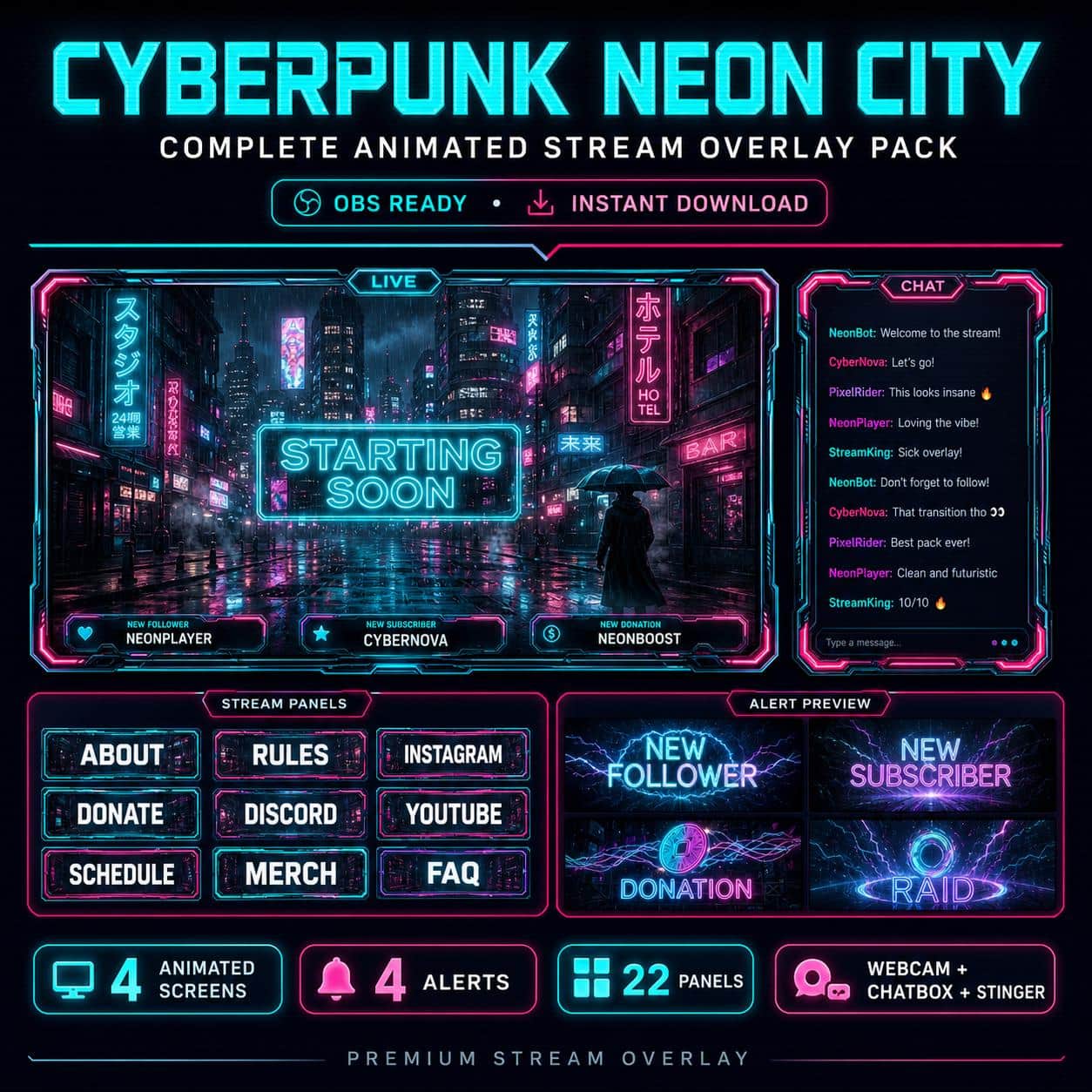
Cyberpunk Overlay Pack | Animated Neon City Futuristic Twitch Stream Screens Alerts Panels
13 reviews
Steampunk Twitch Overlay Pack | Animated Vintage Industrial Stream Screens Alerts Panels Webcam
3 reviews
Cyber Twitch Overlay Pack | Futuristic Gaming Glitch Animated Screens Alerts Panels
4 reviews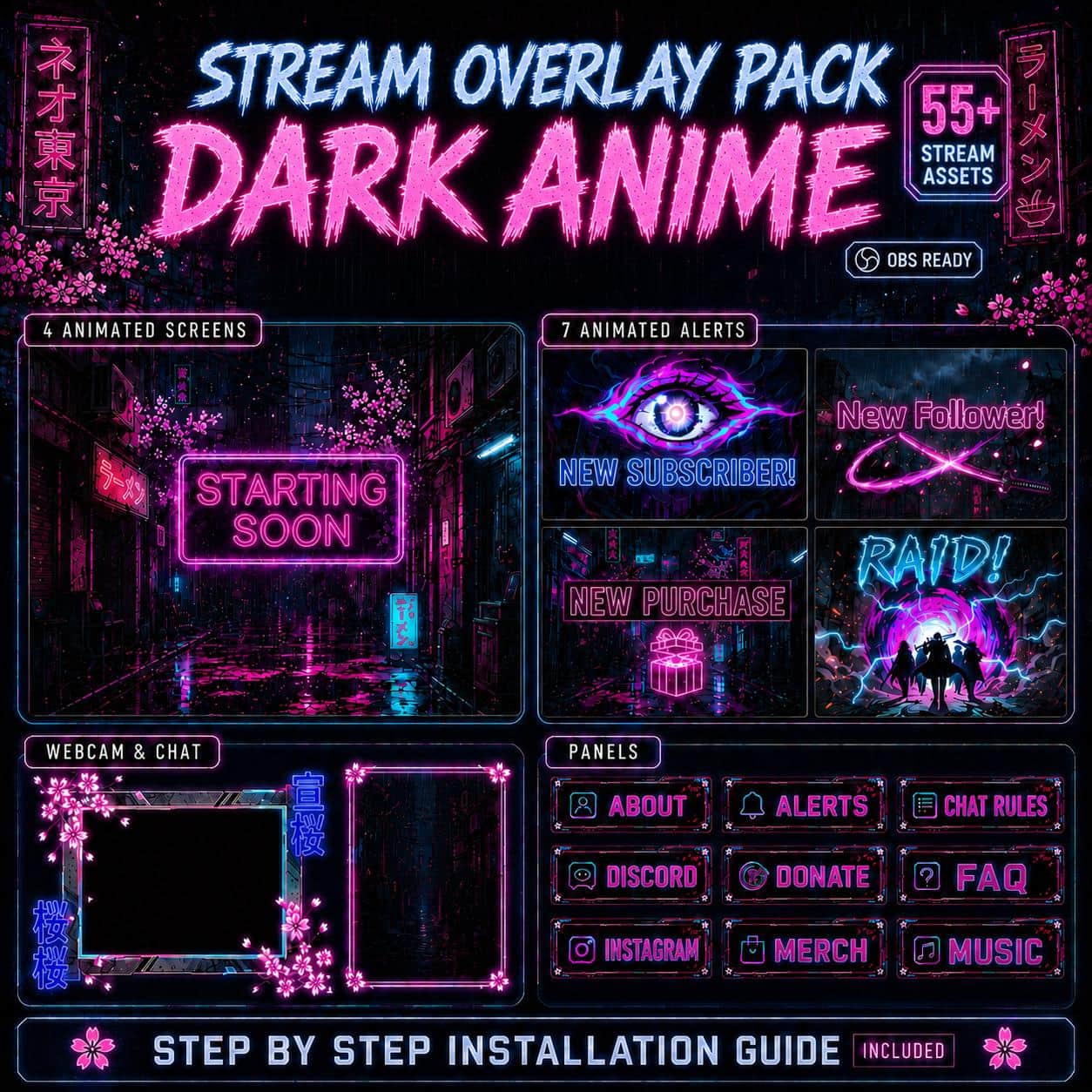
Dark Anime Twitch Overlay Pack | Grunge Cyberpunk Animated Screens, Alerts & Webcam
36 reviews
Ocean Twitch Overlay Pack | Animated Underwater Deep Sea Screens Alerts Webcam Panels
2 reviews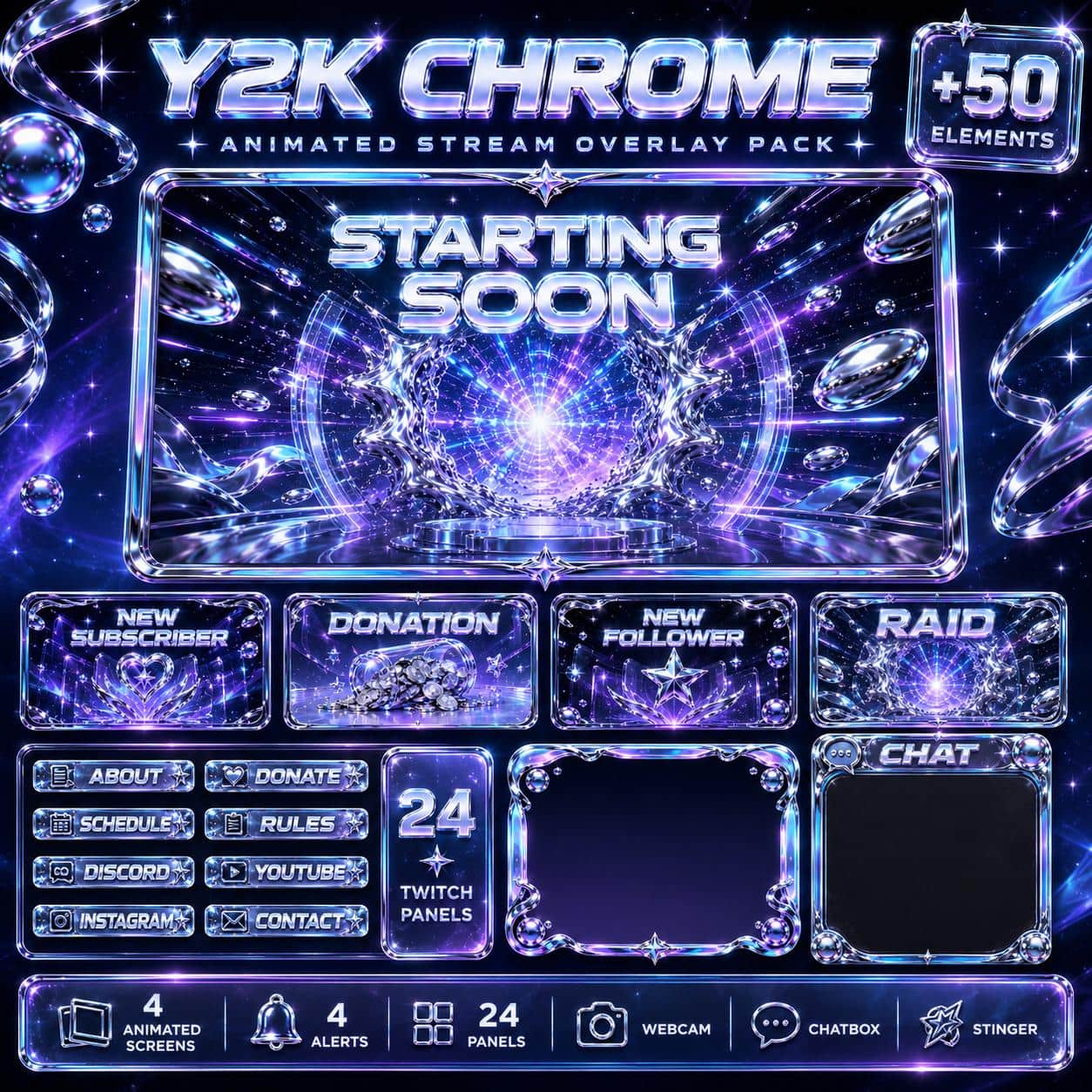
Y2K Twitch Overlay Pack | Chrome Holographic Retro Stream Screens Alerts Panels

Neon Twitch Overlay Pack | Animated Night City Stream Screens Alerts Panels Webcam
1 review
Hacker Twitch Overlay Pack – Green Cyberpunk Terminal
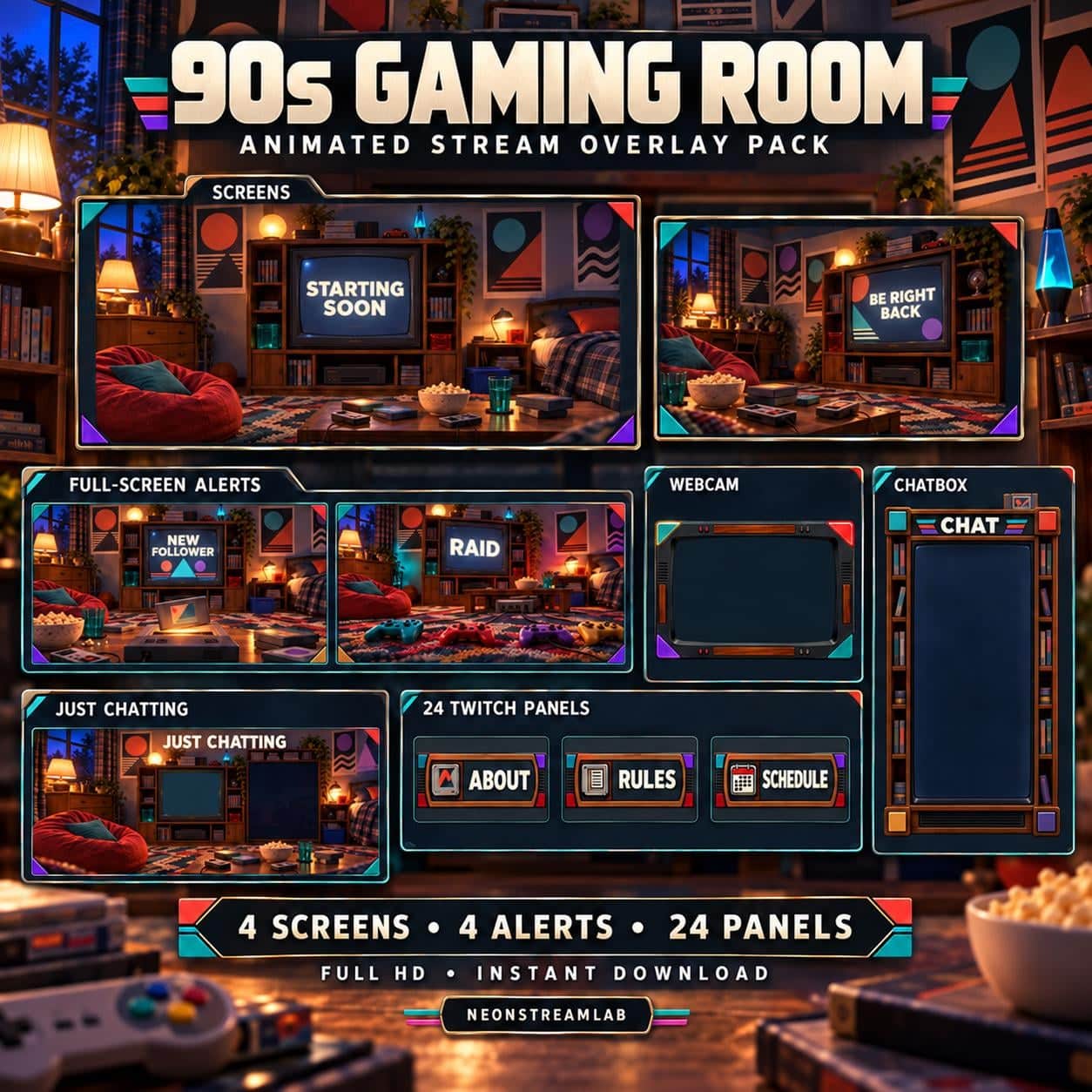
90s Gaming Room Animated Twitch Overlay Pack

Pixel Art Twitch Overlay Pack | Animated 8bit Retro Gaming Stream Screens Alerts Panels
1 review
Racing Stream Overlay Pack | Animated JDM Neon Car Twitch Screens Alerts Panels
2 reviews
TikTok Overlay Pack | Dark Anime Vertical 9:16 for TikTok Live Studio & YouTube Shorts
6 reviews
DJ Stream Overlay Pack – Neon Music Studio
4 reviews
Anime Twitch Overlay Pack | Japanese Cyberpunk Neon Animated Stream Screens Alerts Panels
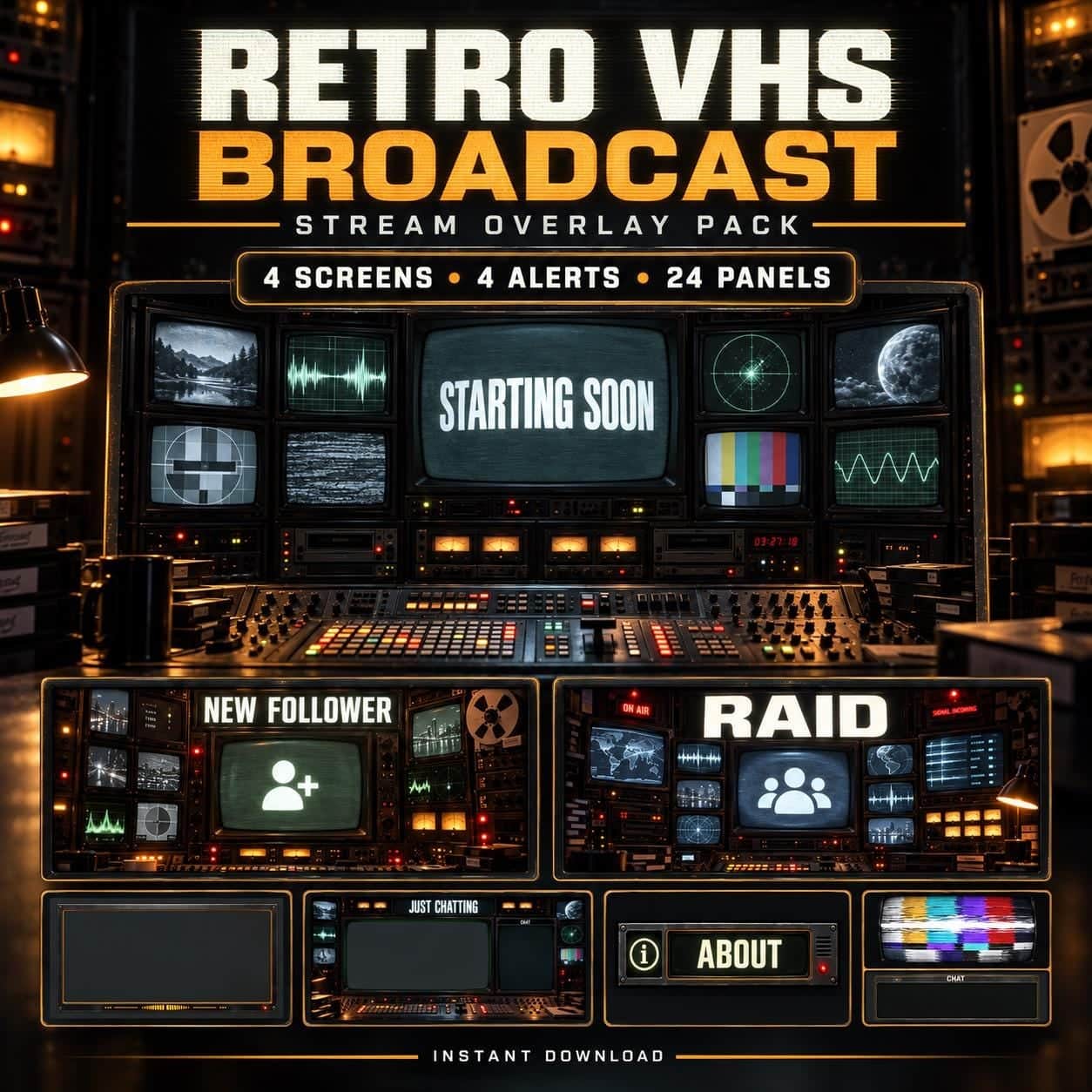
Retro VHS Broadcast Animated Twitch Overlay Pack
Compare neon, terminal and retro stream layouts
This broad collection includes green hacker terminals, glossy Y2K chrome, analog television and city-inspired neon. Choose the visual language and canvas shape first, then inspect the formats and layouts in the specific product.
Choose a visual direction
Hacker Terminal uses green-on-black code and glitch motifs. Y2K Chrome takes a silver, holographic direction, while Retro VHS Broadcast uses CRT screens and analog equipment. These are different channel identities, even though they share the collection. Compare how each surrounds your main content: a coding window, a camera and a bright game scene place different demands on colour and decorative detail.
Check landscape versus portrait
Dark Anime Vertical is specifically listed as a 9:16 design. Do not choose it for a landscape scene just because its colours match. Check the dimensions on the product page and compare them with your streaming canvas before importing files. A matching aesthetic does not make portrait and landscape layouts interchangeable. If you publish in both orientations, plan the two compositions separately so camera and text have space in each.
Look beyond the cover preview
Retro VHS lists opaque, full-screen MP4 alert graphics and transparent WEBM camera layouts. Those files serve different purposes: plan how an alert should appear over your content instead of assuming every video has a transparent background. Check each pack's own contents and supplied guide. For a small first test, the free Cyberpunk starter provides a separate set of introductory files without an email signup.