Military & War Stream Overlays
3 packs in this collection.
Lock and load. Our military & war overlay packs bring tactical HUDs, camo textures and battlefield atmosphere to your stream - from modern warzones to vintage WWI war rooms. Ideal for Call of Duty, Battlefield, Escape from Tarkov and milsim streamers. Explore the collection below.
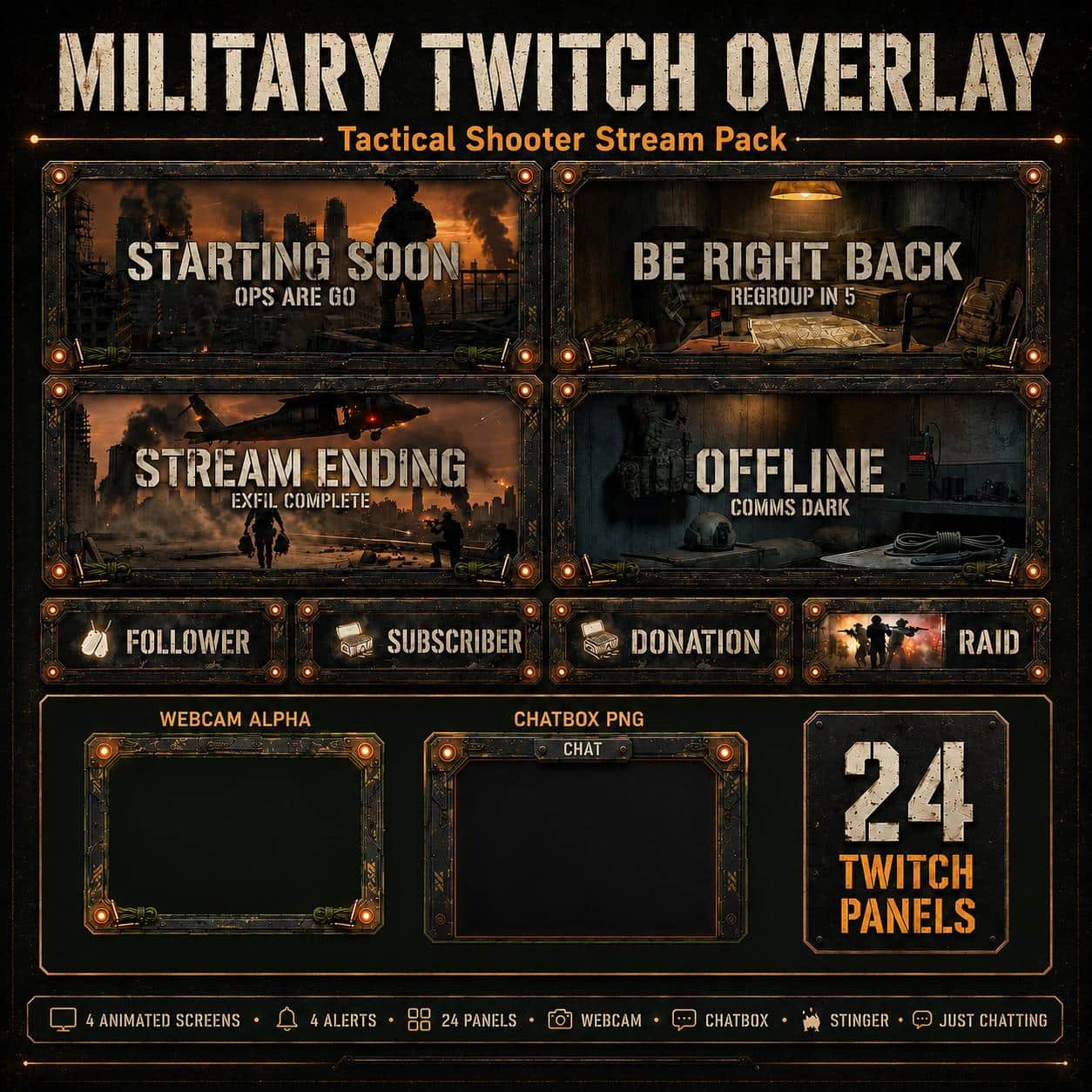
Twitch Overlay Military Pack | Tactical Shooter Stream Screens Alerts Panels Webcam for Youtube kick
2 reviews
Vintage Military Twitch Overlay Pack | Animated WW1 War Room Screens Alerts Panels
3 reviews
Military Twitch Overlay Pack | Tactical Command Bunker Animated Screens Alerts Panels
Find the right military stream layout
The collection offers three different directions: tactical shooter graphics, a vintage WWI war room and a tactical command bunker. Choose the setting that fits your channel, then check how the layout works over real gameplay.
Modern action or a historical setting?
Compare Tactical Military FPS with Tactical Command Bunker if you want a contemporary military atmosphere. The WWI War Room pack takes a historical direction instead. Open the product previews to compare their palettes and scenery with your webcam background. A theme that suits one game can also become your channel identity across several titles, so consider your chatting and break scenes as well as the main gaming view.
Keep the game's information clear
Before placing a webcam frame, note where the game displays its minimap, ammunition, inventory and squad information. Keep those areas readable and make a short recording to check the composition at the size a viewer will see it. In OBS, sources higher in the Sources list appear over those below them. Position the camera frame above the camera, while leaving the gameplay interface unobstructed.
Check the included files before choosing
Use each product page's contents list to check the screens, camera frames, panels and alert assets you need. Contents can differ between packs. Military-themed graphics provide the appearance of a broadcast layout; decorative HUD elements do not read game statistics or create a live match-data feed. For event-driven alerts, check your alert service separately. These are independent themed designs, not official artwork supplied by a game publisher.