Fantasy & RPG Stream Overlays
8 packs in this collection.
If your stream is a world of dragons, dungeons and firelit taverns, your overlay should match. Our fantasy & RPG overlay packs wrap your scenes, alerts and panels in rich, fantasy-inspired artwork - perfect for D&D, tabletop and adventure streamers. Browse the full collection below.
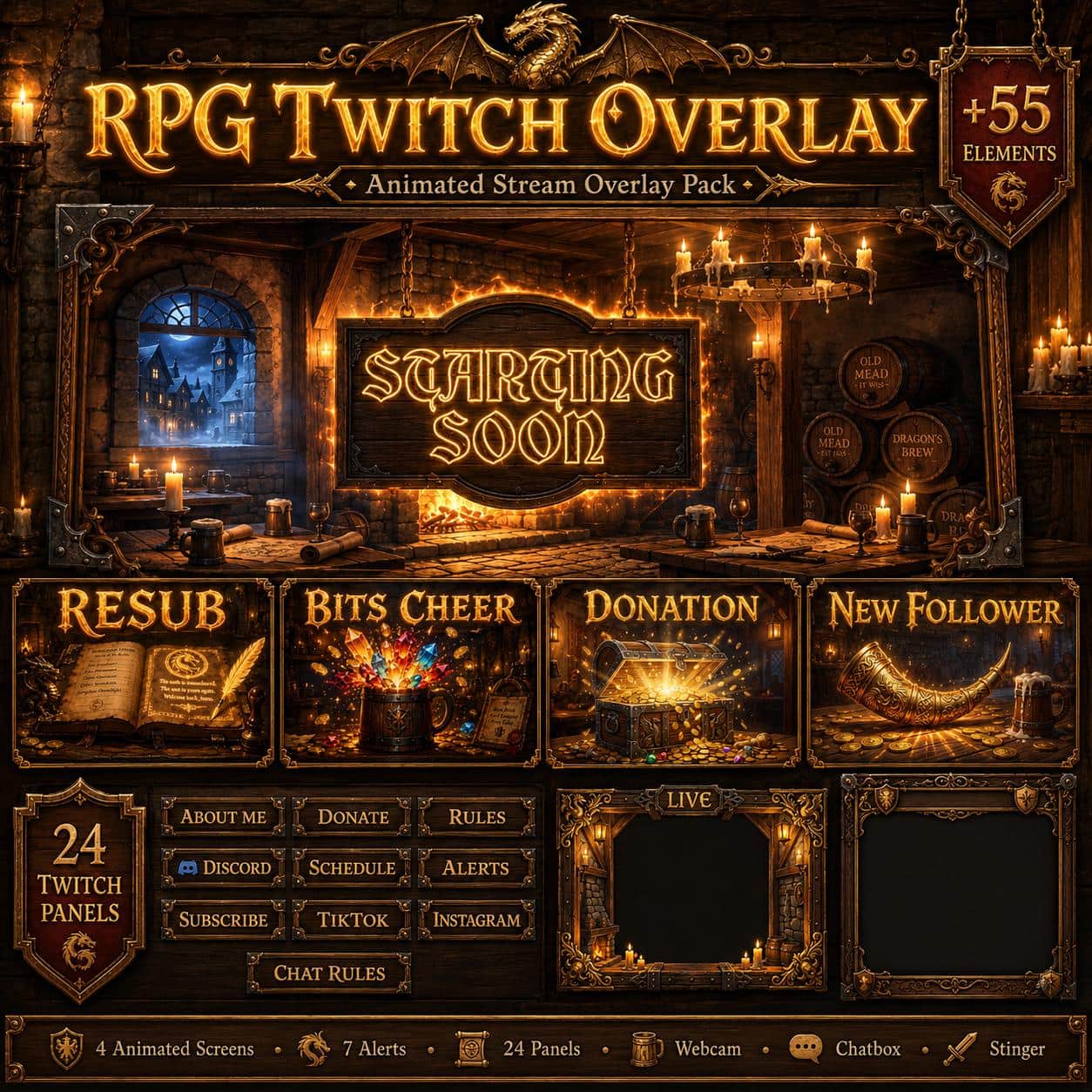
Medieval Tavern Twitch Overlay Pack – Fantasy RPG Theme
17 reviews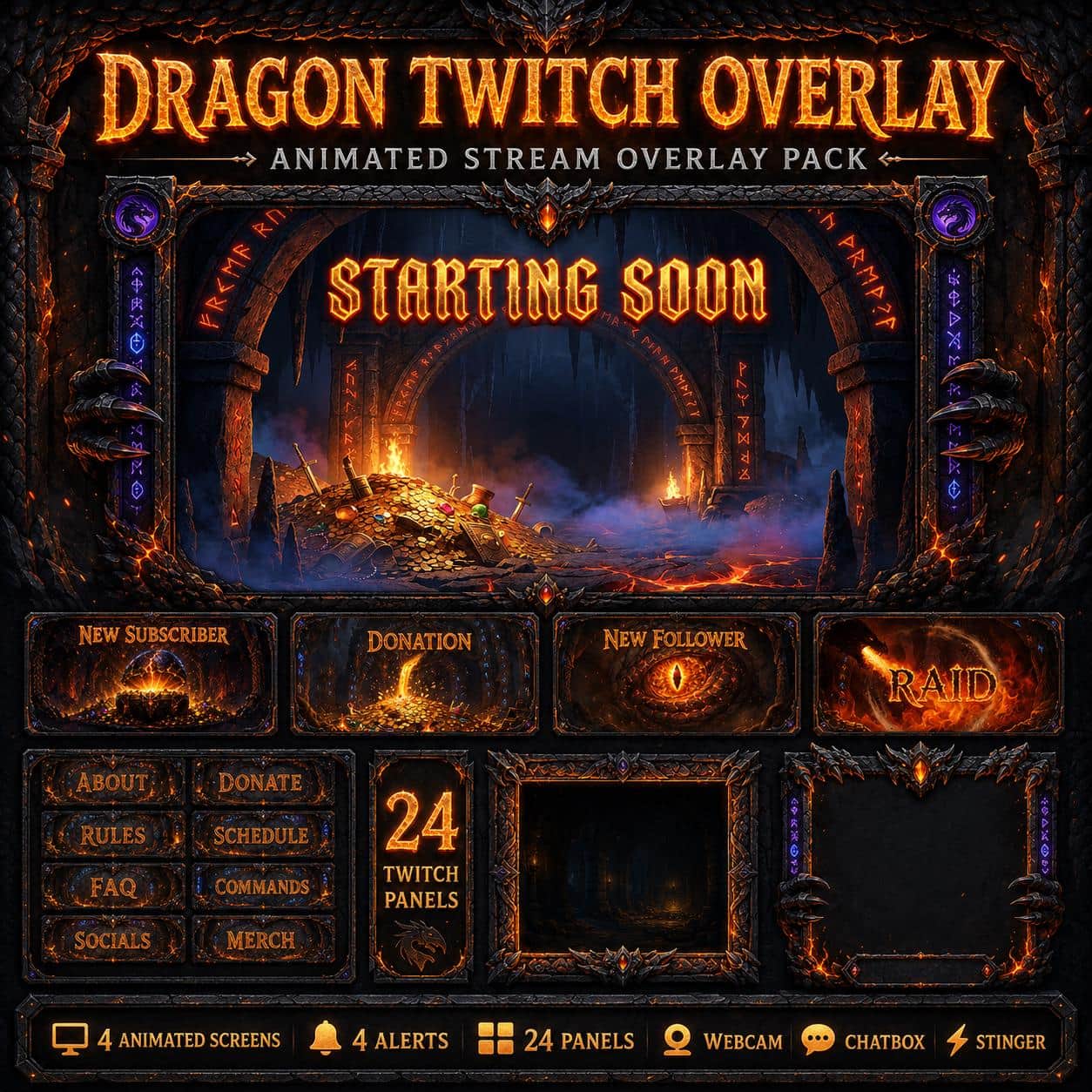
Dragon Twitch Overlay Pack | Animated Fantasy RPG Lair Screens Alerts Panels
8 reviews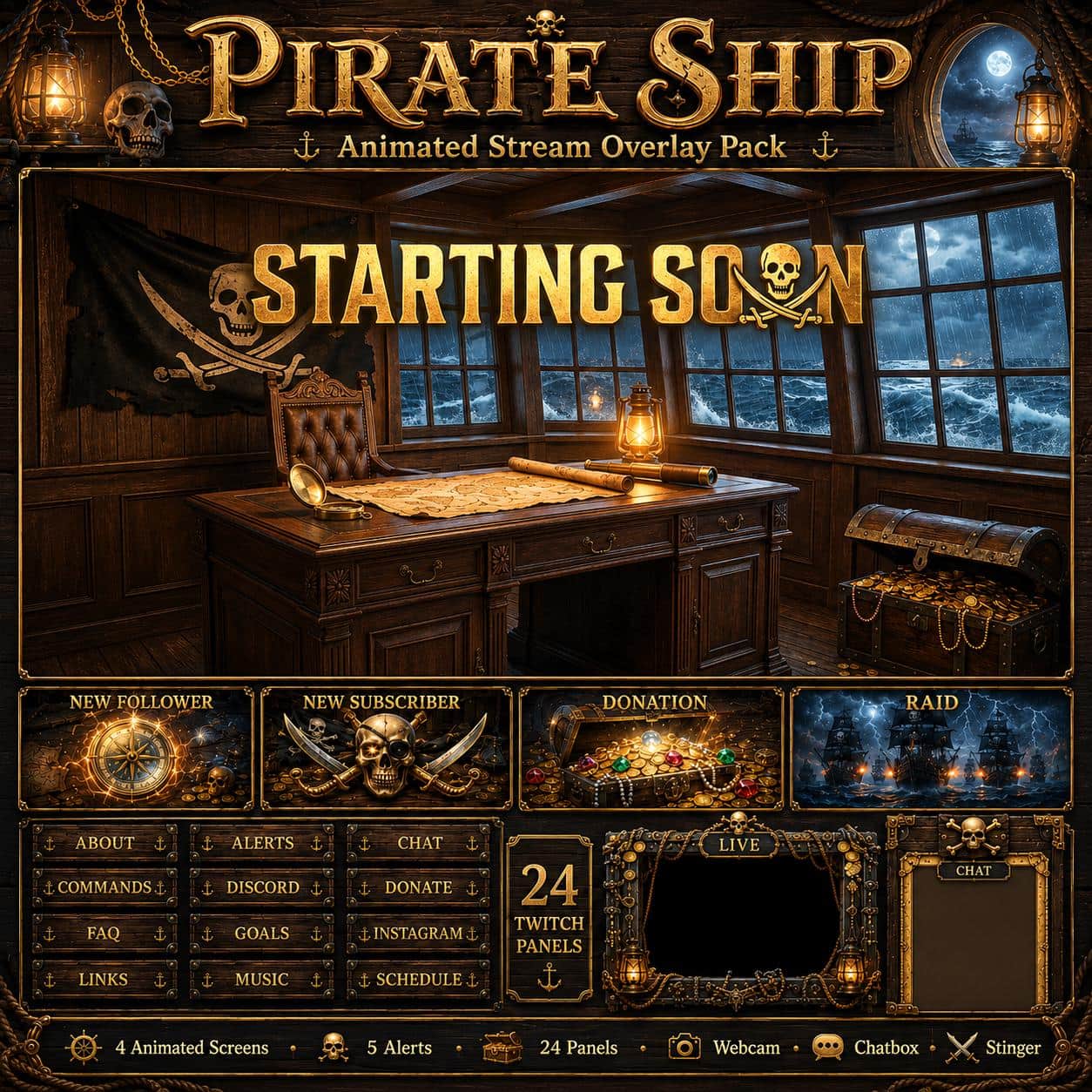
Pirate Twitch Overlay Pack – Animated Pirate Ship
8 reviews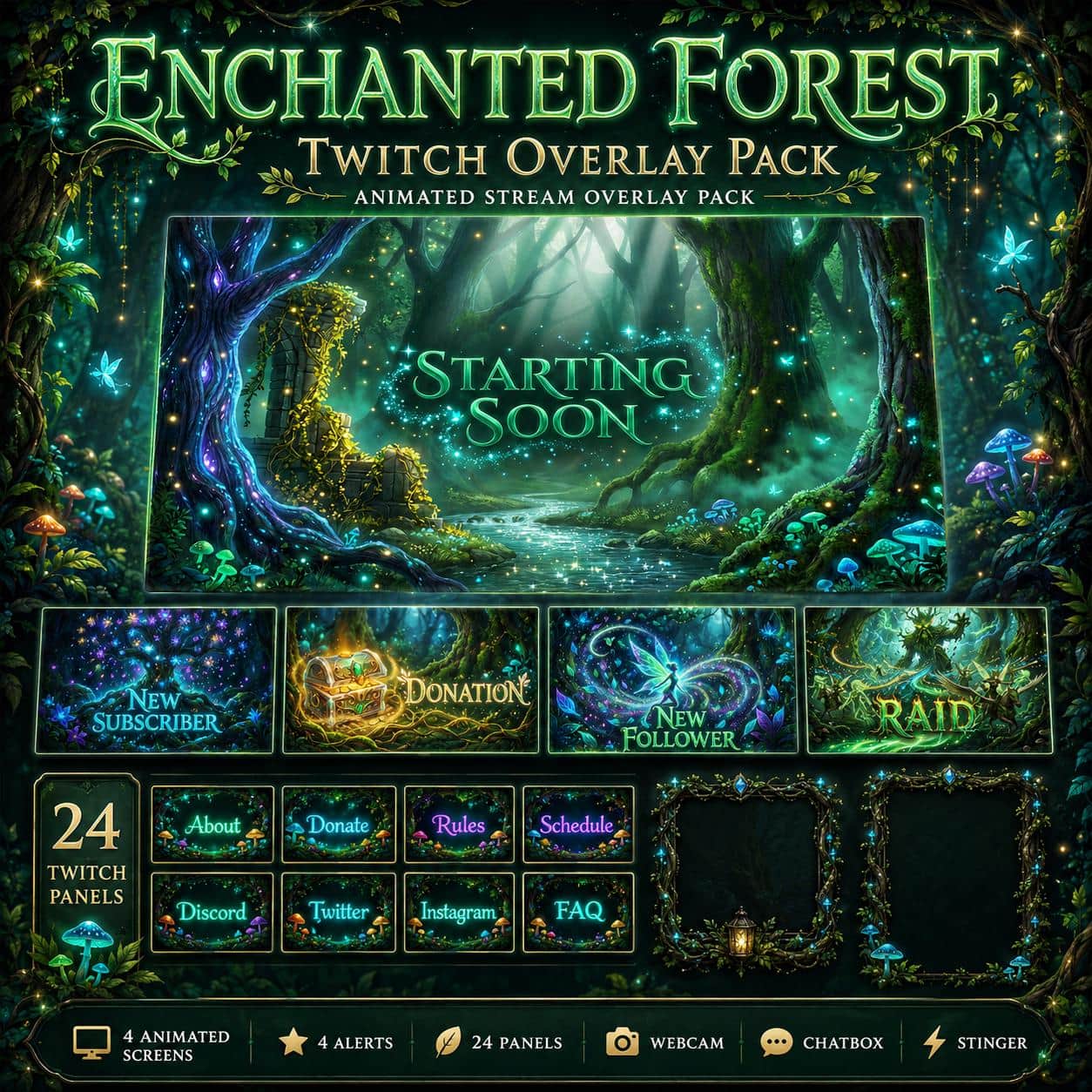
Enchanted Forest Overlay Pack for Twitch YouTube Kick | Fantasy Stream Overlay Screens Alerts Panels
11 reviews
TTRPG Stream Overlay Pack – Dungeon Master for Twitch
10 reviews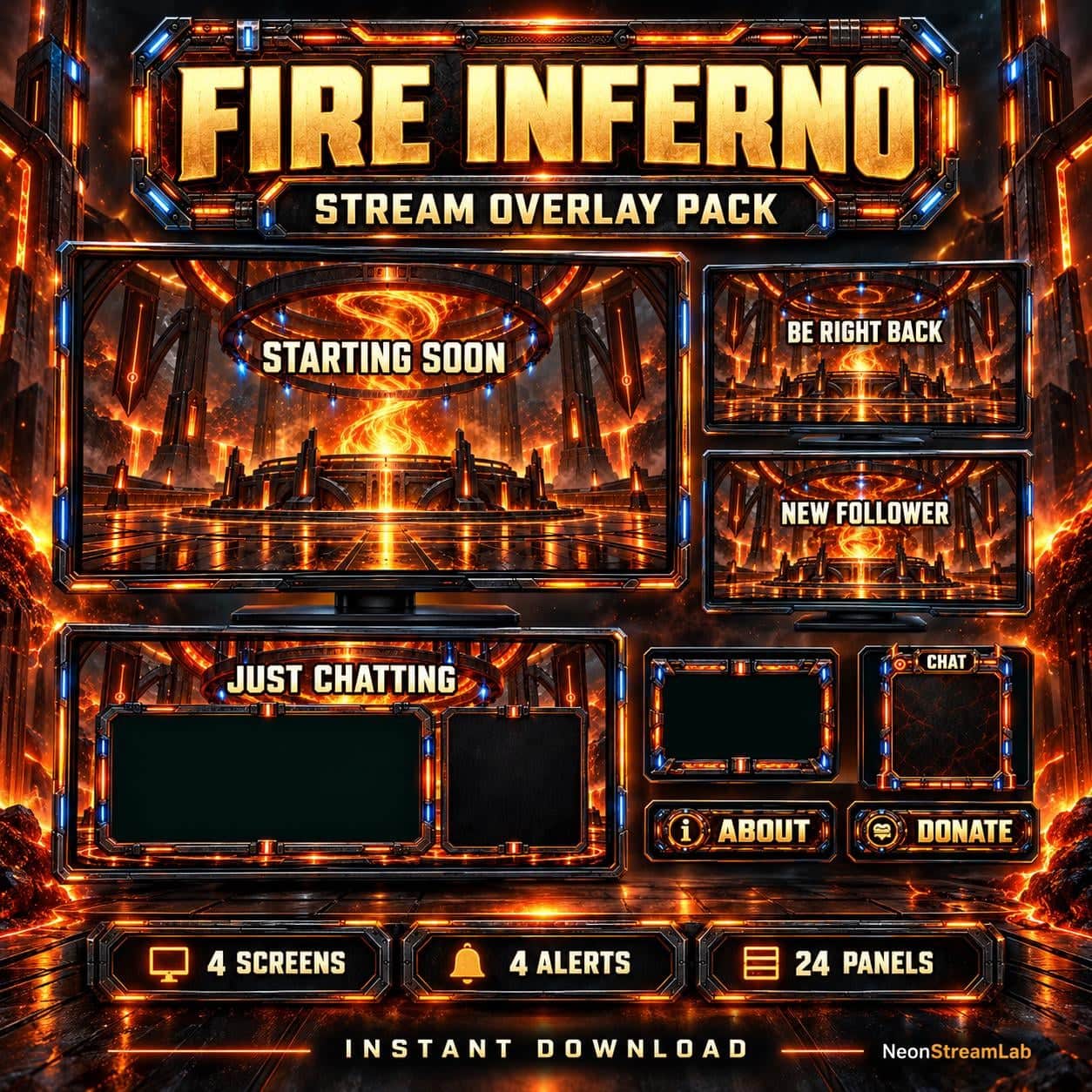
Fire Inferno Animated Twitch Overlay Pack
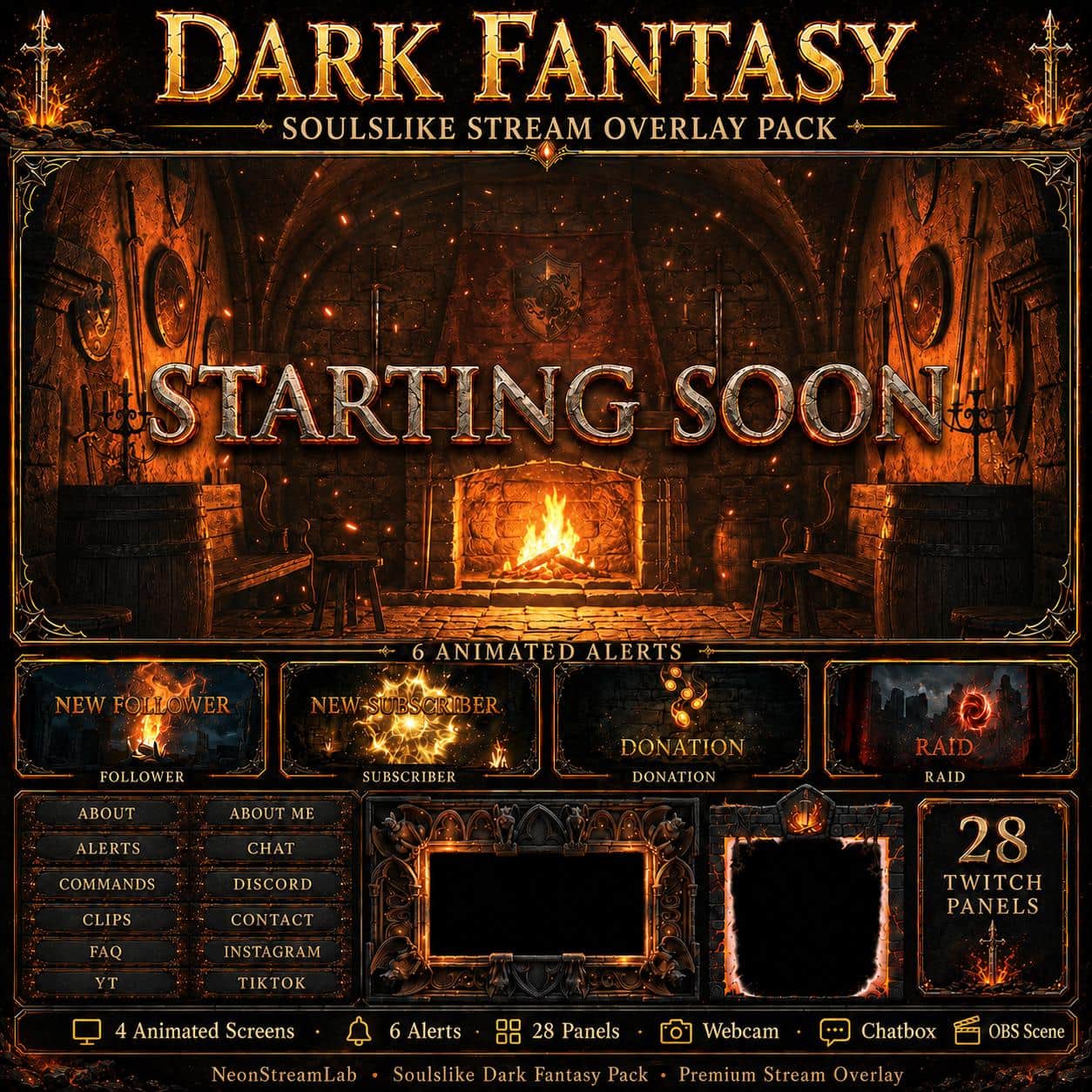
Dark Fantasy Stream Overlay Pack | Soulslike Animated Twitch Screens Alerts Panels Webcam
8 reviews
Campfire Twitch Overlay Pack – Cozy Fantasy Campsite
2 reviewsChoose fantasy artwork around your actual session
A dragon cavern, an adventurer's tavern and a game master's table tell different stories. Start with the setting you want, then check whether the camera and content areas suit your gameplay, campaign recap or tabletop conversation.
Pick the setting for your channel
Dragon's Lair uses treasure, firelit caverns and dragon motifs. Medieval Tavern places the stream in a candlelit inn, while Dungeon Master centres on maps, dice and spellbooks around a campaign table. Compare the waiting and break scenes as well as the camera frame. These themed designs can set the atmosphere for a campaign, but the artwork does not provide a virtual tabletop or game rules.
Plan player cameras separately
The Medieval Tavern Just Chatting design has a large content area and a separate chat column. Dungeon Master describes a single-camera composition with a tall chat area, rather than a ready-made player grid. If several people appear on screen, plan how their feeds and the game view will fit before purchasing. A tabletop theme alone does not mean that the download includes a multi-camera scene collection.
Compare alert events and supplied files
The Tavern product lists seven alert types, including gifted subscriptions and resubscriptions; Dungeon Master lists four. Check the events you use against each product's contents, then configure the files in your compatible alert service. The supplied artwork does not detect those events by itself. Follow the pack's installation guide and test a recap, gameplay and a break scene before using the layout for a live session.