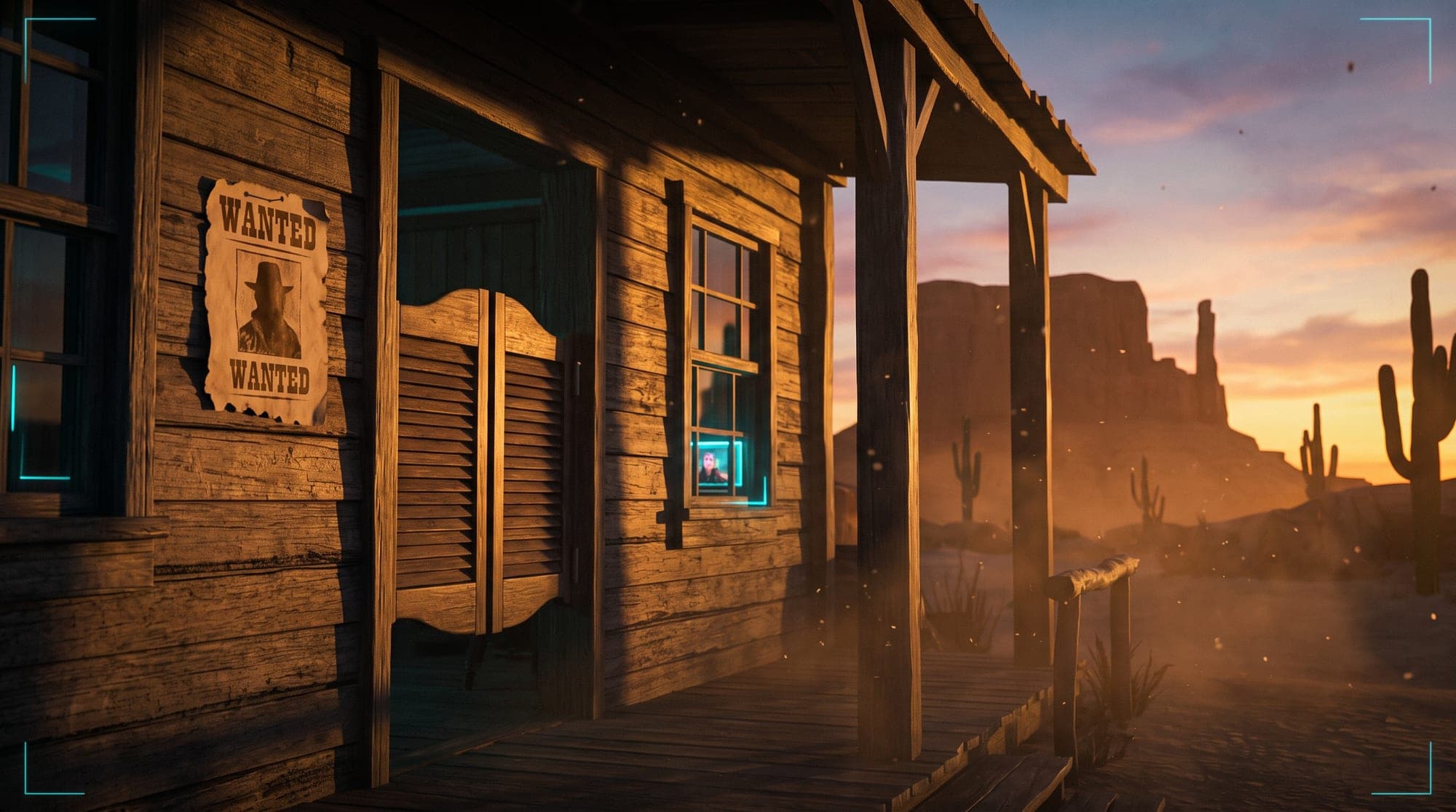
Type "western overlay" into a search engine and you get a wall of product thumbnails - no one actually explains what should be in the box, or how to tell a cinematic wild-west pack from three clipart cactuses and a free font. So here it is: everything a complete western stream overlay includes, the design details that separate the good ones, and which streams the theme genuinely fits.
The complete western overlay checklist
Use this as a list of questions for a seller, not a claim that every Western pack contains all the same files:
- Which waiting screens are included, and which have animated and static versions?
- Which alert events have artwork? Are the videos transparent or opaque, and which formats does your alert service accept?
- Does the webcam opening fit your planned camera crop? Is the chatbox artwork separate from a connected message widget?
- Which profile panels are supplied? The Twitch panels guide explains their role on the channel page.
- Are labels and timers just decorative placeholders, or are live widgets actually included?
- Are editable projects supplied, or only rendered images/videos? Do not infer this from the preview.
For event setup, use the alert guide; for local files, follow the OBS overlay guide. The software and file list determine the installation, not the theme name.
The design language: what makes it read "western"
The difference between a cinematic pack and a cheap one is vocabulary. Authentic western design leans on a specific set of motifs:
- Wanted posters - torn parchment edges, woodcut portraits, slab-serif "REWARD" type. The single most useful motif in the theme, because it turns panels and alerts into props instead of rectangles.
- Material textures - worn leather, rough-sawn planks, rope, rusted iron, gunmetal. Flat vector shapes kill the mood instantly.
- Golden-hour light - the whole aesthetic lives at sundown: amber deserts, long shadows, smoky saloon interiors lit by oil lamps.
- Period typography - slab serifs and woodtype display faces, the kind you'd see on an 1880s handbill. A pack using a modern geometric sans isn't a western pack; it's a beige pack.
- Slow, heavy animation - tumbleweed drift, dust motes, a flickering lamp. Fast neon-style motion breaks the fantasy.
If a shop's previews show none of these - just an orange gradient and a cactus icon - keep your money in the holster.
Which streams the western theme actually fits
Wider than you'd think:
- Red Dead Redemption 2 and Red Dead Online - the obvious home. Compare the artwork with the frontier setting and leave the game HUD visible.
- Hunt: Showdown 1896 - western-horror hybrid; a darker, grittier western pack fits it perfectly.
- Survival and frontier games - Westland Survival, Wild West Dynasty, even Stardew-style homestead runs.
- Country music and just-chatting streams - the "saloon" framing is a gift for talk formats: your chat box becomes the bar, your BRB screen says rollin' a smoke. If that's your lane, our Just Chatting overlay guide pairs well with this theme.
- Poker and tabletop nights - green felt, whiskey glasses and revolvers on the table practically art-direct themselves.
Choose the theme if it supports your content and the atmosphere you want. We do not have usage data establishing how rare Western overlays are. Our professional-layout guide focuses on practical presentation rather than claiming rarity produces growth.
One warning: warm palettes and readability
Western palettes run amber, sepia and brown - warm and low-contrast by nature. Two things to check before you commit:
- Text areas need contrast islands. Cream text on parchment looks great in a preview and vanishes over bright gameplay. Good packs give labels and chat their own darkened panel or a burned-edge frame.
- One accent color, used everywhere. Deep red (wax seal, blood orange sunset) or gold (sheriff's star, coin brass) - pick a pack that commits to one. Our stream color palette guide covers why this matters more than the palette itself.
Check the Western preview against your scene
Our Wild West Outlaw pack is an example from our own catalogue, not an independent best-in-market ranking. Read its current file inventory and watch its previews rather than relying on a fixed review score, price or element count in this article.
For a useful check, compare a bright outdoor scene and a darker interior in your recording. Look at the wanted-poster lettering, camera opening and alert area at small-player size. If an alert video has a solid background, decide whether that rectangle belongs in your layout instead of assuming it is transparent.
Keep dynamic names or totals in a separately configured widget/text layer; decorative panels do not fetch those values. The Just Chatting guide can help you plan a conversation scene without copying the gameplay composition.
Browse the Western collection for other available designs. The free tools can test a static PNG scene, while the free versus paid guide explains the difference in offers. A static test does not validate the performance of an animated pack.
The short version
Choose Western artwork for the atmosphere, then verify its actual files, transparency and widget requirements. Test readable wanted-poster lettering over real gameplay and leave space for the camera and chat you actually use. For a different setting, the medieval guide uses a tavern pack to explain the same file-versus-widget distinction.