Short answer: yes - Cyberpunk 2077 is fully allowed on Twitch, and thousands of channels stream it every week. But it's also one of the few games where you can do everything right on Twitch's side and still take a DMCA hit or a content warning, because the risk isn't the game - it's two settings inside it. Flip both before you go live and Night City is yours.
Here's the complete picture for 2026: the music problem, the mature-content problem, the exact settings that fix them, and a pre-stream checklist you can run in two minutes.
Why this game is a special case
CD Projekt Red licensed over 150 real music tracks for Cyberpunk 2077 - artists like Grimes and Run the Jewels are woven into the radio stations, clubs and story scenes. That license covers the game. It does not cover your broadcast of the game. The studio has said as much themselves: they have permission to play those songs in Night City, but they can't extend that permission to streamers.
Twitch, unlike some platforms, has no blanket agreements with music labels. So when a licensed track plays on your stream, the rights holder can file a DMCA claim. In practice that means muted VODs and clips at best - and DMCA strikes at worst, which stack toward a channel ban. That's the whole reason this question gets asked so often: the game is fine, the soundtrack is the trap.
Fix #1 - turn on "Disable Copyrighted Music"
CDPR built the solution directly into the game, and it was one of the first titles ever to do it:
- Open the pause menu and go to Settings.
- Select the Sound tab.
- Scroll down and toggle Disable Copyrighted Music to On.
With the toggle on, the risky licensed tracks are swapped for safe replacement music - the radio stations keep playing, the clubs keep thumping, your VOD stays clean. You lose a slice of the "real" soundtrack, which is a genuine shame (it's a great soundtrack), but it's the cost of keeping your VODs monetized and your channel strike-free.
One platform quirk worth knowing: on consoles, the game can flip this mode on automatically when it detects you've started broadcasting. On PC it's fully manual - and since most Twitch streamers play on PC through OBS or Streamlabs, the game has no idea you're live. Make the toggle part of your pre-stream routine, not something you trust the game to handle.
The "Delicate Weapon" catch - updated for 2026
For years there was one famous exception: "Delicate Weapon" by Grimes, the track tied to the Lizzy Wizzy scenes and radio play, was not silenced by the toggle. CDPR had negotiated a special deal - creators could even monetize content featuring the song for two years after Phantom Liberty's launch.
That window closed on September 21, 2025. Since then, the track has been folded into the Disable Copyrighted Music system like everything else - so on a current patch, with the toggle on, it's handled automatically. If you have old VODs or YouTube uploads from the window era featuring the song, they won't be taken down, but they can no longer earn revenue. Worth a spring-clean if you archive everything.
This is the detail most older guides still get wrong, because they were written when the exception was active. In 2026 the rule is simple: toggle on = covered, including Grimes.
Fix #2 - the mature-content side
Cyberpunk 2077 doesn't just have licensed music; it has full nudity and explicit scenes, starting at the character creator. Twitch's rules here are more forgiving than people assume - but they're real:
- The game is permitted. Twitch treats sexual content that's part of a permitted game differently from sexual content as such.
- The standard is "progress through it, don't dwell on it." Building your character is fine; parking the camera on nudity for minutes is how channels catch enforcement action.
- Label the stream. Apply Twitch's mature-content classification (the "Mature-rated game" label) so the platform and your viewers know what they're walking into. It takes five seconds in your stream settings and it's the difference between "responsible streamer" and "report bait."
And if you'd rather not think about it at all, the game has your back again: Settings → Gameplay → Nudity Censor. Turn it on and the explicit content is covered up in-game - the safest option if you also publish clips to platforms with stricter rules than Twitch, like YouTube or TikTok.
Your two-minute pre-stream checklist
Run this before the "go live" button, every session:
- ✅ Settings → Sound → Disable Copyrighted Music → On (PC players: every time - nothing does it for you).
- ✅ Settings → Gameplay → Nudity Censor → On if you clip to YouTube/TikTok or just want zero worries.
- ✅ Mature-content label applied on your Twitch dashboard.
- ✅ Picked the right Twitch category - Cyberpunk 2077 has its own, and category choice decides who discovers you.
- ✅ Spot-check a recent VOD for muted segments. A mute is your early-warning system: if you see one, a licensed track slipped through somewhere.
That's genuinely all it takes. The game's reputation as "risky to stream" is five years out of date - CDPR solved the hard part, you just have to use the switch.
Make the stream look like Night City too
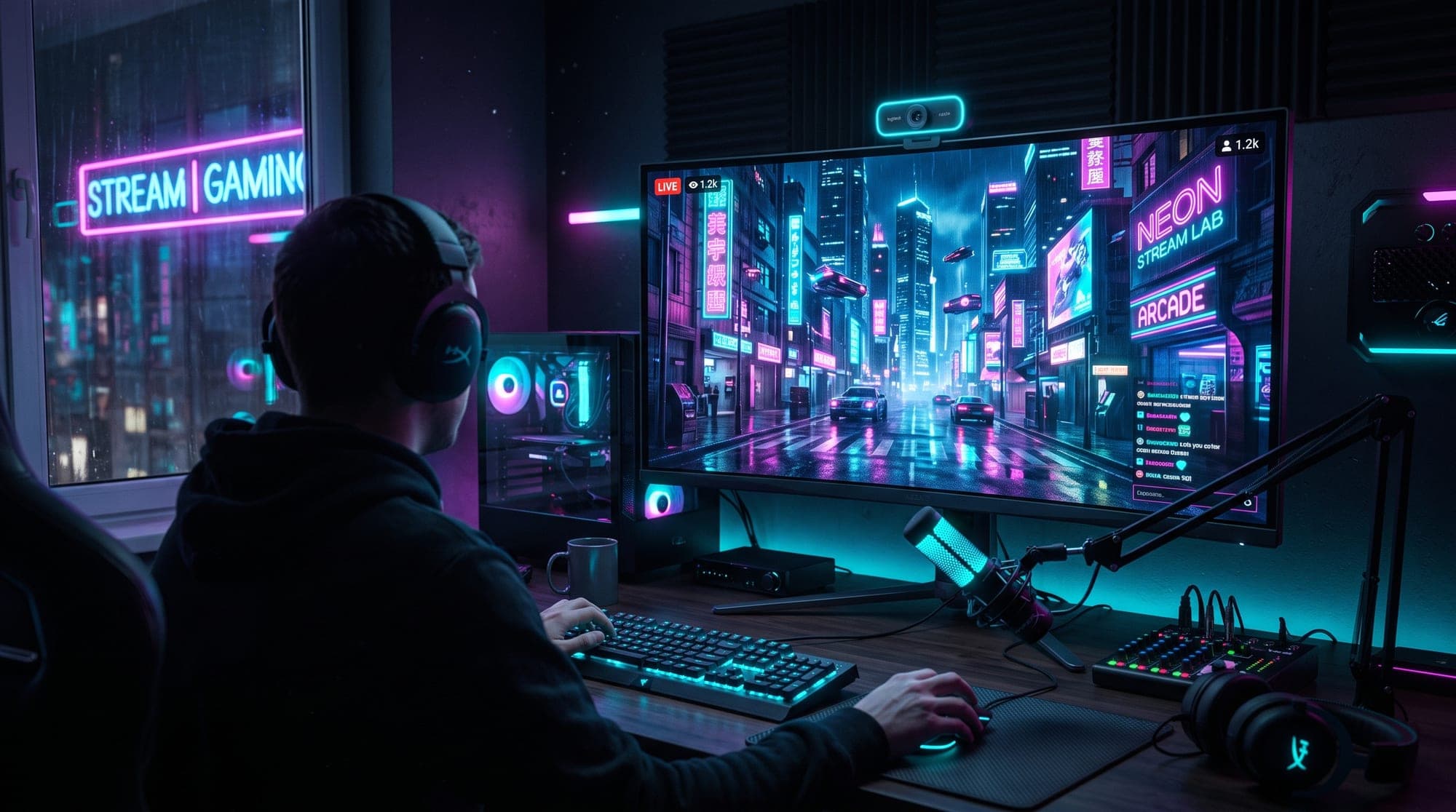
Here's the part none of the settings guides mention: Cyberpunk 2077 streams are visually competitive. The game is gorgeous, the category thumbnail wall is packed, and a default OBS layout looks twice as plain next to it. If you're going to spend hours in Night City, your overlay might as well live there too.
That's exactly what our cyberpunk & neon collection is built for. The Cyberpunk Overlay Pack (rated 5.0★) does the full neon-city treatment - animated screens, alerts, panels and webcam frame in one matching set - while the Hacker Terminal pack leans into the netrunner fantasy with terminal-green tech framing. Prefer something moodier? The Dark Anime pack (4.8★ across 33 reviews, our most-reviewed pack) mixes grunge and neon in a way that fits Phantom Liberty's tone perfectly.
If you want to test the effect before spending anything, grab the free cyberpunk overlay - a real animated screen, webcam frame and panels, no strings - or browse everything free on the free screen makers. Setup takes about ten minutes with our cyberpunk overlay setup guide, and if you're new to overlays entirely, start with how to add an overlay to OBS.
For the bigger picture on why this aesthetic works so well on stream - color psychology, readability, the whole thing - we wrote a full breakdown of the cyberpunk stream aesthetic, plus a ranked tour of the best cyberpunk overlays for 2026.
The bottom line
Can you stream Cyberpunk 2077 on Twitch? Yes - safely, monetized, with zero drama - as long as two toggles are on: Disable Copyrighted Music (Sound settings) and, ideally, the Nudity Censor (Gameplay settings), plus a mature-content label on your channel. The days of the Grimes exception are over, the toggle now covers the whole soundtrack, and the only real mistake left to make is forgetting it's manual on PC.
Flip the switches, dress the stream, and go get lost in Night City.