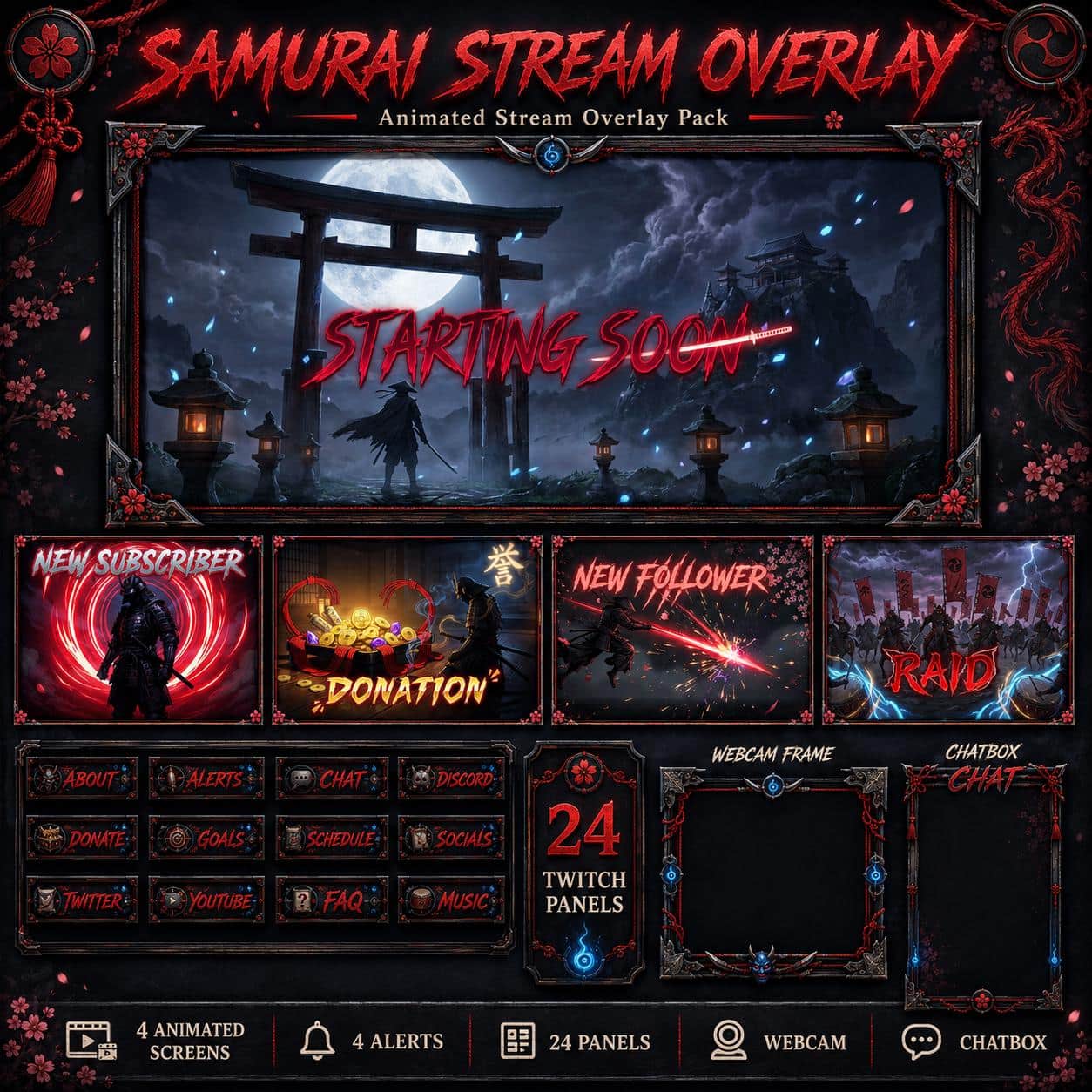
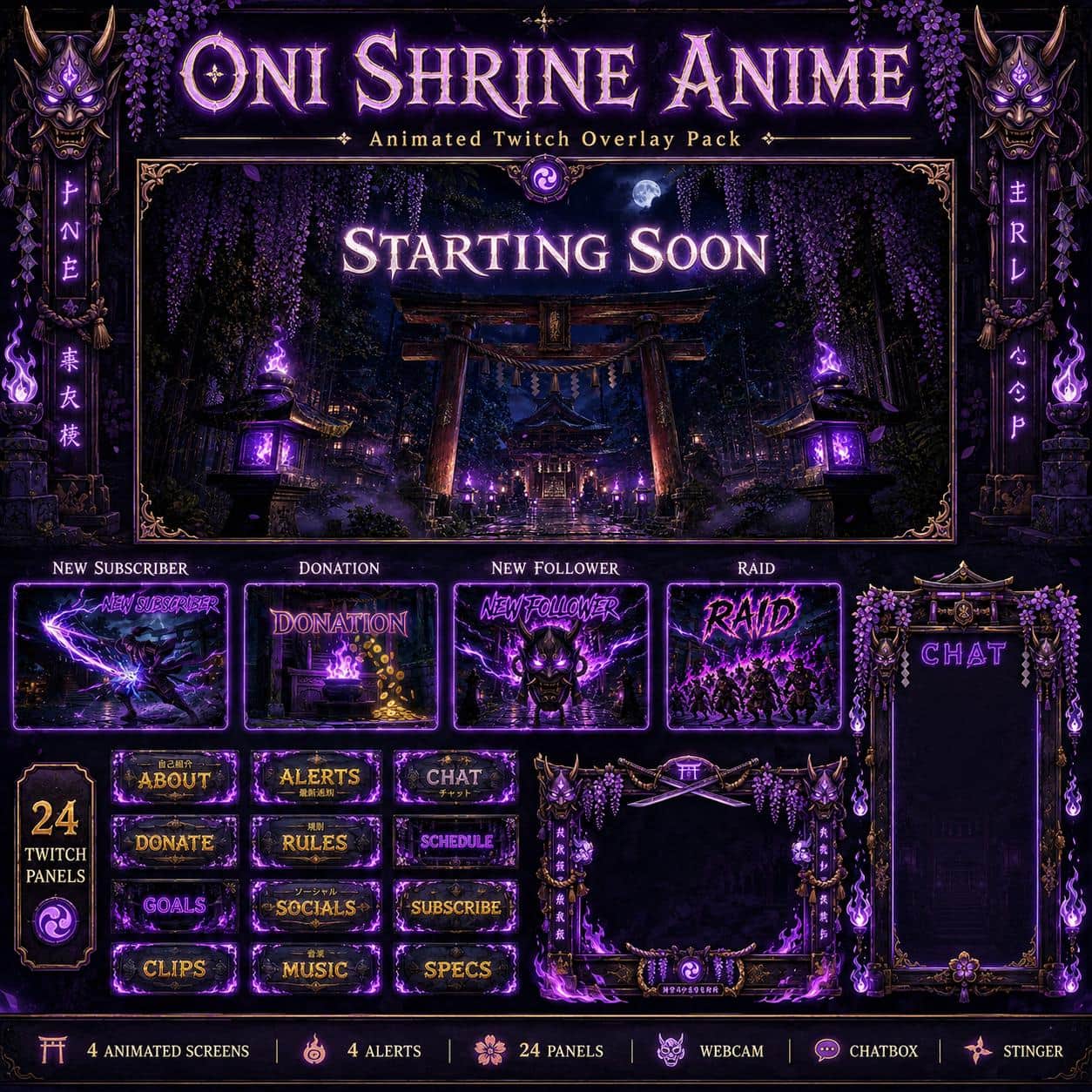
Moonlit gateways, bamboo paths and crimson petals give Shadow Ninja a restrained Japanese-inspired look. Its charcoal textures and red accents connect your waiting scenes, camera frame and alerts for action games, stealth sessions or darker storytelling streams.
A different setting for every stream break
Start at the moonlit gate, pause among the bamboo, and finish beneath the red moon before leaving the quiet courtyard Offline scene on screen. Each of the four designs includes an animated MP4 and a static JPG at 1920 × 1080. Use the same visual theme while choosing motion or still images for each scene.
Build around your camera
The webcam frame combines blade-like metal details and scattered red petals. Choose its transparent PNG or alpha WEBM and place it above your camera in OBS. The separate Just Chatting JPG is a static, opaque background: put your camera and live chat above its dark placeholders. It is not an animated multi-camera scene collection.
Matching alerts, panels and a transition
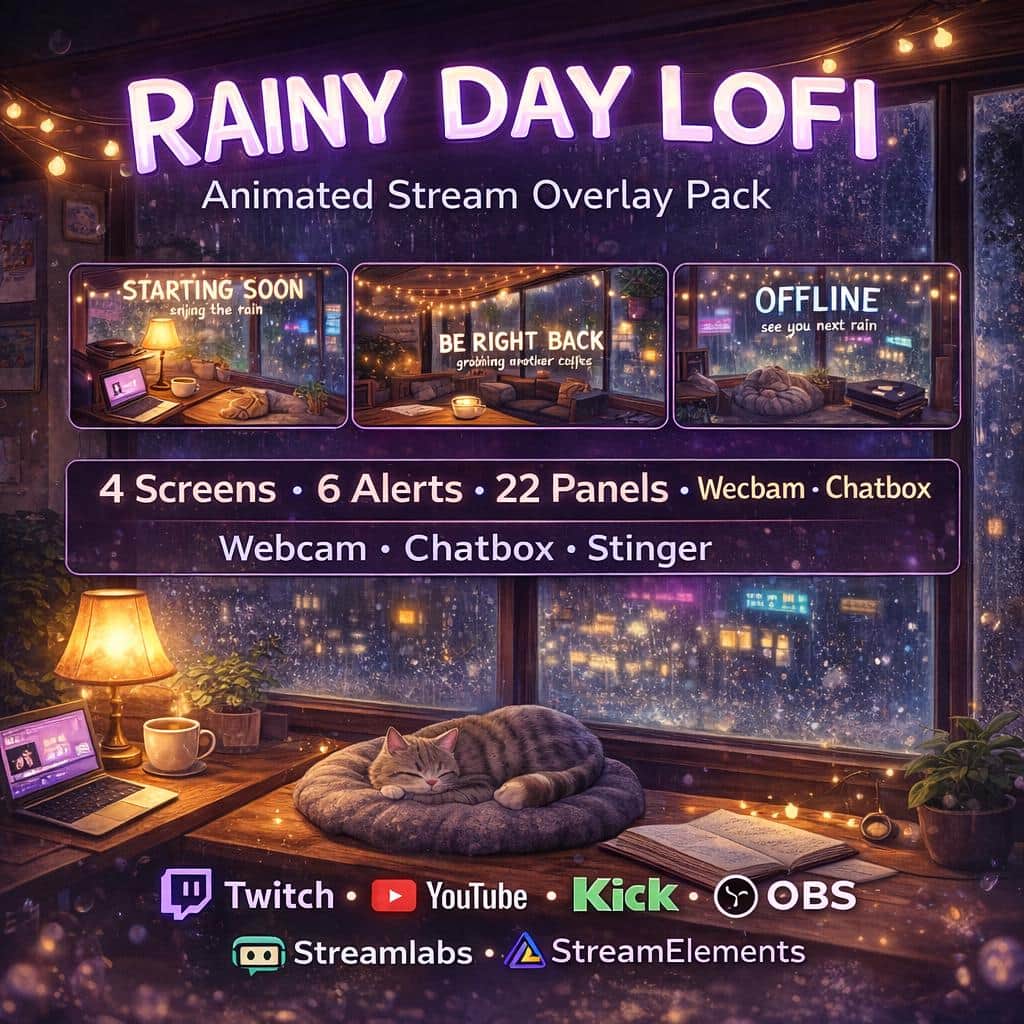
The ZIP includes 24 Twitch panel PNGs, four alert designs in MP4 and JPG, a decorative chatbox and a red-petal stinger MP4. The alert videos contain sound; their event triggers and any live names need separate configuration. The chatbox supplies artwork for your layout, not a connected chat feed.
Assemble your scenes in OBS
Extract the ZIP and use Media Sources for the videos and Image Sources for the still artwork. Enable Loop for waiting screens and the animated webcam, then configure the stinger in Scene Transitions. Follow the six-page PDF or our OBS overlay installation guide to arrange the finished media around your own camera and capture.