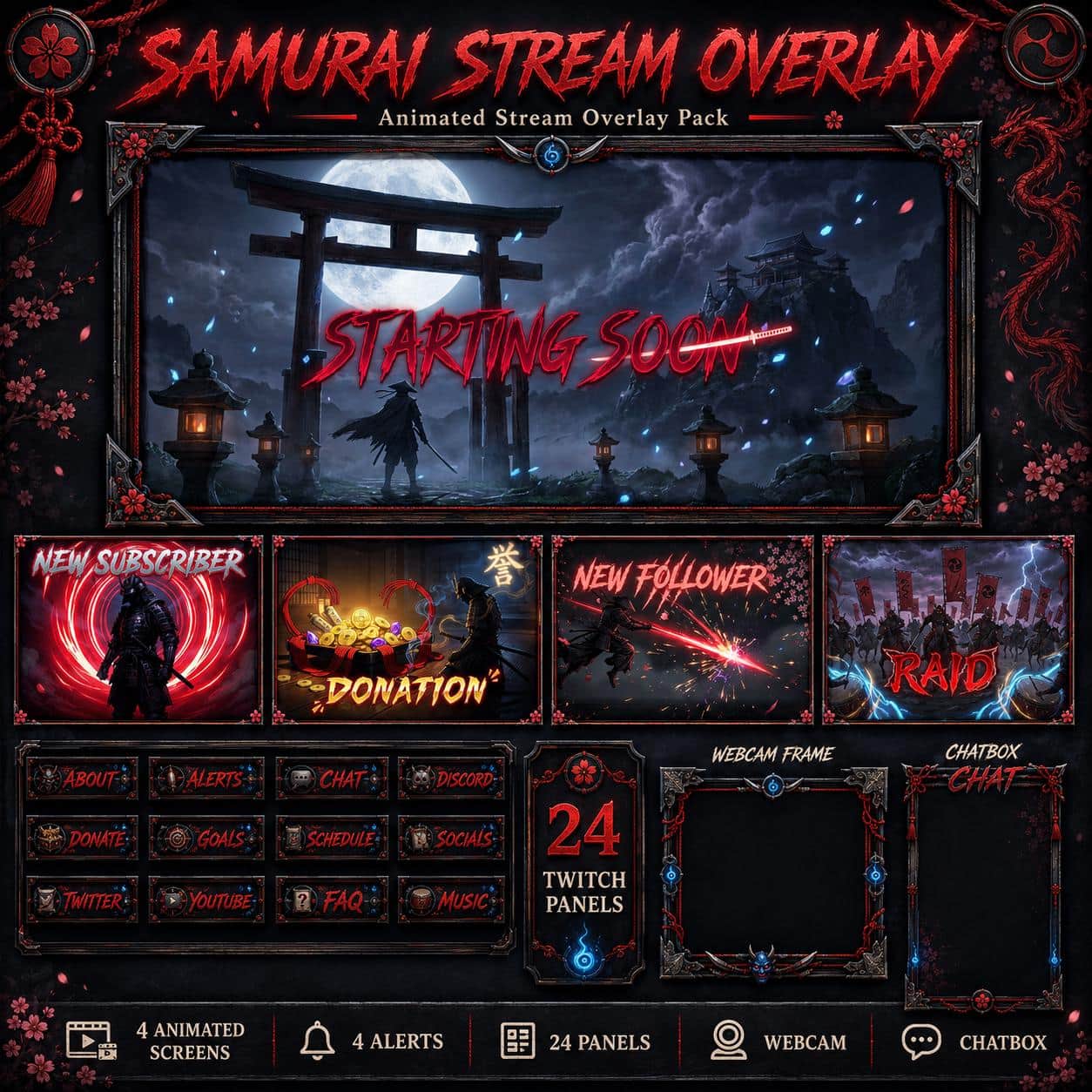
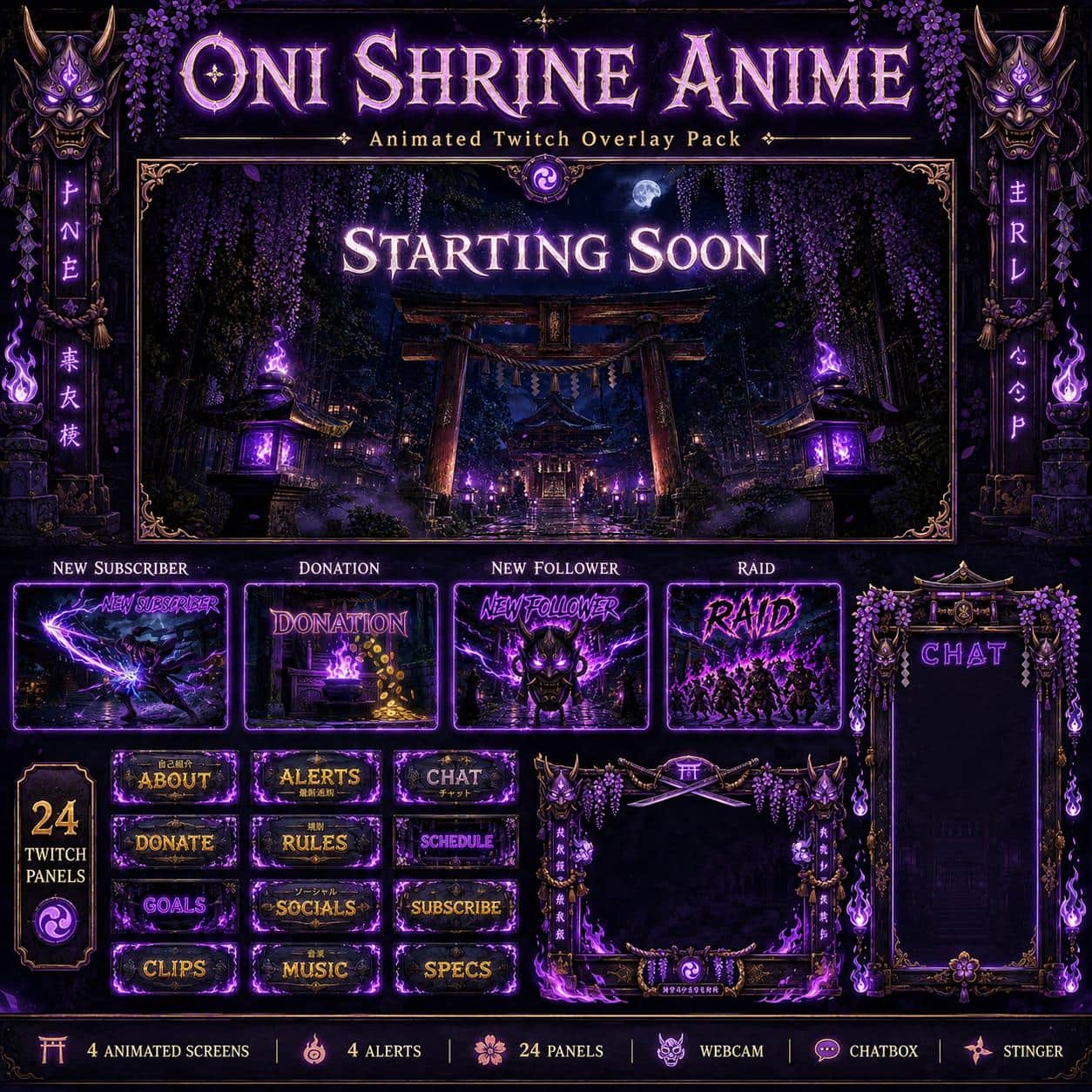
A lone warrior at a misty gate, red lanterns and a blade catching fire: Crimson Ronin gives your stream a cinematic samurai setting. Dark wood, bronze details and crimson accents link the scenes across your stream.
From the opening gate to the final sunset
Starting Soon follows the warrior toward a gate in the mist. BRB moves into a lantern-lit interior, Ending closes against a red sunset, and Offline leaves the warrior in a snowy mountain landscape. The four 1920 × 1080 MP4 screens are animated; this ZIP does not include separate still versions of those waiting scenes.
Animated camera and conversation layouts
The webcam border combines dark metal, sword details and red ties. It includes an alpha WEBM and a transparent PNG. Just Chatting also comes in WEBM and PNG, with a camera window on the left and a decorative chat column on the right. Align your camera with the opening and place live chat above the artwork; these files do not supply a chat widget.
Complete the channel theme
Use the 24 Twitch panels for channel information and choose from five MP4 alert designs: Follower, Subscriber, Donation, Raid and Cheers. Their sound is embedded in the videos; event triggers and live text are configured separately. A short sword-flash stinger provides the matching scene transition.
Build your OBS layout
Extract the ZIP, add animations as Media Sources and still artwork as Image Sources, then arrange them around your own camera and capture. The six-page PDF and our OBS overlay installation guide cover the basic steps. You receive finished media, not an editable design project or a one-click OBS scene collection.