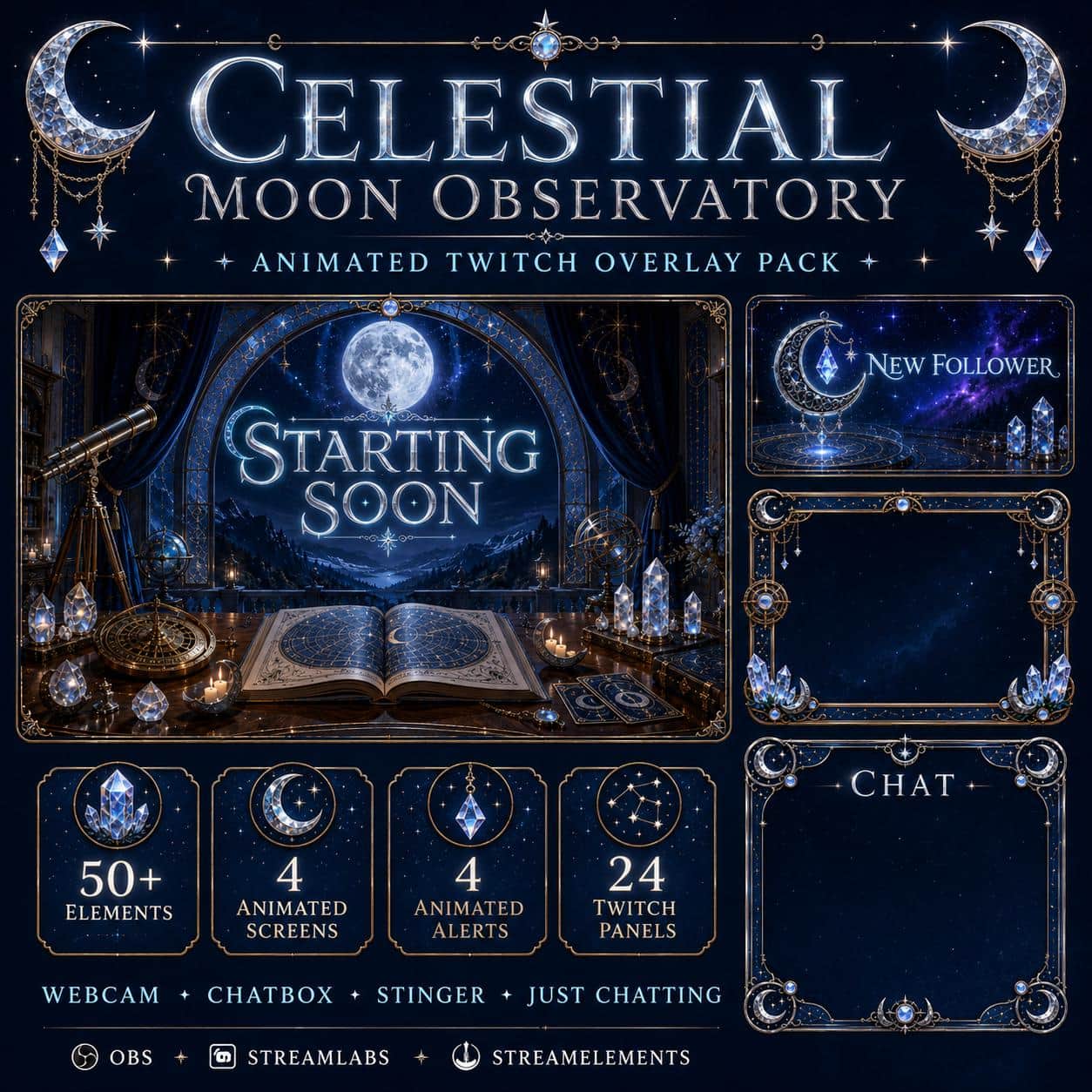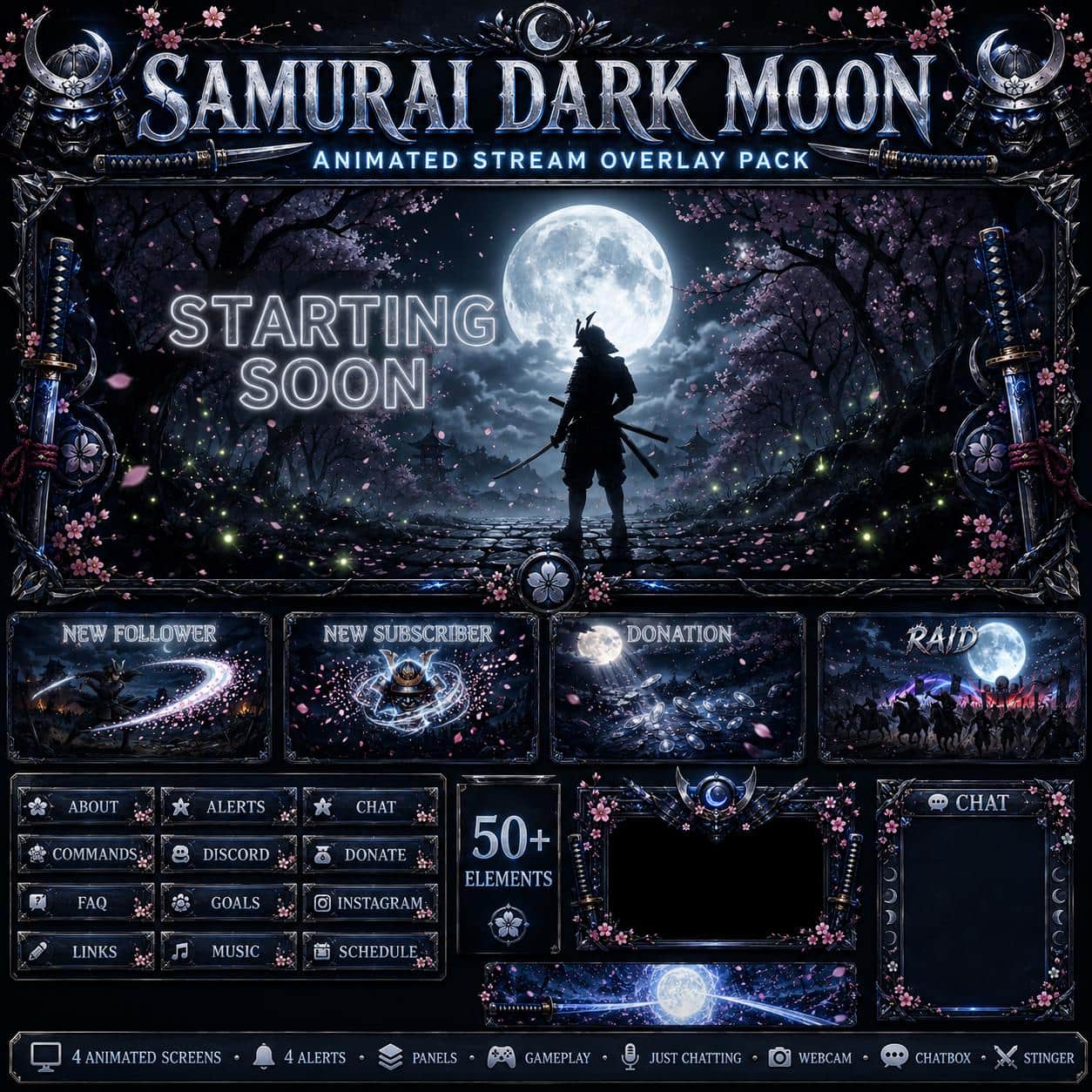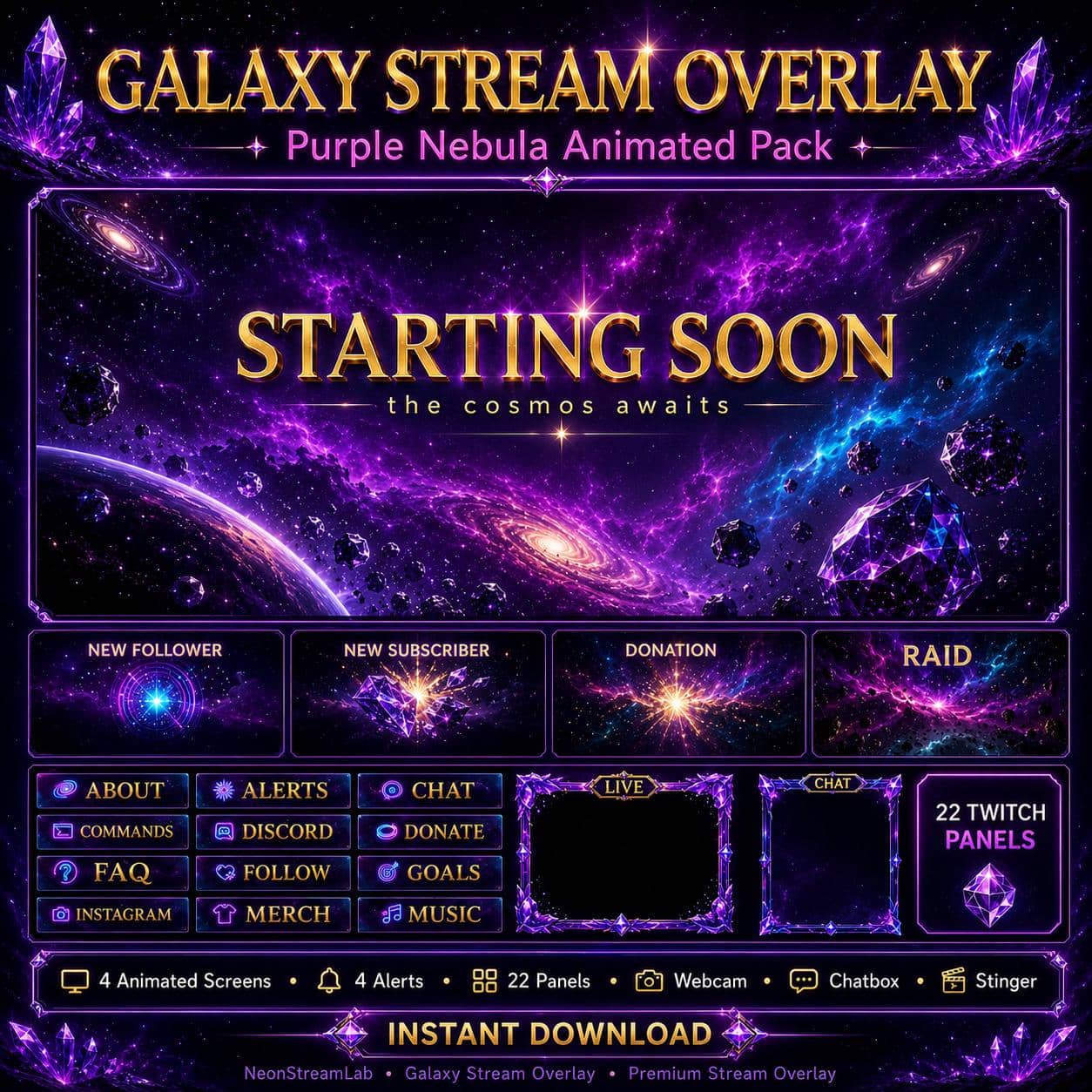
Galaxy Twitch Overlay Pack | Purple Nebula Cosmic Animated Screens, Alerts & Webcam
Space / Galaxy

Galaxy Twitch Overlay Pack | Purple Nebula Cosmic Animated Screens, Alerts & Webcam

5.0/5 · 4 selected reviews (2–5 stars)
$17.99Tax included

Save more: any 2 packs −15%, any 3 or more −25%. Applied automatically at checkout.

  • Broken file, we fix it or refund it. If a download fails or a file is corrupted, tell us within 14 days.
  • Setup help included. Stuck in OBS? Read the 5-minute guide or just ask.
  • A real person answers. Mohamed designs every pack here and reads every message.

Downloads are final once delivered. Full policy

What's inside

  • 📦 50+ Elements Included
  • 🖥️ ANIMATED SCREENS (4) - Seamless loop MP4
  • Starting Soon - Deep nebula void with cosmic energy pulses
  • Be Right Back - Serene galaxy drift with distant star clusters
  • Stream Ending - Epic nebula burst with aurora shimmer
  • Offline - Calm deep space void with faint starfield
  • 🔔 ANIMATED ALERTS (4) - One-shot MP4 with ambient sound
  • New Follower - Cosmic energy wave burst
  • New Subscriber - Nebula explosion with star shower
  • Donation - Galaxy sparkle cascade
  • Raid - Massive cosmic shockwave
  • 🎥 ANIMATED WEBCAM FRAME (1)
  • PNG transparent + WEBM alpha (animated, OBS-ready)
  • 🎬 STINGER TRANSITION (1)
  • Cosmic warp tunnel stinger - MP4
  • 💬 CHAT OVERLAY (1)
  • Galaxy-themed chatbox - PNG transparent
  • 📊 TWITCH PANELS (22) - 320x100 PNG
  • About, Alerts, Chat Rules, Commands, Discord, Donate, FAQ, Follow, Goals, Instagram, Merch, Music, Rules, Schedule, Social, Sponsors, Stream Setup, Subscribe, TikTok, Tips, Twitter, YouTube
  • 📖 INSTALLATION GUIDE (PDF)
  • Step-by-step setup for OBS, Streamlabs & StreamElements
  • 💬 Animated / static Just Chatting overlay with alpha transparency - ready for OBS
  • 🖼️ Twitch Banner (JPG)
  • 🖼️ YouTube Banner (JPG)
  • 🎮 Gameplay Overlay

OBS / Streamlabs / StreamElements · Original audio · No copyrighted content · Instant download

The details

Description

Swirling cosmic purple, aurora-cyan energy trails and brilliant pinpoint stars - this cosmic overlay gives streamers a cinematic deep-space identity. With 35+ matching elements, your whole channel shares one nebula aesthetic.

What's included (35+ elements):

  • 4 animated looping screens - Starting Soon, Be Right Back, Stream Ending, Offline.
  • 4 animated alerts - Follower, Subscriber, Donation, Raid.
  • 22 Twitch panels for a clean channel page.
  • A webcam frame with WEBM alpha, a chatbox and a stinger transition.
  • A PDF install guide for OBS, Streamlabs and StreamElements.

Perfect for:

This nebula look is made for sci-fi, gaming and ambient channels. It's a great fit for No Man's Sky, Starfield, Outer Wilds, Elite Dangerous and Stellaris streamers, plus VTubers, lofi-music and chill aesthetic creators. If your brand is cosmic, dreamy or sci-fi, this overlay fits perfectly.

Why it works:

A cohesive cosmic theme gives your channel a premium, cinematic feel that stands out instantly - and the glowing nebula scenes make beautiful clips and thumbnails. Consistent branding helps a smaller channel look established and professional.

New to overlays? Try our free screen makers first.
Customer feedback

Selected customer reviews

5.0

Average of 4 selected reviews (2–5 stars)

This average covers selected published reviews rated 2 to 5 stars only. One-star reviews are excluded; this is not the overall customer rating.

Really good quality with several options for overlay and design choice.

Zontu · 05 Sept 2026

It's very good and lovely to watch the transitions smoothly roll to the next scene.

Sebastain · 25 Jul 2026

this goes well with my theme

Brandie · 26 May 2026

Easy to use and nice colors. Thank you!

Inactive Etsy Member · 23 May 2026

Good to know

Frequently asked questions

Does this overlay work with OBS, Streamlabs and StreamElements?+

Yes. Every NeonStreamLab pack works with OBS Studio, Streamlabs and StreamElements. The animated screens are standard MP4/PNG files and the alerts work as browser sources, so they drop straight into your software with no plugins required.

How do I install the overlay?+

It takes about five minutes. Unzip the pack, then in OBS add each screen as a Media Source (or Image), position your webcam frame, upload the panel images to your channel, and set up the alerts in Streamlabs or StreamElements. A step-by-step PDF guide is included with every pack.

Can I use this overlay on Twitch, YouTube and Kick?+

Yes. The pack is fully compatible with Twitch, YouTube Live and Kick, as well as Facebook Gaming. The same files work across every platform.

Is the audio copyright-free? Will I get a DMCA strike?+

All audio is original and copyright-free, so you won't get DMCA strikes or muted VODs from using the alert sounds. No third-party music or copyrighted content is included.

How do I receive the files after purchase?+

Delivery is instant and digital. Right after checkout you get a secure download link by email and in your account - no waiting and no shipping.

Can I get a refund?+

Because the products are digital and delivered instantly, all sales are final. If a file is corrupted or a download genuinely fails, contact us within 14 days and we'll fix it or, at our discretion, issue a refund.

You might also like

Related packs