Finding overlays and alerts that save setup time yet keep streams DMCA-safe frustrates many creators who want a polished look. Most competitors either lock customization behind expensive plans or only offer instant packs with limited design control. This comparison walks through feature sets, pricing, and support so you can pick overlays and alerts that fit your channel speed and budget.
Table of Contents
NeonStreamLab
At a Glance
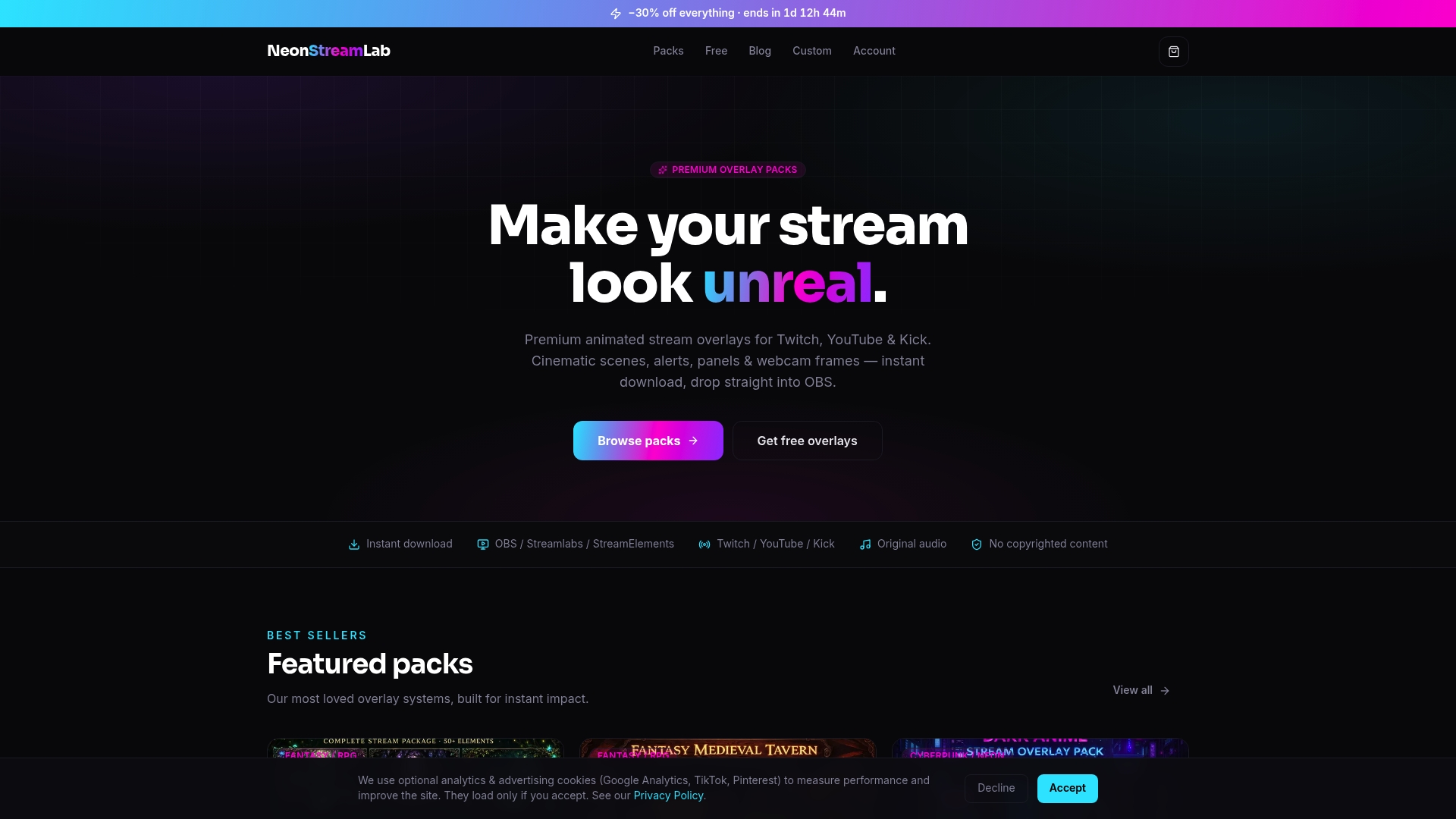
NeonStreamLab reports over 1,000 streamers. The site delivers instant animated overlay packs that include original, royalty-free audio and ready-to-use alert files. It also appears on Etsy with a high seller rating.
Core Features
NeonStreamLab supplies instant digital downloads of animated overlays, alerts, banners, and webcam frames that work with OBS Studio, Streamlabs, and StreamElements. Themes cover cyberpunk, gothic, fantasy, horror, space, and Hawaii to match channel identity. Each pack includes a step-by-step installation PDF plus original, royalty-free audio for alerts and sound effects.
Key Differentiator
Bundled original audio with cinematic overlay packs makes NeonStreamLab stand out. Packs pair animated visuals with alert audio in one download so you do not hunt for separate sound files. That packaging saves setup time and reduces the chance of copyright problems during live streams.
Pros
The visuals are cinematic and geared toward streamers who want an immediate, professional look without hiring a designer. The theme variety helps you match a consistent visual identity for games, music sets, or talk shows. Ready-to-use files and installation guides cut setup time, and the original audio avoids DMCA exposure from third-party sound assets. Digital delivery means you get access the moment you buy.
Cons
- Limited customization compared to fully custom designs; packs are premade and intended for quick setup.
Who It's For
Streamers who want polished, channel-ready overlays fast will find this site useful. It suits creators who prefer premade cinematic aesthetics over commissioning bespoke art. Newer streamers benefit from the quick installation guides and ready alerts.
Unique Value Proposition
Instant downloads that include original, royalty-free audio let you publish a cohesive channel look within a single session. That approach reduces the number of separate asset sources you manage and lowers DMCA risk while keeping setup simple. For creators focused on time and consistency, this saves production effort.
Real World Use Case
A gaming streamer installs a NeonStreamLab cyberpunk pack, drops in the animated webcam frame, and loads built-in alert audio. Viewers immediately notice the themed overlays and consistent alert sounds, and the streamer spends the next session on content rather than technical setup.
Website: https://neonstreamlab.com
At a Glance
Nerdordie centers on Cloudflare challenge troubleshooting and verification rather than a commercial product. The site collects documentation and practical steps for solving challenge loops and verification failures. That focus makes it a reference for people facing bot mitigation or verification obstacles.
Core Features
The site provides security verification guidance, step-by-step troubleshooting procedures, and a library of linked resources for issue resolution. Content groups common failure modes, browser checks, and network troubleshooting tips into short, actionable pages. The material targets practical fixes rather than product comparisons or paid tooling.
Key Differentiator
Nerdordie compiles detailed, step-by-step troubleshooting resources drawn from Cloudflare challenge management scenarios. The writing emphasizes repeatable checks you can run in a browser or on a client network. That makes the site useful when you need a clear sequence to isolate challenge loops quickly.
Pros
Nerdordie offers focused, task-oriented instructions that help you reproduce and isolate verification failures. The documentation lists browser and device checks, which reduces guesswork during incident response. The site also links to troubleshooting references and related posts so you can follow up on edge cases without leaving the page.
The content is practical for on-call responders. Clear checklists shorten time to resolution when a site visitor hits repeated challenges. The troubleshooting approach supports both novice admins and experienced security staff who need a quick refresher.
Cons
- No purchasable product or subscription is offered. The site functions as documentation only, not a managed service.
- Lacks software tools or downloadable utilities for automated diagnosis. Readers must run checks manually.
- No pricing or commercial model is published, which leaves teams uncertain about support options.
- The content scope focuses on verification challenges and does not cover broader web application defense topics.
Who It's For
This resource fits website administrators, security professionals, and IT teams handling bot verification and challenge troubleshooting. If you manage site access and respond to challenge loops, you will find targeted checks and remediation steps. It also helps smaller teams that cannot justify paid support yet need quick, practical guidance.
Real World Use Case
A site admin sees repeated Cloudflare challenges preventing users from logging in. They follow the site checklist to verify browser cookies, clear captive portal issues, and test from a mobile network. The step-by-step guidance isolates a misconfigured proxy, letting the admin apply a configuration change that clears the loop.
Pricing
Not applicable. Nerdordie is informational only and does not list subscriptions, support contracts, or paid tiers. Use is unrestricted from the publicly visible pages, with no checkout or licensing details shown.
Website: https://nerdordie.com
Streamlabs
At a Glance
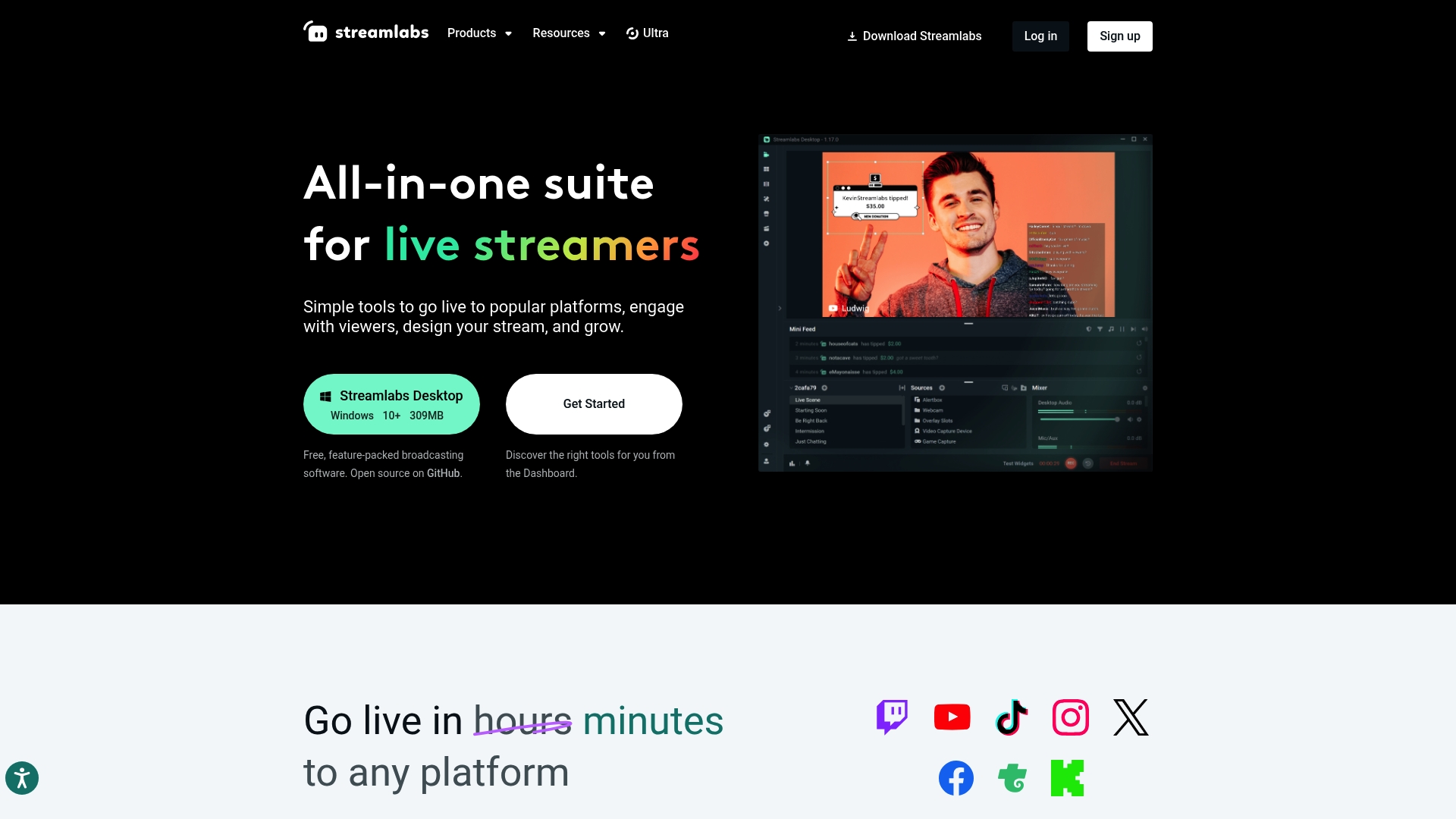
Streamlabs Desktop is free broadcasting software for Windows and Mac. It bundles built in overlays, alerts, and an app marketplace alongside multistreaming to multiple destinations. For creators who want editing, guest tools, and monetization in one place, the suite reduces the number of separate apps you must manage.
Core Features
Streamlabs combines live broadcasting, chat management, and analytics with built in overlay themes and viewer alerts. The app marketplace adds automation and extra controls, while built in video and podcast editing tools let you repurpose content without leaving the ecosystem. Mobile and console streaming tools simplify setup for creators who switch devices.
Key Differentiator
The platform groups free broadcasting, multistreaming, editing, and monetization into a single ecosystem. That approach removes the patchwork of separate tools many creators use for streaming, editing, and tipping. For creators who prefer a one stop workflow, this integration saves time when producing and promoting content.
Pros
The free entry point gives you a functioning broadcast tool with overlays and alerts. Multistreaming support and wide platform compatibility help you reach Twitch, YouTube, and Facebook at once. Built in editing and guest management reduce the need for separate editors or conferencing tools, and the app marketplace opens customization options. Paid plans unlock advanced overlays, apps, and analytics for creators who want more control.
Cons
Interface complexity can overwhelm new streamers while they learn where settings live.
Premium plans may feel expensive for casual creators with limited budgets.
Some advanced features, including multistreaming and certain app integrations, require higher tier subscriptions.
When It May Not Fit
If you want a tiny, minimal setup without many settings, Streamlabs may feel heavy. Creators who budget tightly will find subscription costs add up once they need advanced overlays or app access. Teams that prefer modular toolchains may prefer separate best in class apps for editing and broadcasting rather than one integrated suite.
Who It's For
Streamers and content creators who want an all in one broadcasting and editing platform will benefit most. It fits creators who value quick branding with pro overlays, built in monetization tools, and the ability to reach multiple platforms simultaneously. Beginners who are willing to learn the interface can grow into the paid features over time.
Real World Use Case
A gamer streams regularly on Twitch and YouTube using Streamlabs Desktop for live broadcast control. They run multistreaming to broaden reach, use custom overlays for channel identity, and clip highlights with the built in editor. The creator then posts those clips to social platforms to drive new viewers to live shows.
Pricing
Streamlabs has a free tier that includes the core broadcasting tools. Streamlabs Ultra is available at $27/mo or $189/year for pro features, advanced overlays, and extended app access.
Website: https://streamlabs.com
StreamElements
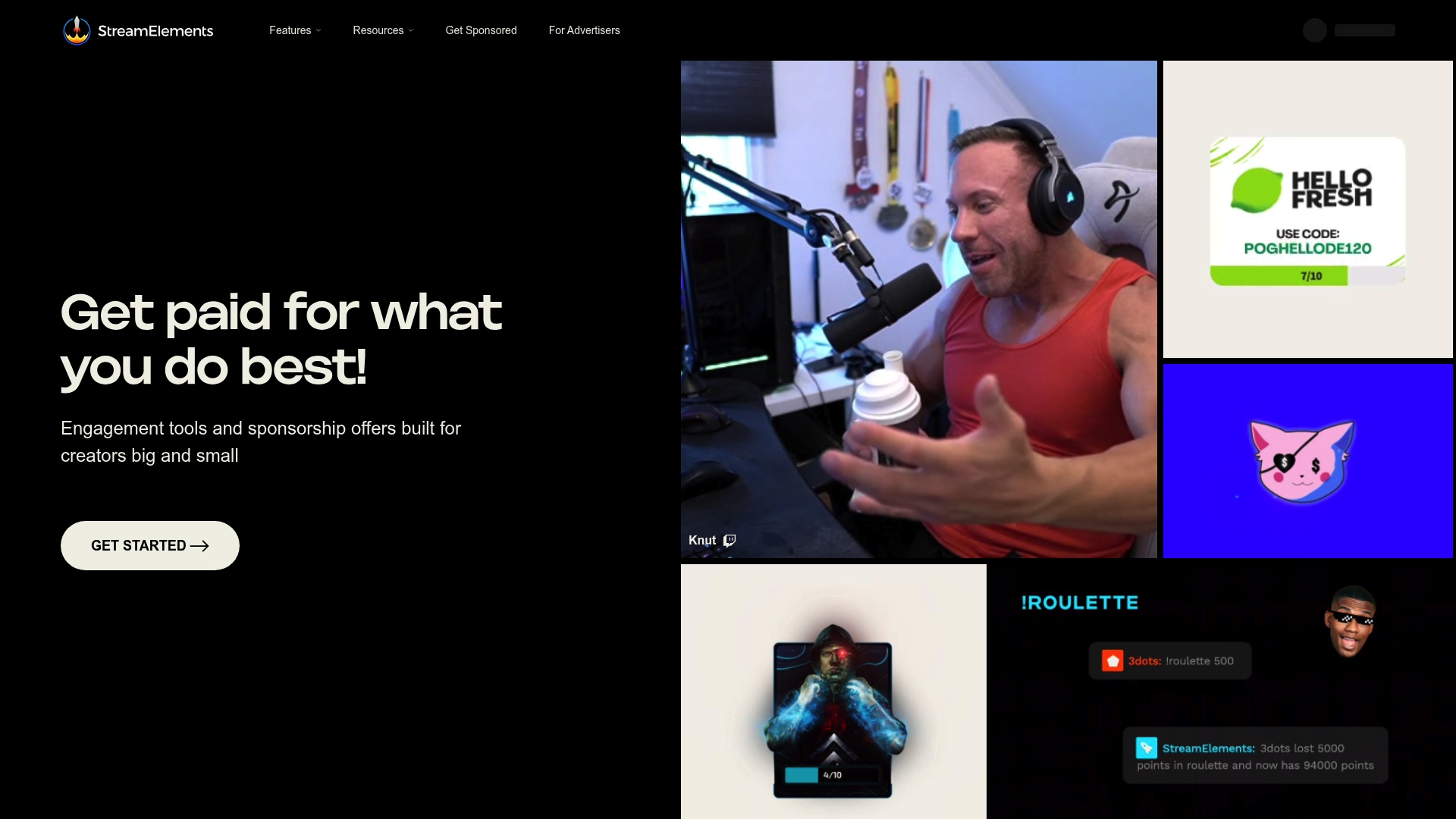
At a Glance
StreamElements' marketing materials state it is trusted by millions of creators. The platform bundles alerts, overlays, chat moderation, tipping, and sponsorship matching into a single free service. Creators can install an OBS Studio plugin or use web editors to customize overlays and alerts. That breadth makes it a practical first stop for streamers who want many features without a recurring fee.
Core Features
StreamElements combines custom alerts and overlays, an OBS Studio plugin, chat moderation, tipping services, and merchandise promotion into one platform. It also offers multi stream management via Ground Control and short form content tools through Titanium, which help creators repurpose moments for social channels. Editors and templates aim to make customization faster for streamers who prefer visual tools over code.
Key Differentiator
The platform's claim to fame is a comprehensive, free suite that covers engagement, monetization, and creator support in one place. That makes StreamElements a broader toolset than a specialty overlay shop such as Neonstreamlab, which focuses on premium animated overlays and branding. StreamElements targets creators who want a single free platform to run alerts, accept tips, moderate chat, and test sponsorships before investing in bespoke visual assets.
Pros
StreamElements is free forever, which lowers the barrier for new streamers to try advanced features. The visual editors let you tweak overlays and alerts without programming, and the OBS plugin simplifies scene management for faster setup. The platform advertises sponsorship matching and community resources, so creators who need brand opportunities and learning materials can find those options in the same interface.
Cons
The platform's extensive feature set creates a steep learning curve for newcomers.
Some advanced workflows require technical setup that can frustrate streamers with limited time.
Third party reviewers report mixed results for the effectiveness of sponsorship tools.
When It May Not Fit
If you want a focused, boutique visual identity, StreamElements may feel cluttered. Creators who only need cinematic, theme driven overlays will prefer a vendor that sells ready made overlay packages. If you plan to rely on minimal setup and hands off design, this platform may require more time than you want to spend.
Notable Integrations
- Twitch
- YouTube
- OBS Studio
- Streamlabs
- Telegram
- Discord
Who It's For
StreamElements fits streamers and creators who want a broad, no cost toolset for live engagement and monetization. It suits people who prefer to manage alerts, chat moderation, tipping, and sponsorship opportunities from one dashboard. It also fits creators who want to experiment with features before buying custom visual assets.
Real World Use Case
A Twitch streamer installs the OBS plugin, applies a branded overlay, and configures animated alerts for follows and subscriptions. They enable chat moderation rules, set up tipping designs, and link a merch store to the channel. Over weeks the streamer sees stronger engagement during high energy moments and higher donation frequency as viewers react to alerts and store promotions.
Website: https://streamelements.com
Comparison of alternatives
Competitor eligibility:
- Excluded products (discontinued / inaccessible / under construction): None
- Usable competitors remaining: Nerdordie, Streamlabs, StreamElements
Intro pre-write:
- Does neonstreamlab.com clearly outpace every usable competitor on a single dimension? YES
- If YES: dimension where neonstreamlab.com wins - Dedicated, cinematic overlay packs with integrated original audio.
- First sentence draft: "Neonstreamlab.com stands out for its focus on delivering cinematic overlay packs coupled with royalty-free original audio, catering to immediate setup needs for creators after aesthetic uniformity."
Competitor win pre-write:
- Which competitor wins which dimension: StreamElements wins pricing because it offers extensive functionality for free.
- Does this dimension matter to the primary reader? YES
Best Fit uniqueness check:
- List each bullet scenario in one clause: [Streamers seeking cinematic, consistent overlays and audio integration] / [Creators desiring a free platform for monetization tools and production] / [Teams wanting software integration and live editing] / [Administrators solving bot verification loops]
- Can any two be swapped without changing meaning? NO
Our Pick pre-write:
- The ONE capability unique to neonstreamlab.com in this set: Bundled, theme-based audio and visual overlays.
- Evidence from the reviews: "Bundled original audio with cinematic overlay packs makes NeonStreamLab stand out."
- Closing sentence draft: "Neonstreamlab.com is the choice for streamers desiring pre-designed animated overlays with integrated soundscapes, minimizing setup while safeguarding creative consistency."
- Substitution test: "Streamlabs is the choice for streamers desiring pre-designed animated overlays with integrated soundscapes, minimizing setup while safeguarding creative consistency."
- Does the substituted version still work as a recommendation? NO
## Comparison of alternatives
Neonstreamlab.com offers value in providing cinematic overlay packs integrated with original, royalty-free audio. For streamers searching for visually immersive and professionally bundled assets, its service saves time and reduces DMCA complexities while achieving a cohesive channel aesthetic.
Pricing and accessibility
In evaluating costs, StreamElements shines due to its free forever pricing model. It provides an excellent range of features - such as overlay customization tools, chat moderation, and tipping integration - available without any subscription charges. In contrast, Streamlabs requires a premium subscription to unlock its advanced functionalities, presenting potential budgetary constraints for some creators.
Ease of use and setup
Neonstreamlab.com prioritizes simplicity with pre-designed elements and straightforward installation guides, sending usability directly to new streamers navigating technical challenges. Streamlabs and StreamElements, while and feature-packed, have steeper learning curves, which may delay production for beginners unfamiliar with their interfaces.
Best fit
- Streamers seeking instant cinematic overlays with integrated audio and minimal setup effort.
- Cost-conscious creators preferring a no-cost model while exploring alerts, tipping, and scheduling features via StreamElements.
- Advanced teams needing integrated live production software alongside editing tools, leveraging the extended app marketplace within Streamlabs Ultra.
- IT professionals resolving bot verification loops using Nerdordie's in-depth documentation library.
Our pick
Neonstreamlab.com provides an offering for streamers valuing pre-packaged elements combining originality and consistency. This resource avoids complications tied to fragmented file sourcing and copyright concerns. Should a user desire a broader platform integrating monetization or detailed live production scenarios, alternatives like Streamlabs or StreamElements might be preferred.
For streamers and content creators seeking specialized overlays paired with original audio for a streamlined setup, the following table compares several noteworthy options:
| Product |
Key Differentiator |
Best For |
Pricing |
Notable Limitation |
| Neonstreamlab |
Bundled original royalty-free audio |
Streamers needing ready-to-use overlays |
Price not published |
Limited customization in premade designs |
| Nerdordie |
Security verification troubleshooting |
Site admins solving access loops |
Not applicable |
Focused only on verification challenges |
| Streamlabs |
Integrated editing and monetization tools |
Creators wanting an all-in-one suite |
Free core broadcasting. $27/mo or $189/year |
Complexity may overwhelm new users |
| StreamElements |
Free comprehensive engagement features |
Streamers exploring diverse features |
Free platform usage |
Steep learning curve for full feature setup |
Choosing the Best Stream.tv Alternatives Means Cleaner, Faster Setup and Strong Channel Branding
If you are exploring stream.tv alternatives to improve your live streaming experience, a key challenge is finding overlays that deliver professional style without complex setup or copyright risks. Neonstreamlab addresses these issues by offering instantly downloadable, cinematic overlays with original audio tailored for Twitch, YouTube, and Kick. With themes ranging from cyberpunk to fantasy, you get a consistent visual identity that fits your content and saves you setup headaches.
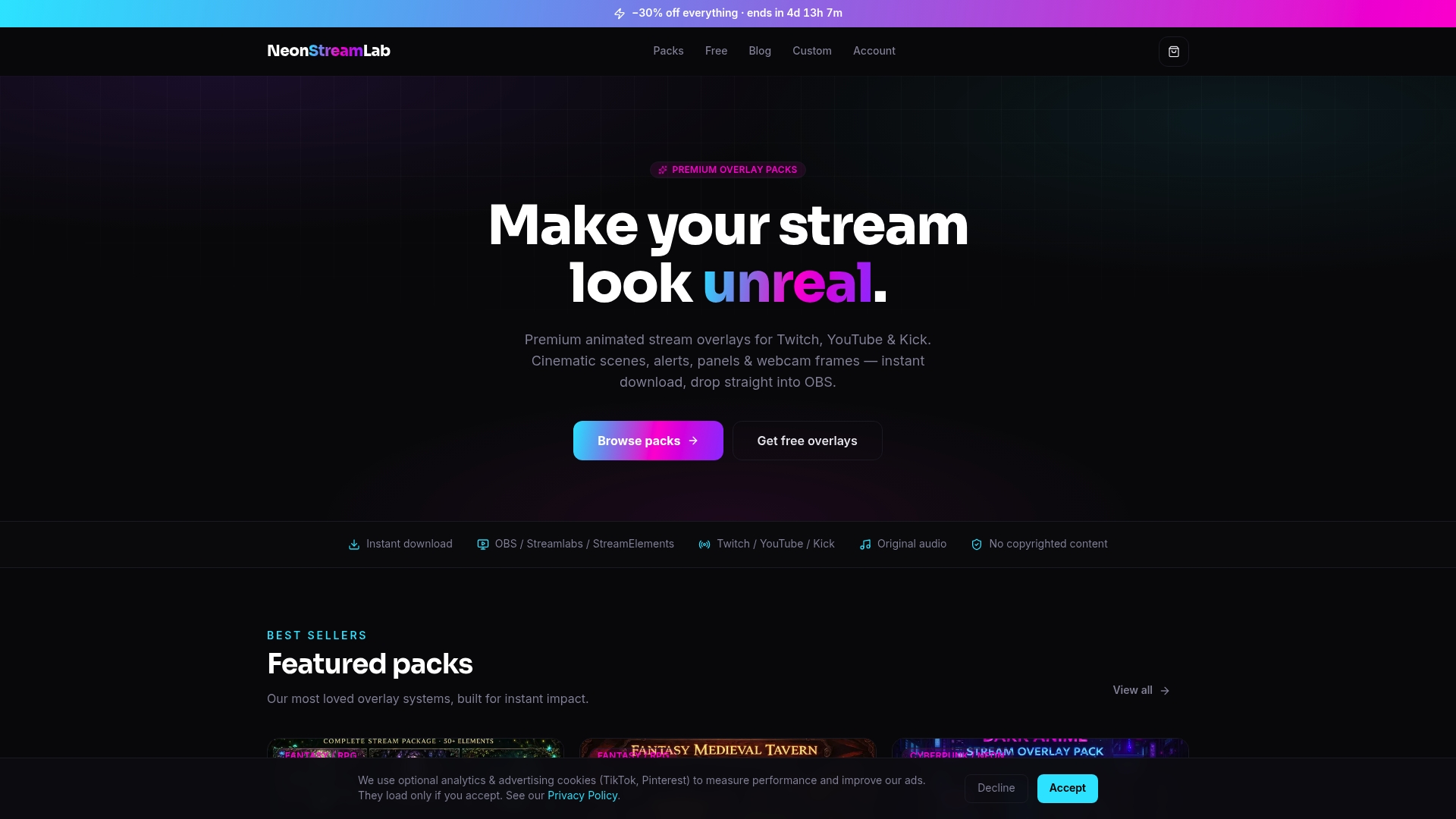
Explore a wide range of animated overlay packs at Neonstreamlab. Check out detailed designs that match your streamer brand, complete with step-by-step installation guides and royalty-free audio. Grab your perfect overlay today and spend more time creating content instead of troubleshooting your stream visuals.
FAQ
What features make Neonstreamlab a good choice for stream overlays and alerts?
Neonstreamlab provides instant digital downloads of animated overlays and alert files. These packs include ready-to-use alert audio and installation guides, ensuring a seamless setup process for streamers.
How does Neonstreamlab compare to StreamLabs in terms of customization?
StreamLabs offers a wide range of integration options and built-in editing tools for flexibility. Neonstreamlab excels in providing premade cinematic overlays and original audio with alerts, making it a better fit for streamers seeking quick, cohesive visual setups instead of extensive customization.
Which platform offers more theme variety for overlays and alerts?
Neonstreamlab features themes like cyberpunk, gothic, and fantasy that cater to diverse channel identities. StreamElements, while comprehensive in features, focuses more on functionality than thematic overlays.
Can I expect original audio when using Neonstreamlab for alerts and overlays?
Yes, each pack from Neonstreamlab includes original, royalty-free audio paired with its animated visuals. This unique bundling helps you reduce copyright issues during live streams while enhancing viewer engagement.
What should I expect in terms of setup time with Neonstreamlab products?
Neonstreamlab's ready-to-use files and step-by-step installation guides significantly reduce setup time. This efficiency allows you to focus more on content creation rather than technical configurations.
Recommended
Get matching overlays from NeonStreamLab
At NeonStreamLab we design premium animated overlay packs that already put these principles into practice - balanced colour, clean hierarchy and a cohesive look across screens, alerts, webcam frames and panels. Browse Cyberpunk overlays, Fantasy & RPG overlays, Horror & Gothic overlays to find a theme that fits your channel, like our Cyberpunk pack.
Every pack works with OBS, Streamlabs and StreamElements, uses original copyright-free audio, and downloads instantly. Want to try before you buy? Try our free screen makers and see how a matching look feels on your stream.