Finding a stream overlay marketplace with packs that match both theme and software can be a headache for creators. Many marketplaces lock animated overlays behind high prices or only support partial integration with OBS, Streamlabs, or StreamElements. This comparison breaks down six Kudos.tv alternatives so you can pick a store with packs that fit your style, budget, and streaming software.
Table of Contents
NeonStreamLab
At a Glance
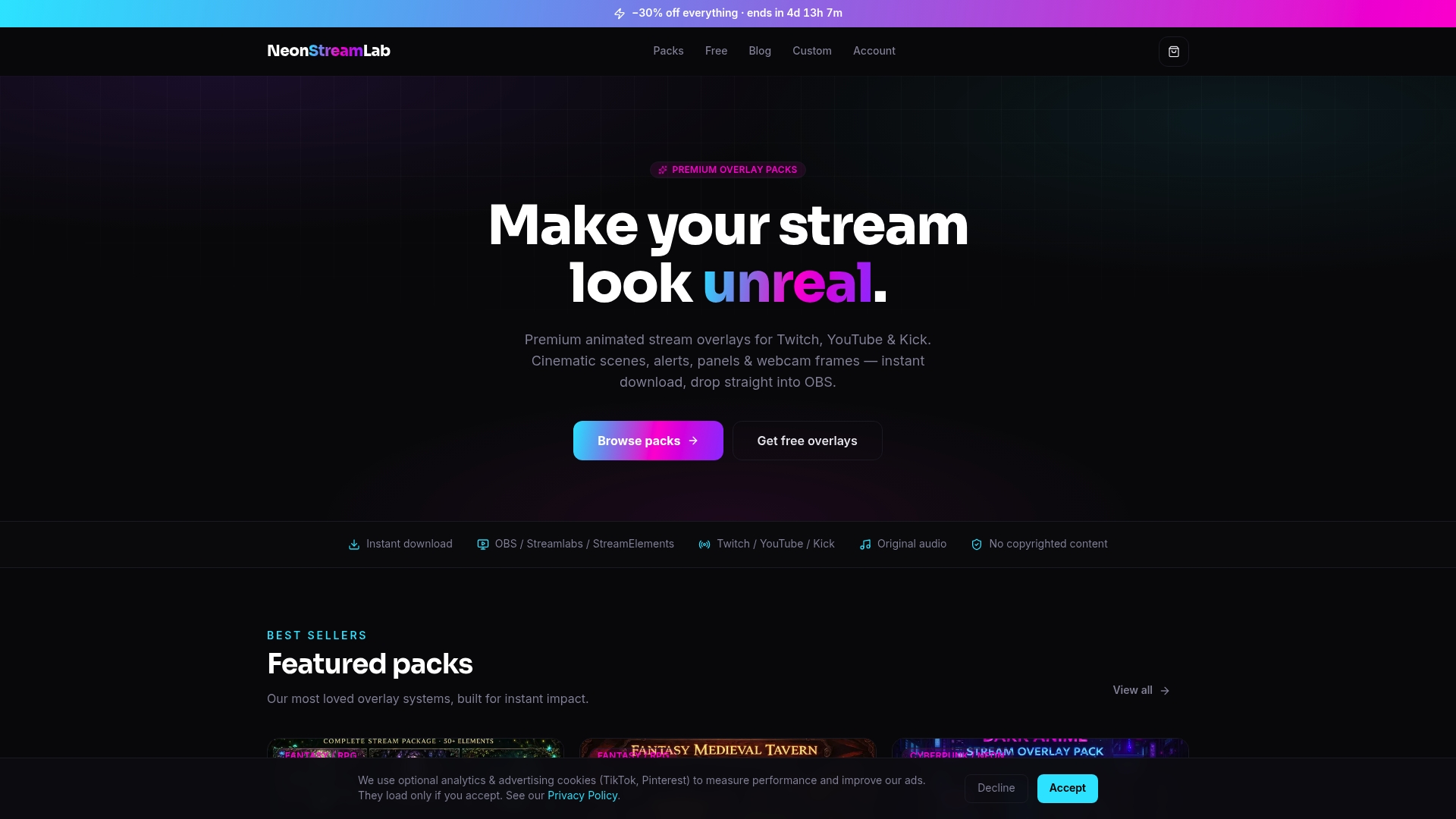
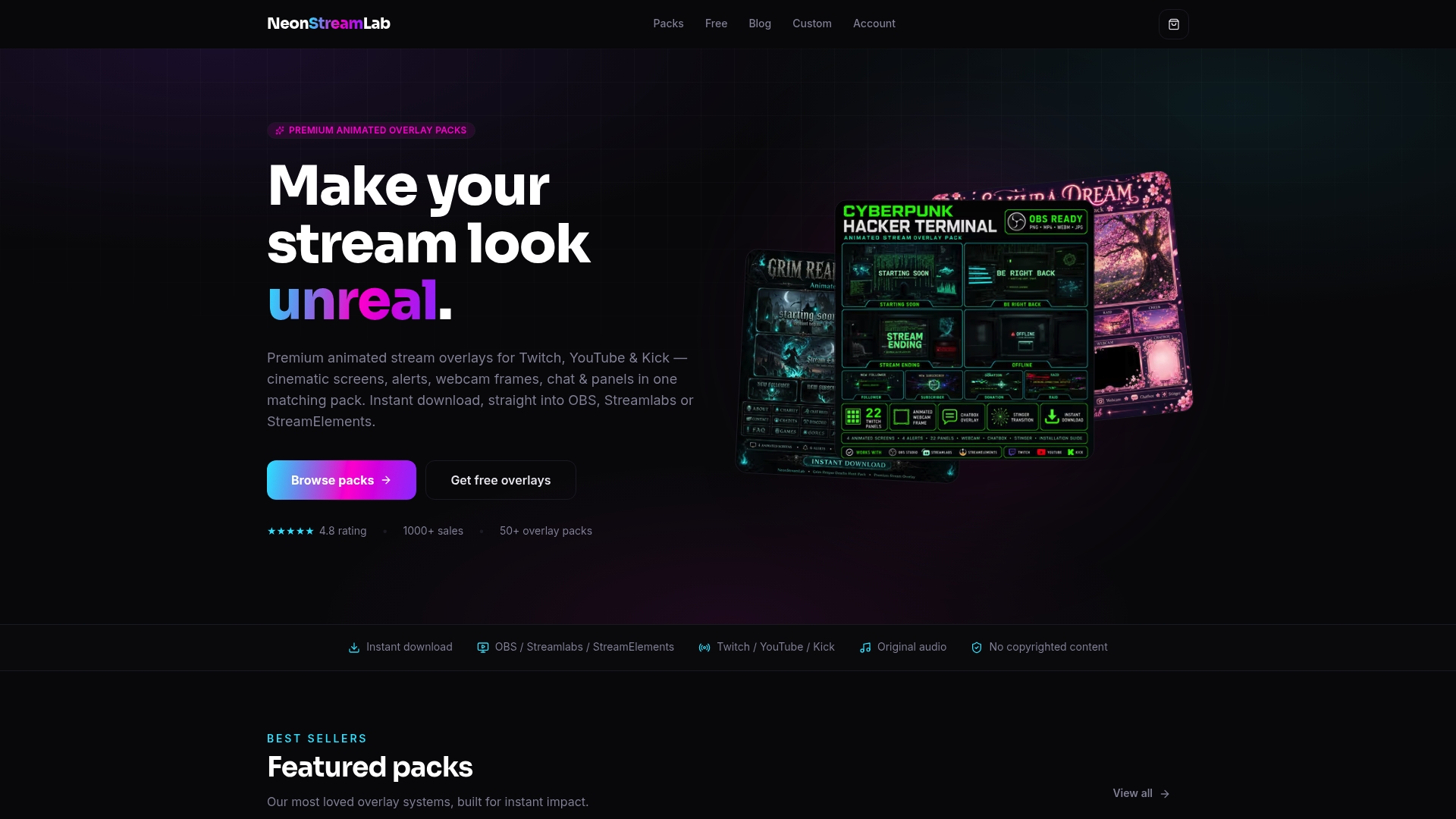
Most overlay packs cost between €16 - €17, with free overlays and alerts available for quick testing. The store delivers complete animated systems that include screens, alerts, panels, webcam frames, and transitions as instant digital downloads. Buyers get original audio with alert and transition files, which removes copyright worry for live streams.
Core Features
NeonStreamLab sells themed overlay packs in aesthetics such as fantasy, horror, cyberpunk, and kawaii, and each pack ships as a complete set of animated assets. Packs include coordinated screens, alerts, panels, webcam frames, and transitions, plus PDF setup guides for OBS, Streamlabs, and StreamElements. The shop also offers custom overlay design services for streamers who want unique branding beyond pre-made packs.
Key Differentiator
The product centers on a cohesive animated overlay system that pairs visuals with original, copyright-free audio. That approach keeps alerts and transitions matched to the pack style so your channel looks and sounds unified without additional editing. This reduces the need for extensive custom work when you want a finished, cinematic look.
Pros
NeonStreamLab reports being trusted by over 1,000 streamers and highly rated on Etsy. That claim suggests the store has a significant buyer base and social proof. The instant digital delivery and clear setup guides let you purchase and apply a full overlay suite the same day. Themed packs keep all visual elements consistent, which helps you present a professional channel without building a patchwork of assets. Custom design services are available if you want a one-off look tailored to your brand.
Cons
- All sales are digital with no refunds once downloaded, which may concern buyers if files are corrupted.
Who It's For
This storefront fits streamers who want ready-made animated branding with quick setup. It suits gamers, VTubers, and broadcasters running fantasy, horror, or cyberpunk shows. It is less appropriate for creators who need interactive overlays or deep live customization without paying for custom services.
Unique Value Proposition
Original audio included inside each pack arrives alongside matching animated screens and alerts. That combination saves you time on audio licensing checks and on syncing separate assets. For creators who value a cohesive visual and audio identity without hiring a designer, this setup shortens time to a broadcast-ready channel.
Real World Use Case
A Twitch streamer running a Gothic horror channel buys a Gothic horror pack, downloads assets instantly, and follows the PDF guide to add screens and alerts in OBS. The pack’s animated scenes and bundled audio create a consistent mood across scenes and alerts. Viewers see a unified channel aesthetic from the first intro scene through live alerts.
Pricing
Most overlay packs sit between €16 and €17. The site also offers free overlays and alerts for quick testing. Custom overlay design services and comprehensive packs are priced separately and listed at purchase.
Website: https://neonstreamlab.com
Browse themed packs at /packs or grab a free starter overlay at /tools. For genre-specific options, check /tag/fantasy-overlay-tag, /tag/cyberpunk-overlay-tag, and /tag/anime-overlay-tag.
Nerd Or Die
At a Glance
Nerd Or Die reports serving over 4 million streamers since 2011. The marketplace hosts a broad catalog of animated and static overlays, alert packs, widgets, and scene transitions. Packs include setup guides and multilingual support, and they target creators who want ready-made visuals that work with major streaming tools.
Core Features
The shop sells versatile overlay packs compatible with OBS Studio, Streamlabs, and StreamElements. It offers animated overlays, alerts, chat widgets, and scene transitions alongside customizable colors, fonts, and layouts. Downloadable quick-install guides simplify setup, and multilingual documentation helps international creators follow steps without guesswork.
Key Differentiator
Nerd Or Die stands out for the breadth and production quality of its ready-to-use assets. Many packs ship with complete scene files and matching widgets, so you rarely need to assemble assets from scratch. That focus on plug-and-play graphics fits streamers who prefer buying finished visuals instead of commissioning custom work.
Pros
The catalog covers niche themes and mainstream styles, making it easier to find a look that matches a channel. Graphics and widgets show professional polish, and setup guides reduce the friction of adding assets to your stream. Customer support receives positive feedback and the vendor issues frequent updates and new releases. Cross-tool compatibility keeps the same assets usable across multiple streaming setups.
Cons
Potentially overwhelming options for beginners. The large catalog can make it hard to pick a single cohesive pack.
Pricing for premium packs can be higher than hobbyist budgets allow. Some creators will need to wait for discounts.
Limited free resources compared with competitors focused on free assets. Most high-quality packs are paid.
When It May Not Fit
Not suitable for people who want physical products or hardware. The marketplace only sells digital streaming assets and offers no physical merchandise. Hobbyist streamers on tight budgets may find the premium packs costly until a sale appears.
Who It's For
Online content creators and live streamers who want professional, customizable overlays and widgets will find this useful. It serves beginners who start with free assets and creators who graduate to premium packs. If you prefer instant downloads and original copyright-free audio, check Neonstreamlab packs in the site store for themed options and quick setup. /packs
Real World Use Case
A small gaming streamer starts with a free overlay, then customizes a premium pack to match their brand theme. They follow the OBS setup guide, configure chat widgets, and swap scene transitions for a polished broadcast. That process helps the channel look consistent and more professional when pitching sponsors.
Pricing
Most overlay and widget packs range from $15 - $30. A limited selection of free resources is available for new streamers. The vendor advertises discounts and promotions during sale periods.
Website: https://nerdordie.com
OWN3D.tv
At a Glance
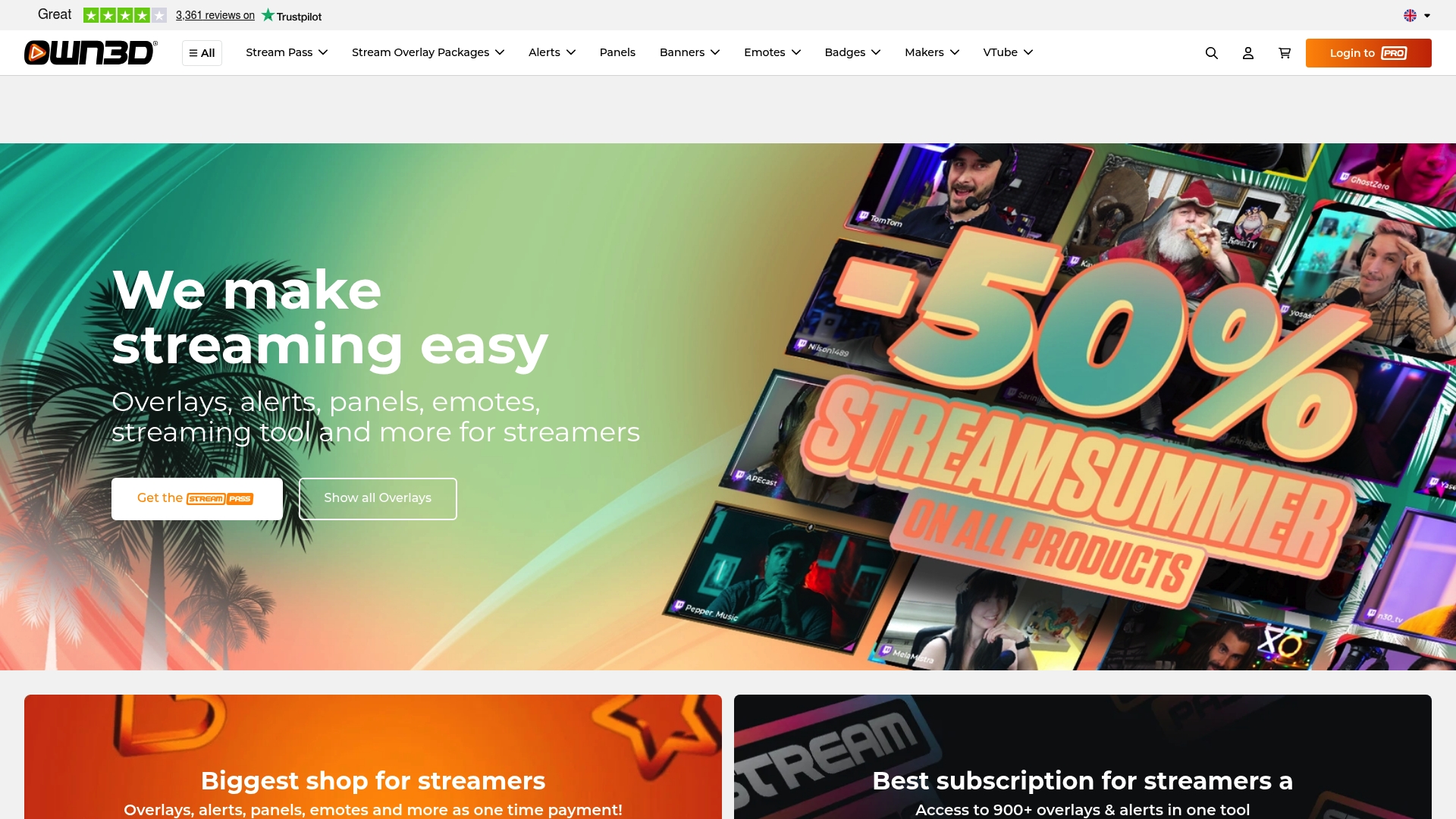
OWN3D.tv reports a marketplace with over 10,000 stream assets available for purchase. According to the company, its Stream Pass subscription unlocks access to 900+ overlays and alerts. The site also bundles creation tools, tutorials, and a community Discord to help creators apply those assets quickly.
Core Features
A searchable marketplace covers overlays, alerts, banners, emotes, badges, VTuber models, PNG avatars, and full design packs. The subscription gives library access plus customization tools for graphics and animations, while standalone purchases remain available for single items. The platform also includes chat widgets, goal bars, donation pages, chatbot support, and learning resources for setup and design.
Key Differentiator
OWN3D.tv pairs a very large catalog with in-browser tools so creators can edit or craft assets without a separate app. That combination reduces the time between finding a style and shipping it on stream. For streamers who want many theme choices and do some DIY customization, this mix of quantity and quick editing stands out.
Pros
That breadth makes it easy to find genre-specific packs for fantasy, sci-fi, or casual layouts, which helps when you want a consistent look across scenes. The in-browser Create Your Own tools simplify badge, emote, and overlay tweaks so you can adapt a pack to your colors and logo. The subscription model lowers the barrier for people who need multiple assets, and the site previews let you test a design before buying.
Cons
- Focused on digital goods. Physical merchandise and printed material are limited.
- Subscription cost may be high for casual streamers who buy only one or two items.
- Some templates need basic graphic work to match unique branding.
- Content and tutorials skew toward English, which can be harder for non-English speakers.
When It May Not Fit
If you want one-off, low-cost assets and little customization, buying single items elsewhere may be cheaper. If you avoid any subscription commitments, the Stream Pass model will feel unnecessary. Teams needing multilingual tutorials or localized support will find the resources uneven across regions. Shops selling physical merch or full-service custom branding will need a different vendor.
Who It's For
Digital content creators and streamers who want a wide selection of ready-made visuals and simple customization tools will get the most value. New streamers benefit from polished templates, and experienced creators can adapt packs to match a channel identity. Compare available options against Neonstreamlab by browsing the Neonstreamlab packs page or grabbing a test overlay from Neonstreamlab free screen makers.
Real World Use Case
A new Twitch streamer subscribes to Stream Pass to explore multiple overlay styles and alerts. They use the Create Your Own editor to change colors and swap icons, then upload custom emotes and badges to their channel. The result is a unified look across scenes that helps the channel appear more professional from the first stream.
Pricing
The Stream Pass subscription is listed at $18.00/month when paid quarterly and grants library access to the subscription catalog. Individual overlays, alerts, and VTuber models sell separately. OWN3D.tv runs promotional discounts from time to time for single purchases.
Website: https://own3d.tv
Hexeum
At a Glance
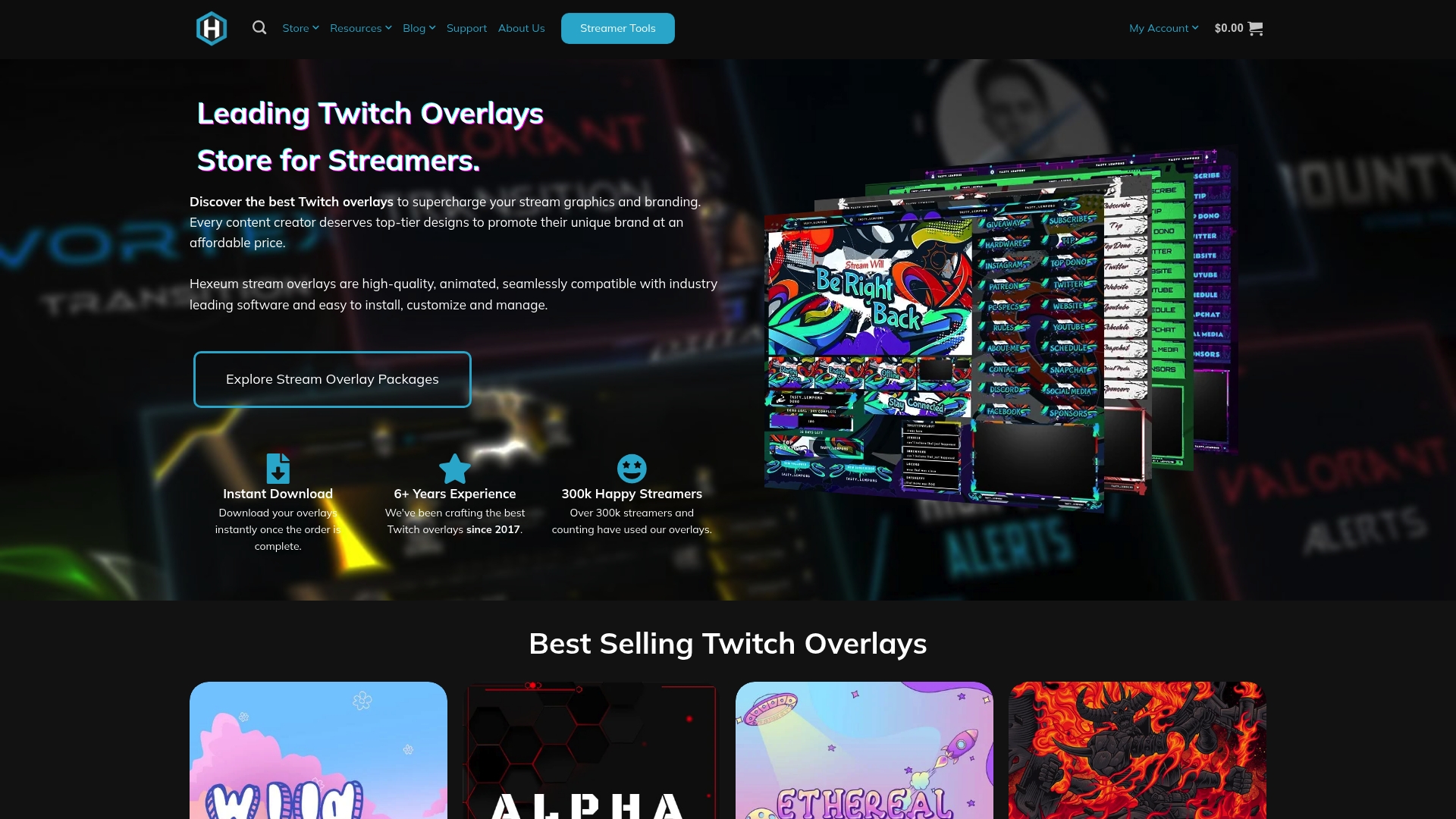
Hexeum reports over 300,000 satisfied streamers. The marketplace started building its overlay catalog in 2017 and focuses on animated, theme-specific packages. That history shows up in polished packs, setup guides, and a sizable support community.
Core Features
Instant download lets you add overlays to your setup the same day you buy them. Packs work with OBS, Streamlabs, and Streamelements, and the catalog spans themed overlay packages, alerts, panels, emotes, and widgets. A resource library and step-by-step tutorials simplify customization for newcomers and veterans.
Key Differentiator
A broad selection of animated, theme-driven overlay packs distinguishes Hexeum from generic asset stores. Deep customization options paired with long-term marketplace experience make it easier to match a visual identity to a niche stream style.
Pros
A large, diverse catalog helps you find looks tailored to game genres or creative streams. Animated overlays and widget assets integrate with common broadcasting software, which reduces setup back-and-forth. Clear setup guides and a community-backed resource library speed the learning curve. The reported community size supports active feedback and shared examples, which helps when you need practical setup tips.
Cons
Primarily visual assets: Hexeum focuses on overlays and graphics and does not include chat moderation or donation management tools.
Price point: Packs lean toward paid options, so free-first creators may need to budget for a polished look.
Catalog scale: The large selection can overwhelm new streamers who prefer a curated set of starter packs.
When It May Not Fit
If you want a single vendor to handle chat, moderation, alerts, and analytics, Hexeum may not fit because it concentrates on visual assets. If your chosen streaming platform limits overlay integration, Hexeum packs will not perform as intended. For teams needing an all-in-one dashboard with moderation workflows, a dedicated streaming tool would suit better.
Who It's For
Streamers and content creators who prioritize professional visual branding will get the most from Hexeum. It fits newcomers who want fast, easy setup and experienced creators who want highly themed packs. Polish-oriented streamers aiming for niche aesthetics will find the catalog especially useful.
Real World Use Case
A small gaming streamer replaces a basic overlay with a themed pack that matches their favorite title. They download the files, follow the included tutorial, and add scenes to OBS within an hour. The result is a consistent channel look that reads as more professional on discovery pages and social clips.
Pricing
Most overlay packages range from $15.00 to $30.00. Special bundles and occasional promotions appear, and every purchase includes instant downloads and quick setup guides.
Website: https://hexeum.net